
Best Grok Alternatives That Worth Trying
Grok is a popular AI assistant, but it is not the right fit for everyone. Some users want better writing support, others need help with coding or research, and many simply want a capable AI chatbot without paying for another subscription.
The good news is that several AI tools offer different ways to work, learn, and solve problems. ChatGPT, Claude, Google Gemini, Perplexity, and DeepSeek are five alternatives worth considering in 2026.
But which one should you choose? That depends less on which AI claims to be the smartest and more on what you need it to do.
In this guide, we compare these five Grok alternatives by their strengths, limitations, free access options, and practical use cases to help you make an informed decision.
What Is Grok and Why Look for Grok Alternatives?
Grok is an AI assistant developed by xAI. It supports conversational questions, content generation, reasoning, and other AI-powered tasks. Its connection with X also makes it relevant to users interested in social media discussions and current events.
However, no single AI assistant excels at every task. A tool that works well for brainstorming might not be the best choice for researching a complicated topic or reviewing a large codebase.
Common reasons to explore Grok alternatives include:
- Writing and content creation: Finding an assistant that better matches your preferred writing style.
- Coding and reasoning: Getting help debugging code, understanding technical concepts, or working through complex problems.
- Web research: Finding current information and checking the sources behind an answer.
- Free access: Using useful AI capabilities without committing to a paid subscription.
- Privacy and workflow: Choosing a service whose data controls, integrations, and interface fit your needs.
One important distinction: an alternative does not necessarily need to outperform Grok at everything. It only needs to be a better fit for your particular task.
5 Best Grok Alternatives in 2026
The following tools offer different approaches to AI assistance. Rather than treating this list as a universal performance ranking, consider each recommendation in the context of its intended use.
| AI Tool | Best For | Main Advantage | Potential Limitation |
|---|---|---|---|
| ChatGPT | General-purpose AI | Broad range of tools and tasks | Usage limits vary by plan |
| Claude | Writing and coding | Strong focus on complex text and development work | Free usage is limited |
| Google Gemini | Google ecosystem | Integration with Google services | Access varies by feature and plan |
| Perplexity | Web research | Search-oriented answers with citations | Advanced research features have limits |
| DeepSeek | Reasoning and coding | Dedicated reasoning capabilities | Availability and features vary by access method |
1. ChatGPT — Best Overall Grok Alternative
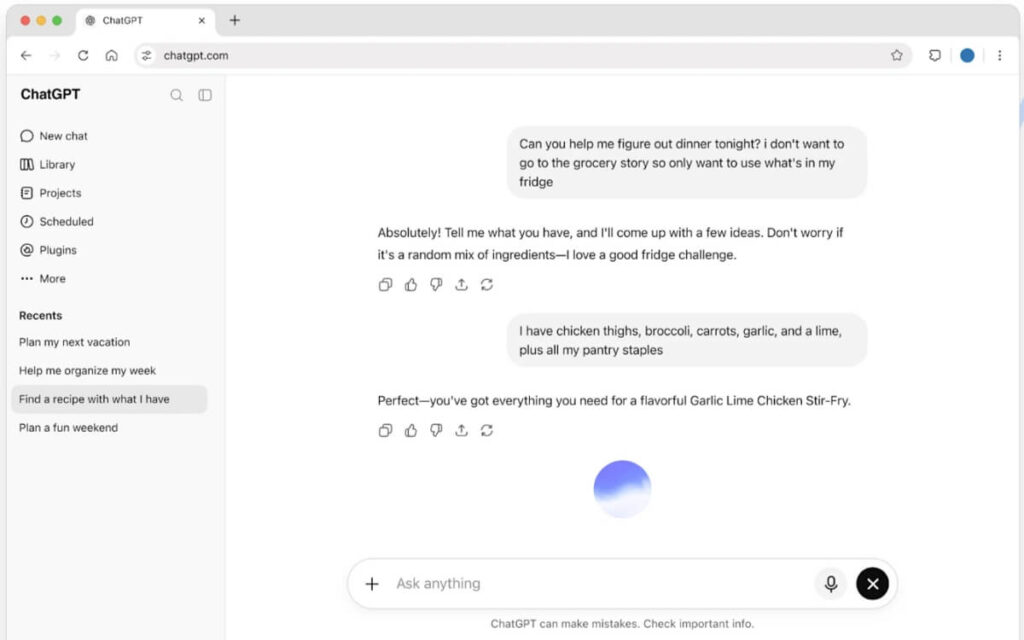
ChatGPT is a versatile alternative for users who want one assistant for everyday questions, writing, analysis, brainstorming, and coding.
Its main advantage is breadth. Depending on availability and usage limits, ChatGPT can support web searches, file analysis, image-related tasks, and other workflows alongside standard conversations. OpenAI’s official documentation confirms that web search is available on the Free plan, subject to usage limits.
Key features
- General-purpose conversations and content generation
- Coding assistance and technical explanations
- Web search with links to relevant sources
- File and image analysis, subject to plan limits
Pros: Broad functionality, flexible use cases, and a free entry point.
Cons: Usage limits can restrict access to certain tools, and generated answers still require verification.
Pricing: A Free plan is available, with paid plans offering additional access and capabilities. Check the official ChatGPT Free Tier FAQ for current details.
Who should choose it? Users who want a general-purpose assistant for both professional and personal tasks rather than a tool focused on a single workflow.
2. Claude — Best for Writing and Coding
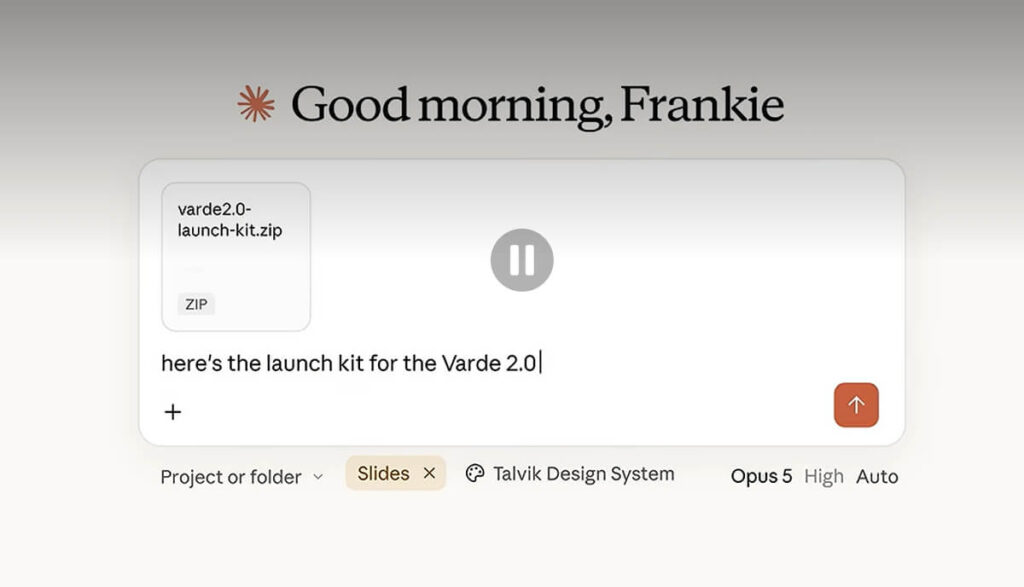
Claude is developed by Anthropic and is worth considering if your work involves long-form writing, code, detailed analysis, or documents that require careful handling.
For example, imagine you need to turn a rough collection of research notes into a well-structured article. You need more than grammatical corrections: the result must preserve the original meaning, organize the argument, and avoid repeating the same points. Claude is a candidate for this kind of text-heavy workflow.
Claude also supports web search, which can provide more current information and citations when the feature is available. Anthropic documents this capability in its official web search guide.
Key features
- Drafting, rewriting, and editing long-form content
- Code generation, debugging, and explanation
- Document analysis
- Web-assisted research with source citations
Pros: A useful option for text-intensive work, structured analysis, and software development.
Cons: Free usage is limited, and performance depends on the model, task, and available context. A polished answer is not automatically a correct one.
Pricing: Free and paid options are available; check the official Claude website for current plans and restrictions.
Who should choose it? Writers, developers, and professionals who regularly work with substantial amounts of text or code.
3. Google Gemini — Best for Google Ecosystem Integration
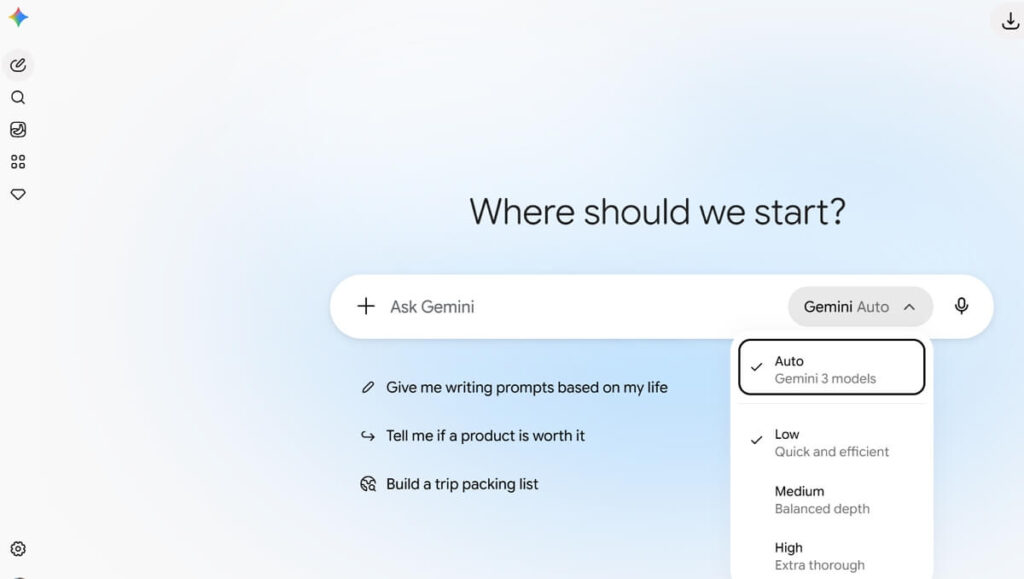
Google Gemini is an appealing alternative for users who already rely on Google services.
Depending on account type, region, and subscription, Gemini can connect AI assistance with supported Google products and offer features for writing, summarization, brainstorming, and multimodal tasks.
Consider a practical scenario: a student has class notes in Google Docs and needs to summarize a topic, generate revision questions, and organize a study plan. Gemini may fit naturally into that workflow, particularly when the necessary integrations are available.
Key features
- AI conversations and content generation
- Support for text and other media, depending on the feature
- Integration with supported Google services
- Tools for studying, planning, and productivity
Pros: Convenient for people already working within Google’s ecosystem.
Cons: Some integrations and advanced capabilities require specific account permissions or paid plans. Usage limits can also change.
Pricing: Standard access is available without a Google AI subscription, with paid plans providing expanded access. Google’s official Gemini Apps limits guide explains how availability and usage limits vary.
Who should choose it? Students, professionals, and everyday users who want AI assistance that works alongside supported Google services.
4. Perplexity — Best for Web Search and Research
Perplexity takes a search-oriented approach to AI. Rather than focusing exclusively on conversation, it is designed to answer questions by retrieving information and presenting supporting sources.
This makes it particularly useful when researching subjects that change frequently, such as software features, company announcements, industry developments, and product comparisons.
For example, suppose you are comparing three project management tools. You need current pricing, recent feature changes, and links to official documentation. Perplexity can help gather relevant information in one place, reducing the amount of manual searching required.
Still, citations are not a guarantee of accuracy. Open the original sources to confirm that they support the claims being made.
Key features
- Search-oriented answers with citations
- Follow-up questions for deeper research
- Source discovery and information summarization
- File analysis and advanced research features, depending on the plan
Pros: Research-focused interface and convenient access to supporting links.
Cons: Advanced search and model access are limited on the free plan. Sources may be incomplete, outdated, or misinterpreted.
Pricing: Perplexity offers a free Standard plan and paid subscriptions. Its official plan comparison outlines current access and feature restrictions.
Who should choose it? Researchers, students, marketers, and professionals who frequently need source-backed answers.
5. DeepSeek — Best for Reasoning and Coding
DeepSeek is another alternative worth exploring, especially if you work with mathematical problems, programming, or tasks that benefit from deliberate reasoning.
DeepSeek provides reasoning-oriented capabilities, including a thinking mode documented in its official API documentation. The exact features available depend on the model and whether you use its consumer interface or API.
For instance, a developer might ask DeepSeek to explain why a Python function fails on certain inputs, suggest a correction, and produce test cases for edge conditions. The useful result is not simply a code snippet; it is an explanation that helps the developer understand and verify the solution.
Key features
- Reasoning-oriented question answering
- Programming assistance and code explanations
- Mathematical and technical problem-solving
- API access for developers building AI-powered applications
Pros: Worth evaluating for technical tasks and users interested in reasoning-focused AI.
Cons: Output quality varies by task, and generated code may contain errors. API pricing, model access, and consumer-product availability should be evaluated separately.
Pricing: Check the official DeepSeek website and API documentation for current access options and costs.
Who should choose it? Developers, students, and technically minded users who want another option for problem-solving and coding.
Grok Alternatives Compared: Features, Pricing, and Free Plans
Choosing between these tools becomes easier when you separate three questions: what each tool does well, whether you can use it for free, and how much verification your work requires.
| Your Priority | Tool to Consider | What to Check Before Choosing |
|---|---|---|
| Everyday AI assistance | ChatGPT | Free usage limits and available tools |
| Long-form writing and coding | Claude | Message limits and context requirements |
| Google-based workflows | Gemini | Account permissions and integrations |
| Current information and citations | Perplexity | Source quality and advanced search limits |
| Technical reasoning | DeepSeek | Model availability and task-specific accuracy |
There is no permanent winner across all five categories. Model capabilities evolve, and a feature available on one plan may be restricted on another.
A sensible approach is to test each candidate using the same task. For writing, compare how well it preserves meaning during a rewrite. For research, check whether the cited sources actually support the answer. For coding, run the suggested code and test edge cases.
This gives you more useful evidence than relying on a generic ranking.
Which Grok Alternatives Are Free to Use?
If your main goal is to avoid another subscription, start with the free options offered by ChatGPT, Claude, Gemini, Perplexity, and DeepSeek.
However, free access does not mean unlimited access to every model or feature.
- For everyday questions: Start with ChatGPT or Gemini and check the limits of the features you use.
- For writing and coding: Try Claude’s free access and see whether its usage allowance covers your typical workload.
- For web research: Perplexity’s Standard plan provides basic search access, while advanced features are restricted.
- For technical problem-solving: Evaluate DeepSeek’s available consumer interface before considering paid API access.
Free plans can change, so confirm the current terms before choosing a tool for regular work.
Also distinguish between a free consumer chatbot and an API. An AI model may be accessible through a website without charge while API usage requires payment. They are different products with different limits.
Grok vs. ChatGPT, Claude, Gemini, Perplexity, and DeepSeek
The most useful comparison depends on the task.
For writing: Compare how well each assistant follows your tone, preserves facts, and organizes arguments. A fluent response is not necessarily a good editorial response.
For coding and reasoning: Give each tool the same problem and test the output. Look for correct logic, understandable explanations, and handling of edge cases rather than confident language alone.
For current information: Compare the freshness and quality of sources. Grok’s connection with X may be useful for social discussions, while search-oriented tools such as Perplexity are designed to foreground source discovery. ChatGPT and Claude can also search the web when their respective features are available.
For everyday productivity: Consider which assistant fits the applications, documents, and processes you already use. Switching tools has a cost: you may need to rebuild prompts, learn a new interface, or move information between services.
One practical point is often overlooked: the best tool is not always the one that produces the most impressive first answer. It may be the one that makes the next step easiest, whether that means checking a source, editing a document, or testing a code change.
How to Choose the Right Grok Alternative for Your Needs
Use this simple decision framework:
- Students and everyday users: Start with ChatGPT or Gemini for general questions, explanations, and study support.
- Content creators and writers: Compare Claude and ChatGPT on editing, structure, tone, and factual consistency.
- Developers and programmers: Try Claude and DeepSeek on representative coding problems, then verify the output in your development environment.
- Researchers and professionals: Consider Perplexity or an assistant with web search when citations and current information matter.
- Users who want to avoid X: Choose a standalone service based on your workflow, account requirements, and privacy preferences.
Before uploading confidential files or business information, read the service’s privacy policy and data controls. Settings for chat history, model improvement, and data retention can differ across products and account types.
Are Grok Alternatives Better for Privacy?
Not automatically. Choosing a different AI provider does not by itself make your conversations more private.
Before using any assistant for sensitive work, check whether your prompts may be used to improve models, how long conversations are retained, what controls are available, and whether the terms differ between consumer and business accounts.
For professional use, also consider whether your organization needs administrative controls, contractual data protections, or a specific retention policy.
A useful rule is simple: do not submit passwords, confidential customer information, or sensitive business documents unless the service and your organization’s policies explicitly permit that use.
Final Verdict: Which Grok Alternative Should You Try?
The best Grok alternative depends on what you want to accomplish.
- ChatGPT: A flexible starting point for general-purpose AI assistance.
- Claude: Worth considering for writing, coding, and document-heavy work.
- Google Gemini: A natural candidate for supported Google-based workflows.
- Perplexity: Useful when research and source discovery are priorities.
- DeepSeek: An option to evaluate for reasoning and technical problem-solving.
You do not have to replace Grok with a single tool, either. Using one assistant for drafting and another for research may be more practical than expecting one model to do everything.
Start with the free access options, test a task you actually perform, and compare the quality of the result with the time it takes to verify and use it. That is a more reliable way to choose than following model rankings alone.
Frequently Asked Questions About Grok Alternatives
What Is the Best Alternative to Grok in 2026?
There is no universal winner. ChatGPT is a flexible general-purpose option, Claude is worth considering for writing and coding, Gemini fits supported Google workflows, Perplexity focuses on research, and DeepSeek offers reasoning-oriented capabilities.
What Is the Best Free Alternative to Grok?
The answer depends on your task and the current free-plan limits. Compare ChatGPT, Gemini, Claude, Perplexity, and DeepSeek using the exact features you need rather than assuming that every model is fully available for free.
Is ChatGPT Better Than Grok?
It depends on the use case. Compare the tools on the same prompts, paying attention to factual accuracy, reasoning, source quality, writing style, and available features. Neither assistant is guaranteed to perform better on every task.
Which Grok Alternative Is Best for Coding?
Claude, ChatGPT, and DeepSeek are all worth evaluating for coding. The best choice depends on the programming language, task complexity, available model, and how well the generated code performs in actual tests.
Can I Use Grok Alternatives Without an X Account?
Yes. ChatGPT, Claude, Gemini, Perplexity, and DeepSeek have their own access channels. Account and regional requirements vary by service, but using these alternatives does not generally require an X account.
Which AI Chatbot Is Best for Research and Current Information?
Perplexity is designed around search and source-backed answers. ChatGPT and Claude also offer web-search capabilities, while Gemini has its own information-retrieval features. In every case, verify important claims against the original sources.

 English