
5 Best AI Excel Generators to Boost Productivity
AI-powered Excel generators have revolutionized how professionals handle data and spreadsheets. With the ever-increasing demand for efficiency and accuracy, these tools offer a streamlined approach to managing data, creating formulas, and organizing information. In this article, we will explore five of the best AI Excel generators you should consider in 2026. Each tool will be evaluated based on its key features, pros, cons, and user feedback. Whether you’re a small business owner, data analyst, or Excel novice, these tools will simplify your workflow and save you valuable time.
Why You Should Use AI Excel Generators
With the rapid advancements in artificial intelligence, traditional spreadsheet tasks are being transformed. The days of manually inputting data, creating complex formulas, and organizing data across multiple sheets are coming to an end. AI Excel generators offer a smarter way to handle spreadsheets, automating tedious tasks and enhancing productivity.
What Makes AI Excel Generators So Powerful?
- Time-Saving Automation: The most obvious benefit of AI Excel generators is the time saved. What once took hours—building spreadsheets from scratch, adding formulas, or copying and pasting data—can now be accomplished in just a few minutes with AI assistance.
- Error Reduction: One of the biggest challenges with traditional spreadsheets is the risk of human error. AI Excel generators can minimize errors in complex formulas, data entry, and even calculations, ensuring greater accuracy in your work.
- Increased Productivity: By automating time-consuming tasks, AI Excel generators free up valuable time, allowing you to focus on more strategic aspects of your business or project. With AI handling the mundane work, you can tackle tasks that require creativity and decision-making.
- Enhanced Data Organization: Many AI Excel generators come with advanced features that allow you to structure and organize your data in a more intuitive and dynamic way. From filtering data to creating dynamic charts, these tools help you make sense of large volumes of information.
- Collaboration and Integration: The rise of cloud-based solutions means AI Excel generators can now offer real-time collaboration, enabling teams to work together on the same spreadsheet from anywhere in the world. Plus, these tools often integrate with other productivity tools, further streamlining workflows.
5 Best AI Excel Generators You Need to Try
1. AIDocMaker AI Excel Generator
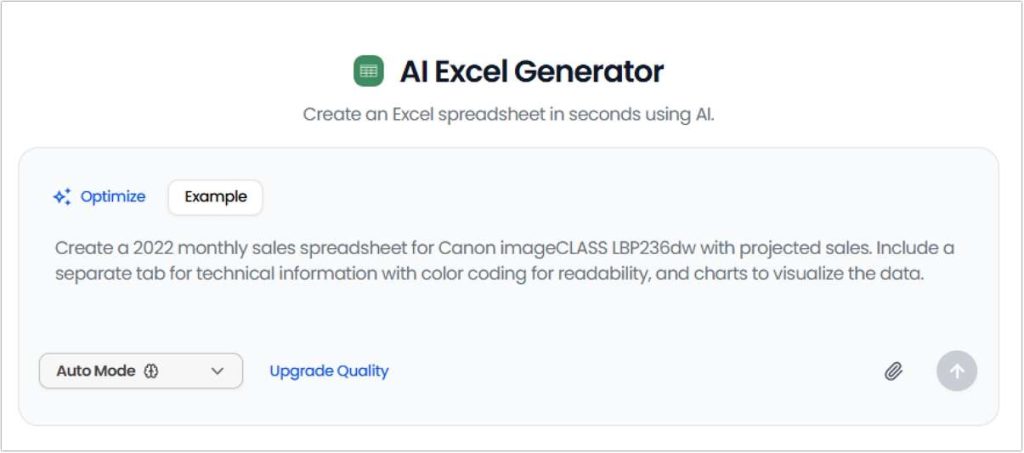
AIDocMaker AI Excel Generator is a powerful automation tool designed for users who need to quickly create and edit spreadsheets. Whether you’re working with financial reports, customer data, or need to auto-generate formulas, this tool provides intelligent solutions. It is ideal for both Excel beginners and anyone looking to improve their workflow efficiency by reducing manual input.
Key Features:
- Smart Spreadsheet Creation: AIDocMaker’s AI Excel generator allows you to automate the creation of Excel spreadsheets based on text input. Whether it’s generating financial reports, budget plans, or customer data sheets, the tool does it all.
- AI-driven Formula Creation: The tool intelligently suggests the most appropriate formulas based on your data.
- Customizable Templates: Users can customize templates to fit their unique needs, saving time on repetitive tasks.
Pros:
- Simple, user-friendly interface.
- Automated formula creation reduces manual work.
- Customizable templates save time.
Cons:
- Limited advanced customization options.
- May struggle with very complex datasets.
Expert Review: “AIDocMaker’s AI Excel Generator makes creating and managing spreadsheets easier for users who lack advanced Excel skills. Its AI-driven formula recommendations are a game-changer for beginners.” – Data Analyst at TechInsights.
2. Formula Bot’ s AI Excel Generator
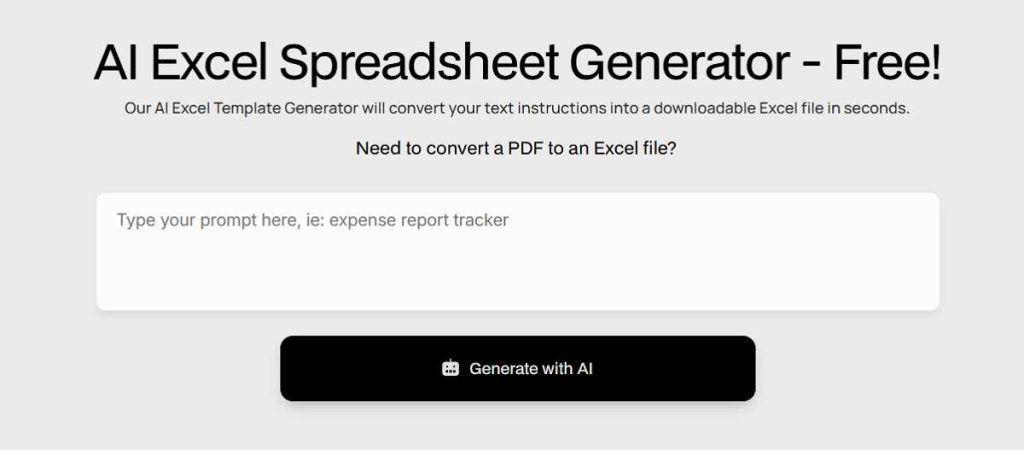
Formula Bot is a professional AI Excel generation tool focused on formula creation and data automation. It’s perfect for users who need to quickly generate complex formulas, especially when dealing with financial modeling, data analysis, and report generation. Formula Bot provides a comprehensive formula generation system to simplify Excel’s complex operations, saving a lot of manual calculation and input time. For tasks like generating complex Excel formulas with AI, see our guide to the best AI Excel formula generators.
Key Features:
- Advanced Formula Assistance: Formula Bot excels at helping users generate complex formulas for Excel, such as VLOOKUP, SUMIF, and more.
- Data Manipulation: It helps automate repetitive tasks like data validation and formatting, making your spreadsheets more efficient.
- Multi-Platform Support: Works seamlessly on both desktop and cloud-based Excel files.
Pros:
- Highly effective at generating advanced Excel formulas.
- Cloud support makes it accessible anywhere.
- User-friendly with an intuitive interface.
Cons:
- Limited template variety compared to some competitors.
- Advanced users may find some features basic.
User Review: “Formula Bot has been a lifesaver for me in automating data analysis tasks. It’s incredibly accurate when it comes to formula generation, and the cloud support allows me to work from anywhere.” – Marketing Specialist.
3. Viete AI Excel Generator
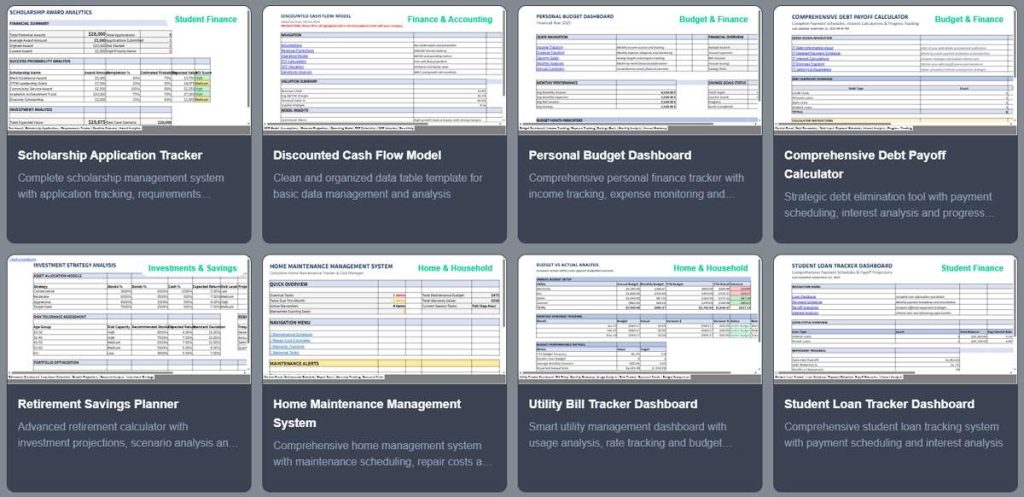
Viete AI Excel Generator is a powerful data automation tool, ideal for handling large datasets and users who frequently need to integrate with other tools. It automates data entry and integrates seamlessly with Google Sheets, Microsoft Power BI, and other tools to provide more efficient data processing capabilities. Whether it’s simple table creation or complex data manipulation, Viete can handle it with ease.
Key Features:
- Automated Data Entry: Viete’s AI tool automates the process of entering data into Excel, which is particularly useful for large datasets.
- Integration with Other Tools: Viete integrates seamlessly with other productivity tools like Google Sheets and Microsoft Power BI.
- Custom Scripts: The generator can create custom scripts to automate repetitive tasks.
Pros:
- Advanced automation features.
- Good integration with other tools.
- Helps improve data accuracy by minimizing human error.
Cons:
- Lacks some of the more beginner-friendly features.
- Integration might be complex for new users.
Expert Review: “Viete AI Excel Generator is perfect for users who need advanced automation and integration. It’s particularly valuable for teams already using other productivity tools.” – Operations Manager at DataWorks.
4. Grist AI Spreadsheet Generator
Grist is a highly collaborative AI spreadsheet generation tool, perfect for team-based environments. It not only supports real-time collaboration but also allows users to dynamically adjust data views and filters based on their needs. Whether managing projects or performing data analysis, Grist helps teams organize and share data more efficiently, making data handling and communication smoother.

Key Features:
- Collaboration-Friendly: Grist is designed with collaboration in mind, making it ideal for teams working on Excel files simultaneously.
- Custom Views and Filters: The tool lets you create custom views and filter data dynamically, which is perfect for large-scale data management.
- Seamless AI Integration: Its AI can intelligently structure your data based on user input and historical data trends.
Pros:
- Excellent for team collaboration.
- Flexible and adaptable to various data types.
- Dynamic data filtering options.
Cons:
- Not as beginner-friendly as some competitors.
- Slight learning curve for new users.
User Review: “I love how Grist allows my team to collaborate in real-time on large datasets. The dynamic filtering feature helps us organize data in ways we never thought possible.” – Senior Analyst at DataCorp.
5. Aspose AI Excel File Generator
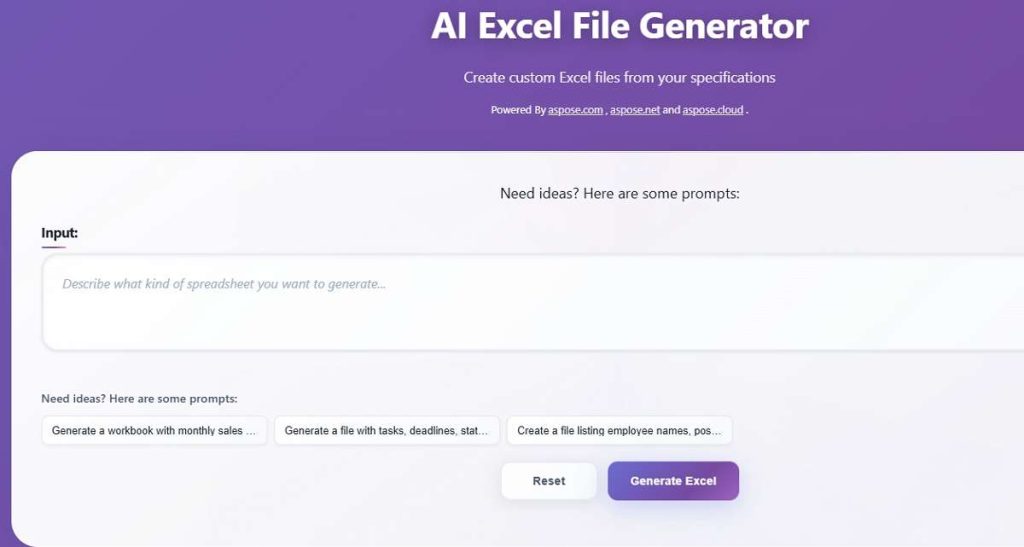
Aspose AI Excel File Generator is a versatile cloud-based tool designed for users who need to convert data into Excel format. In addition to supporting PDF-to-Excel conversion, it also helps users create complex charts and manipulate data. Aspose is ideal for those who need to handle large-scale data or frequently perform format conversions, and it offers powerful cloud support to ensure access from anywhere.
Key Features:
- Cloud-Based: Aspose’s AI Excel generator is cloud-based, enabling you to create and edit Excel files from any device.
- Comprehensive Data Manipulation: The tool supports everything from basic cell calculations to more advanced graph creation.
- PDF to Excel Conversion: Aspose excels at converting PDF data to editable Excel files, saving you the hassle of manual data entry.
Pros:
- Cloud-based for easy access.
- Powerful PDF-to-Excel conversion.
- Versatile for both simple and complex data tasks.
Cons:
- Some advanced features require a paid subscription.
- User interface could use some refinement.
Expert Review: “Aspose’s AI Excel Generator is fantastic for converting PDF documents to Excel and offers great flexibility for cloud-based work. However, it can get pricey if you want access to the premium features.” – Freelance Data Specialist.
Comparison Table of AI Excel generators
| Tool Name | Key Features | Pros | Cons |
|---|---|---|---|
| AIDocMaker AI Excel Generator | Smart spreadsheet creation, AI-driven formulas | Simple UI, customizable templates | Limited advanced customization |
| Formula Bot’s AI Excel Generator | Formula assistance, data manipulation, multi-platform support | Cloud support, powerful formulas | Basic features for advanced users |
| Viete AI Excel Generator | Automated data entry, tool integration, custom scripts | Advanced automation, integrations | Complex for beginners |
| Grist AI Spreadsheet Generator | Collaboration, custom views and filters, dynamic data analysis | Team collaboration, flexible | Learning curve for new users |
| Aspose AI Excel File Generator | Cloud-based, PDF to Excel conversion, versatile data tasks | Cloud-based, PDF conversion | Premium features behind paywall |
FAQs About AI Excel generator
Q1: How accurate are AI Excel generators?
AI Excel generators are generally accurate, but their efficiency depends on the complexity of the task. Simple data entry or formula generation is highly reliable, while more advanced tasks may require manual verification.
Q2: Do I need to be an Excel expert to use these tools?
No, most of these AI generators are designed for users with minimal Excel knowledge. Tools like AIDocMaker and Formula Bot provide user-friendly interfaces to simplify spreadsheet tasks. Want to explore more AI-powered Excel solutions? Don’t miss our complete list of the Top 5 Must-Try Excel AI Tools.
Q3: Can these tools integrate with existing Excel files?
Yes, most of these tools allow integration with existing Excel files and can automate tasks like data entry, formula generation, and more.
Final Words
AI Excel generators are a game-changer in the world of spreadsheet management. Whether you need to create spreadsheets from scratch, automate repetitive tasks, or convert data from PDFs to Excel, these tools have got you covered. Based on our evaluation, Formula Bot’s AI Excel Generator stands out due to its formula generation capabilities and ease of use. However, each tool offers unique features that can suit different needs.
Which AI Excel generator do you think is the best for your business? Have you tried any of these tools yet? Drop a comment below, and let’s discuss how these tools can improve your workflow!

 English