
5 Best AI Excel Formula Generators in 2026
Bottom Line Up Front (BLUF): The best AI Excel formula generator for most users is Formula Bot, due to its perfect balance of a user-friendly interface, high formula accuracy, and clear explanations, making it ideal for both beginners and power users seeking to streamline their workflow.
Manually constructing complex Excel formulas can be a time-consuming and error-prone process. Whether you’re a financial analyst, a marketer, or a student, wrestling with VLOOKUP, INDEX-MATCH, or nested IF statements is a universal challenge. This is where artificial intelligence steps in to revolutionize spreadsheet management. An AI Excel formula generator is a specialized tool that uses advanced language models to translate your plain-English instructions into precise, working Excel formulas. By leveraging an excel AI formula tool, you can drastically reduce errors, save hours of tedious work, and unlock functionalities you might not have known existed. This article provides a comprehensive, expert review of the five best excel formula AI tools available today, empowering you to choose the right AI for Excel formulas to enhance your productivity and data analysis capabilities.
Top 5 Must-Try AI Excel Formula Generators
Here is a detailed, point-based breakdown of the top five ai excel formula generator tools, evaluated on key performance metrics.
1. Formula Bot
Overall Score: 9.5/10
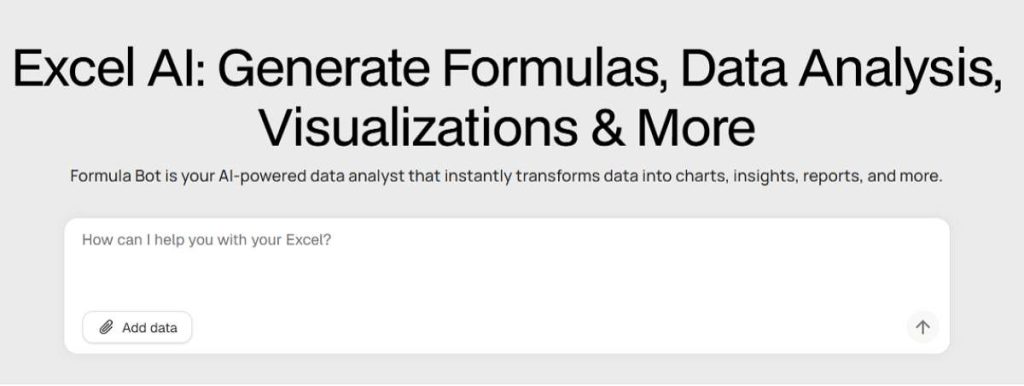
Formula Bot stands out as a top-tier, dedicated solution for generating and deciphering Excel formulas. Its strength lies in its laser focus on spreadsheet tasks, resulting in a highly optimized and reliable experience.
Key Features:
- Accuracy & Intelligence (9/10): Excels at interpreting complex natural language requests and delivering correct, efficient formulas.
- User Interface (10/10): Clean, intuitive, and distraction-free. The input box is prominent, and results are displayed clearly.
- Explanation Quality (9/10): Provides step-by-step breakdowns of how the generated formula works, which is invaluable for learning.
- Additional Features (10/10): Offers formula explanation, VBA code generation, and SQL query tools, making it a versatile suite.
Pros:
- Extremely user-friendly and requires no learning curve.
- High accuracy for a wide range of simple to complex formulas.
- Excellent educational component with detailed formula explanations.
- Free tier is generous for occasional users.
Cons:
- The premium plan might be overkill for very infrequent users.
Expert Comment:
“Formula Bot is the perfect blend of power and simplicity. It’s the tool I recommend first to colleagues because it just works. The explanation feature alone has helped my team better understand the logic behind their calculations, reducing future dependencies.”
2. ZZZ Code AI Formula Generator
Overall Score: 8.5/10
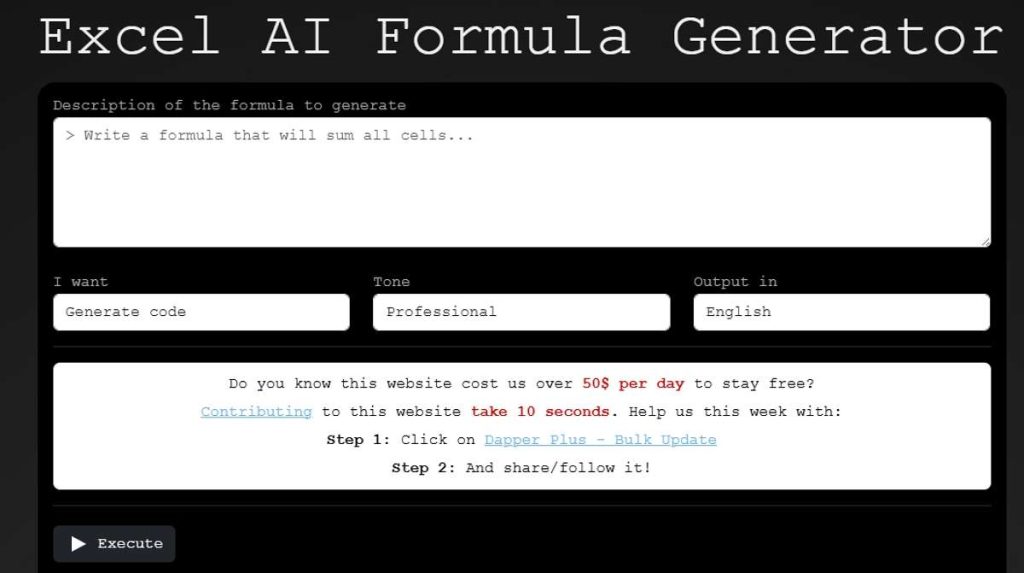
ZZZ Code offers a robust and powerful excel ai formula generator that is part of a broader ecosystem of AI coding tools. It’s designed for users who appreciate a straightforward, no-frills approach to generating code and formulas.
Key Features:
- Accuracy & Intelligence (9/10): Highly competent and often produces creative solutions for complex problems.
- User Interface (8/10): Functional and simple, though slightly more technical in appearance compared to Formula Bot.
- Explanation Quality (7/10): Provides explanations, but they can be more technical and less beginner-friendly.
- Additional Features (9/10): Supports generation for multiple programming languages, making it great for developers who also work with Excel.
Pros:
- Powerful and accurate formula generation.
- Completely free to use without restrictive limits.
- Useful for users who also need help with other coding tasks.
Cons:
- The interface lacks the polish of some competitors.
- Explanations could be more accessible for absolute beginners.
User Comment:
“As a data scientist who jumps between Python and Excel, ZZZ Code is a lifesaver. It’s my one-stop shop for generating an Excel formula or a snippet of Pandas code. The fact that it’s free is incredible for the value it provides.“
3. Ajelix Excel Formula Generator
Overall Score: 8.0/10
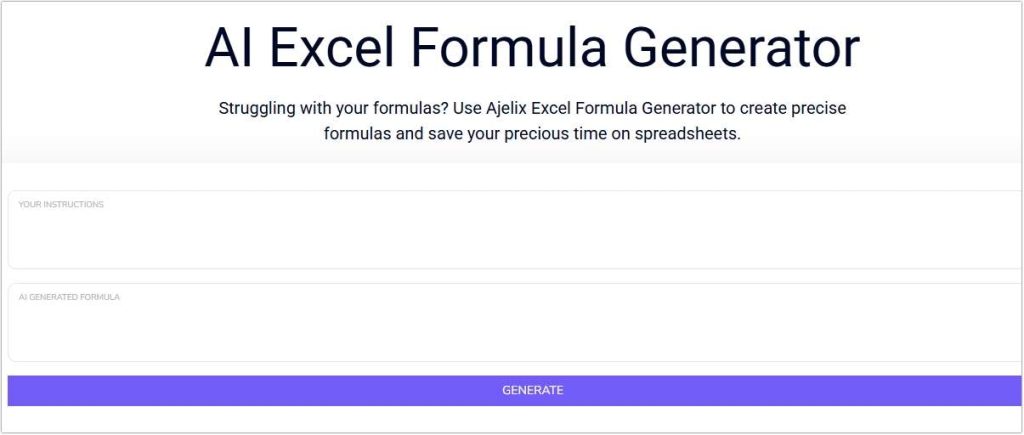
Ajelix is an AI-powered platform with a strong focus on business and productivity, and its Excel tool is a core component. It positions itself as an all-in-one excel ai formula assistant with additional resources for Excel users.
Key Features:
- Accuracy & Intelligence (8/10): Reliable for common formulas and offers template-based generation for specific tasks.
- User Interface (9/10): Professional and well-designed, with helpful templates and examples to get users started.
- Explanation Quality (8/10): Provides clear explanations and practical examples of the formula in use.
- Additional Features (8/10): Includes templates, Excel tutorials, and a separate AI Excel assistant, adding significant educational value.
Pros:
- Beautiful, intuitive interface with helpful guides.
- Template-based approach simplifies generating formulas for standard tasks.
- Strong educational content surrounding the tool.
Cons:
- The free version has limited queries per day.
- Can be slightly slower to generate results than some competitors.
Expert Comment:
“Ajelix excels in user experience and education. It’s not just a tool; it’s a learning platform. For businesses training new employees on Excel, Ajelix provides both the immediate solution and the long-term knowledge, which is a powerful combination.“
4. Feedough Excel Formula Generator
Overall Score: 7.0/10
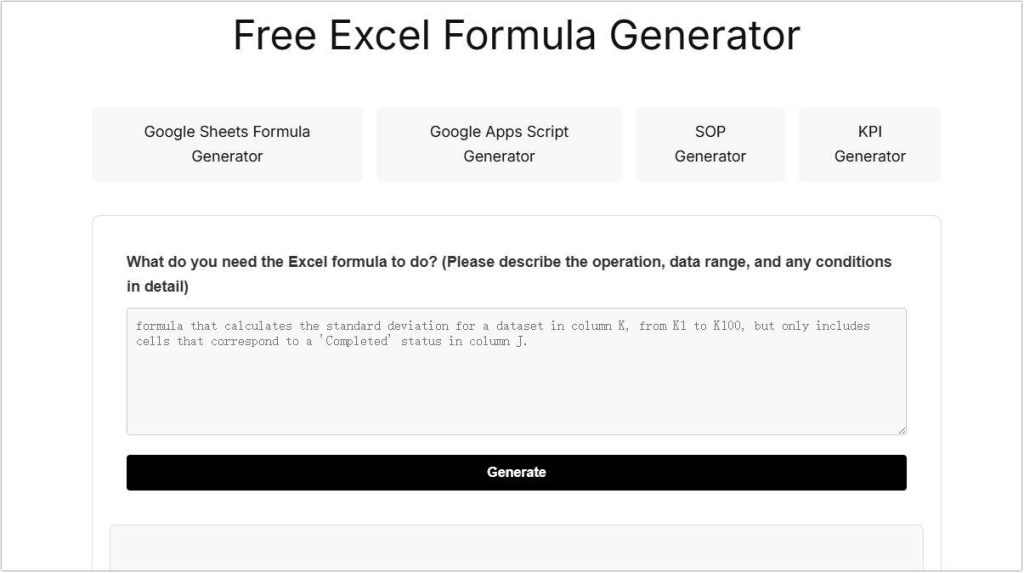
Feedough’s tool is a free, accessible ai for excel formulas that is part of a larger resource website for startups and businesses. It serves as a solid, straightforward option for quick formula generation without any cost.
Key Features:
- Accuracy & Intelligence (7/10): Handles basic to intermediate formulas well but may struggle with highly complex or niche requests.
- User Interface (8/10): Very simple and clean, with a single focus on generating the formula.
- Explanation Quality (6/10): Offers a basic explanation, but it lacks the depth and educational detail of top-tier tools.
- Additional Features (5/10): Primarily a standalone tool without the extended suite of features found in others.
Pros:
- 100% free with no usage limits or account required.
- Extremely simple and fast for quick, common formula needs.
- No distractions or upsells.
Cons:
- Lacks advanced features and in-depth explanations.
- May not be the best choice for complex, business-critical tasks.
User Comment:
“I use Feedough when I need a quick IF statement or VLOOKUP and don’t want to log in anywhere. It’s my go-to for its sheer simplicity and the fact that it’s completely free. For anything super complex, I might look elsewhere, but for 90% of my needs, it’s perfect.”
5. GPTExcel
Overall Score: 8.5/10
GPTExcel leverages the power of advanced AI models like GPT-4 to offer a highly capable and versatile excel formula AI generator. It is particularly strong at understanding context and generating complex, multi-step formulas.
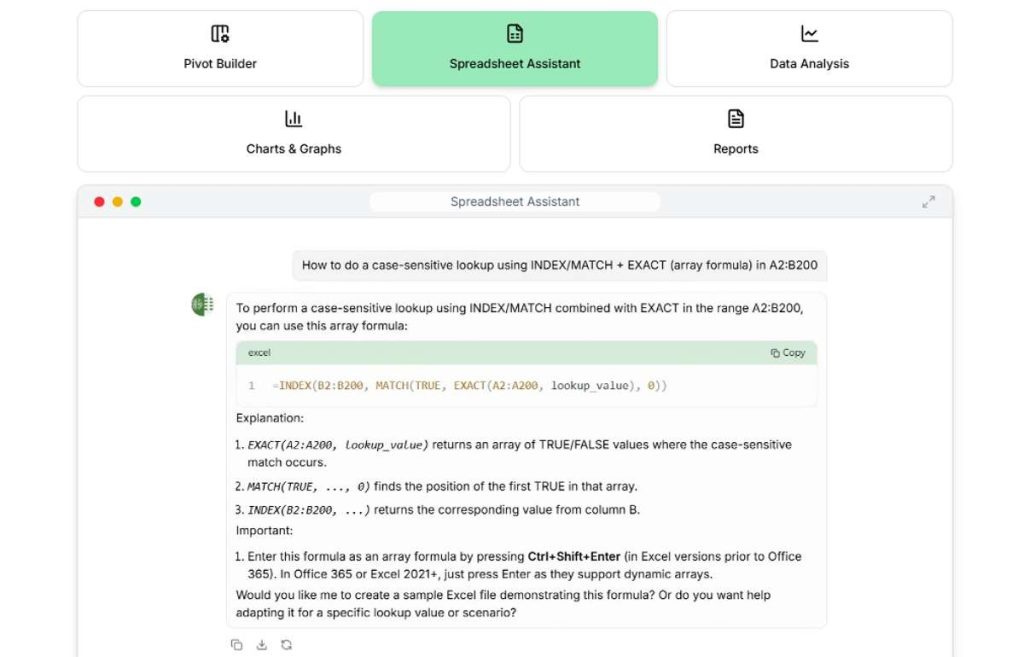
Key Features:
- Accuracy & Intelligence (9/10): Excellent at handling nuanced and complicated instructions, often providing several formula options.
- User Interface (8/10): Modern and easy to use, with options to generate formulas, scripts, and explanations.
- Explanation Quality (9/10): Provides thorough, line-by-line explanations that are great for deep learning.
- Additional Features (9/10): Also generates Google Sheets formulas, VBA macros, and Google Apps Script, offering tremendous cross-platform value.
Pros:
- Handles highly complex and specific requests with high accuracy.
- Fantastic for users who work across Excel, Google Sheets, and need automation scripts.
- Detailed explanations aid in mastering advanced Excel concepts.
Cons:
- The interface has more options, which might feel slightly overwhelming to a complete novice.
- Free tier is limited, requiring a subscription for heavy usage.
Expert Comment:
“GPTExcel is the power user’s choice. When you have a problem that goes beyond a simple formula and requires a sophisticated, multi-layered solution, this tool delivers. Its ability to also generate VBA and Apps Script is a game-changer for automation tasks.“
Comprehensive Comparison Table of AI Excel Formula Generators
| Feature | Formula Bot | ZZZ Code | Ajelix | Feedough | GPTExcel |
|---|---|---|---|---|---|
| Overall Score | 9.5/10 | 8.5/10 | 8.0/10 | 7.0/10 | 8.5/10 |
| Best For | Most Users (Balance) | Developers & Free Users | Beginners & Education | Quick, Simple & Free Tasks | Power Users & Automation |
| Ease of Use | Excellent | Good | Excellent | Excellent | Good |
| Accuracy | Excellent | Excellent | Very Good | Good | Excellent |
| Explanations | Excellent | Good | Very Good | Fair | Excellent |
| Additional Features | Formulas, VBA, SQL | Multi-language | Templates, Tutorials | None | Sheets, VBA, Scripts |
| Pricing Model | Freemium | Free | Freemium | Free | Freemium |
FAQs About AI Excel Formula Generator
Q1: How does an AI Excel formula generator work?
These tools are built on large language models (LLMs) trained on massive datasets, including Excel’s official documentation and countless code examples. When you input a text description, the AI analyzes the keywords and intent, maps them to known Excel functions and syntax, and constructs a syntactically correct formula.
Q2: Are the formulas generated by these AI tools always correct?
While highly accurate, no ai excel formula generator is infallible. The formulas should always be tested on a sample dataset before being deployed in a critical workbook. They are powerful assistants, not replacements for user verification.
Q3: Can these tools help me learn Excel?
Absolutely. In fact, one of their greatest benefits is their educational potential. By using the explanation features in tools like Formula Bot and GPTExcel, you can deconstruct complex formulas and understand the logic behind them, accelerating your learning curve significantly.
Q4: What is the best free AI for Excel formulas?
For unlimited free use, ZZZ Code is the best option. For a generous free tier with a more polished experience and educational value, Formula Bot is an excellent choice. For absolute simplicity with no strings attached, Feedough is a great contender.
Q5: Do I need to be an Excel expert to use these?
Not at all. These tools are designed to make Excel more accessible. Your primary skill is being able to describe what you want to calculate in plain English. The AI handles the complex syntax, making you more productive regardless of your starting skill level. If you often deal with large datasets and need tools that combine numbers automatically, you can also explore AI spreadsheet tools for combining numbers.
Conclusion
The evolution of the ai excel formula generator has fundamentally changed how we interact with spreadsheets. These tools are no longer mere novelties but essential productivity partners that democratize advanced data manipulation. Whether you choose the all-around excellence of Formula Bot, the powerful versatility of GPTExcel, or the straightforward simplicity of ZZZ Code, integrating an excel AI formula tool into your workflow is a definitive step towards working smarter, not harder.
Have you tried any of these excel formula AI tools? Which one has transformed your spreadsheet game the most? Share your experiences and questions in the comments below
Want to explore more AI-powered Excel solutions? Don’t miss our complete list of the Top 5 Must-Try Excel AI Tools.

 English