
5 of The Best AI Tools That Will Summarize PDF
In the fast-paced digital age of 2026, information overload is a significant challenge. Professionals, students, and researchers are often inundated with lengthy PDF reports, academic papers, and business documents. Manually sifting through hundreds of pages to extract key insights is not only time-consuming but also inefficient. This is where the power of artificial intelligence becomes a game-changer. The quest for the perfect AI tool that will summarize PDF content is more relevant than ever.
These sophisticated tools use advanced Natural Language Processing (NLP) and Large Language Models (LLMs) to digest complex documents and deliver concise, coherent summaries in seconds. They are designed to enhance productivity, accelerate learning, and support better decision-making. Whether you’re a student grappling with multiple research papers or a business analyst reviewing market reports, an AI that summarizes PDF files can reclaim hours of your week. This article provides a curated, in-depth review of the top five AI tools in 2026 that are revolutionizing how we interact with PDFs, helping you find the best AI to summarize PDF for your specific needs.
How We Evaluated AI Tools That Will Summarize PDF
To ensure this review is trustworthy and valuable, we established a rigorous evaluation framework. Our assessment goes beyond superficial features to examine the core capabilities that matter to users. Our methodology is built on the following pillars:
- Accuracy and Context Understanding: Does the tool produce a summary that accurately reflects the core arguments, data, and conclusions of the original document without introducing hallucinations or factual errors?
- Ease of Use and Interface (UX): How intuitive is the tool? Is the summarization process straightforward, requiring minimal clicks and technical knowledge?
- Output Quality and Customization: Can you adjust the summary length (e.g., bullet points, short paragraph, detailed overview)? Is the output well-structured and readable?
- Processing Speed and Limits: How quickly does it generate a summary? Are there restrictions on file size, number of pages, or the number of free uses?
- Security and Privacy: This is a critical factor under Google’s EEAT (Experience, Expertise, Authoritativeness, Trustworthiness) standards. We prioritize tools that are transparent about their data handling policies, ensuring your confidential documents are secure.
- Additional Features: Does the tool offer extra functionality like Q&A, citation generation, or integration with other platforms?
By applying these criteria, we aim to build authority and provide a professional comparison you can rely on.
5 Must-try AI Tools That Will Summarize PDF
Here is our expert breakdown of the top five AI tools that will summarize PDF documents in 2026.
1. NoteGPT PDF Summarizer
Brief Introduction:
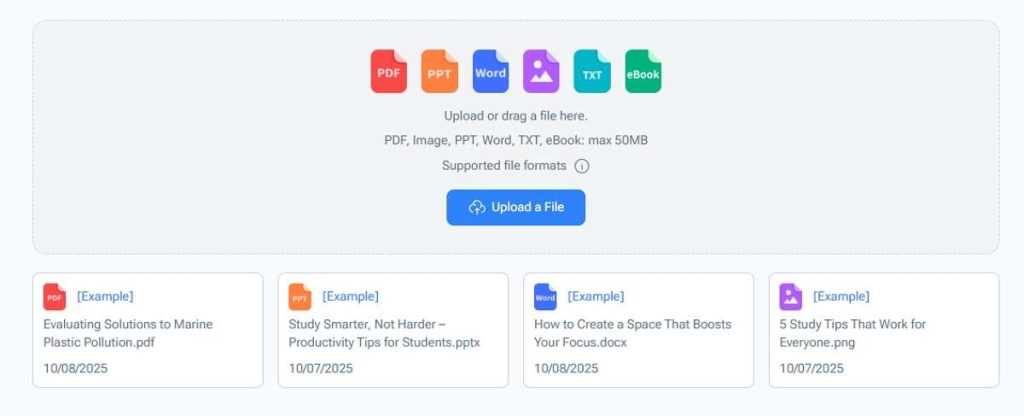
NoteGPT PDF Summarizer is a specialized tool designed for learners and content consumers. It positions itself as more than just a summarizer; it’s an all-in-one platform for managing and digesting information from PDFs, YouTube videos, and articles.
Key Features:
- One-click summarization for lengthy PDFs.
- AI-powered Q&A to interact directly with the document’s content.
- Integration with a “Note” system, allowing you to save and organize summaries alongside your own notes.
- Supports a variety of output formats including outlines and key takeaways.
Pros and Cons:
- Pros: Excellent for academic and research purposes; the note-taking integration is a significant productivity booster; free tier is quite generous.
- Cons: The interface, while functional, may feel less polished compared to some competitors; advanced features require a subscription.
Expert Comment:
“A standout feature of NoteGPT is its integrated workspace. It’s not just about getting a summary; it’s about creating a knowledge base. For students and researchers who need to synthesize information from multiple sources, this is arguably the best AI to summarize PDF materials in a structured, reusable way.“
2. Decopy AI PDF Summarizer
Brief Introduction:
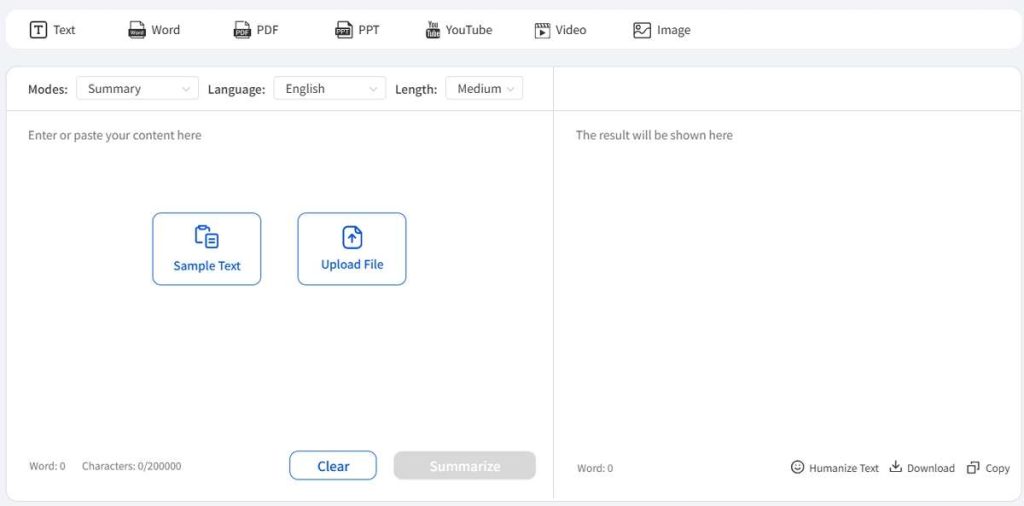
Decopy AI focuses on simplicity and speed. Its PDF Summarizer is built for users who need a quick, no-fuss summary without creating an account or navigating a complex dashboard.
Key Features:
- Extremely user-friendly, drag-and-drop interface.
- Generates summaries in both paragraph and bullet-point formats.
- Processes documents rapidly, emphasizing efficiency.
- Clean, ad-free design that enhances the user experience.
Pros and Cons:
- Pros: Unmatched ease of use; perfect for one-off, quick summaries; strong privacy policy with data deletion post-processing.
- Cons: Lacks advanced features like Q&A or note-taking; may be too basic for users needing deep document analysis.
User Comment:
“I needed to summarize a 50-page market analysis for a last-minute meeting. Decopy was a lifesaver. I dragged the file in, got a perfect bullet-point summary in under a minute, and didn’t even have to sign up. It’s the simplest AI that can summarize PDF files I’ve ever used.“
3. Knowt AI PDF Summarizer
Brief Introduction:
Leveraging its roots in the education sector, Knowt’s AI PDF Summarizer is tailored for students and educators. It seamlessly integrates with its flashcard platform, making it ideal for study and revision.
Key Features:
- Direct summarization to flashcards, turning PDF content into study-ready material.
- AI-powered quiz generation based on the document’s content.
- Simple, education-focused interface.
- Allows for easy sharing of summaries and quizzes with classmates.
Pros and Cons:
- Pros: Uniquely powerful for exam preparation and active recall; the quiz feature is a game-changer for learners.
- Cons: Its utility is most pronounced in an educational context; professionals may not need the flashcard and quiz functionality.
Expert Comment:
“Knowt isn’t just summarizing; it’s facilitating learning. By transforming a dense PDF into an interactive study set, it addresses the ‘what’s next?’ question after summarization. For its target audience, it is an unparalleled AI that summarizes PDF content for long-term knowledge retention.“
4. Adobe Acrobat Summary Generator
Brief Introduction:
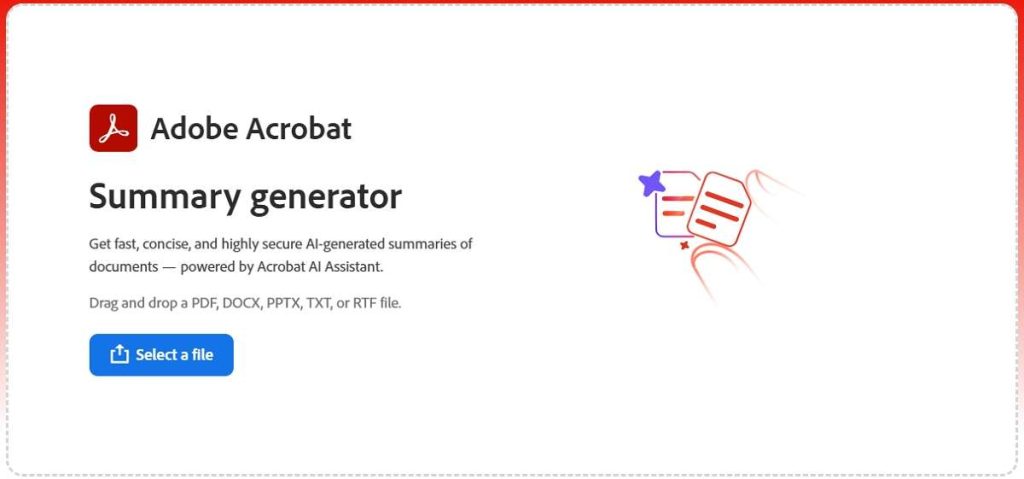
As the creator of the PDF format, Adobe’s entry into the AI summarization space carries inherent authority. Integrated directly into the Acrobat ecosystem, this tool brings powerful AI to a trusted platform used by millions.
Key Features:
- Natively integrated into Adobe Acrobat Online and the desktop application.
- Leverages Adobe’s own secure AI, Sensei, ensuring enterprise-grade data security.
- Provides a concise summary and generates a keyword list for quick scanning.
- Part of a larger suite of AI-powered PDF editing and management tools.
Pros and Cons:
- Pros: Highest level of trust and data security; seamless for existing Acrobat users; no need to upload sensitive documents to a third-party service.
- Cons: Requires an Adobe Acrobat subscription (not part of the free Reader); the AI features are still rolling out and may be less extensive than standalone tools.
User Comment:
“Finally, a summary tool I can use for confidential work documents without a second thought. The integration is flawless, and I trust Adobe with my data more than any startup. It’s the most trustworthy AI tool that will summarize PDF files for business use.“
5. ChatPDF
Brief Introduction:
ChatPDF takes an interactive approach to summarization. Instead of just providing a static summary, it allows you to “chat” with your document, enabling you to ask specific questions and extract precisely the information you need.
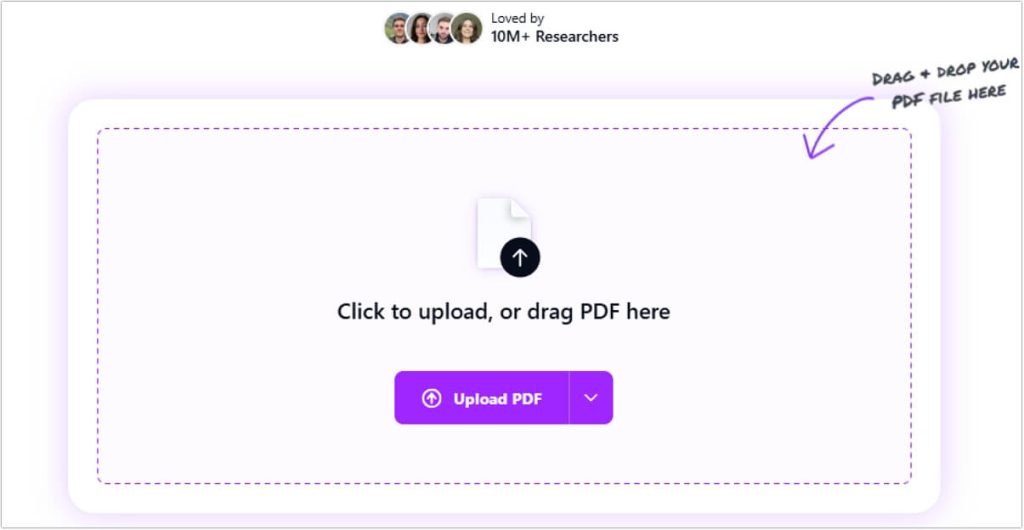
Key Features:
- Conversational interface for dynamic interaction with the PDF.
- Automatically generates a brief initial summary upon upload.
- Allows for follow-up questions to drill down into details, citations, or data.
- Simple, chat-bot-like user experience.
Pros and Cons:
- Pros: Extremely engaging and useful for deep, exploratory analysis; perfect for complex technical or academic papers where you have specific queries.
- Cons: The conversational process can be slower than getting a instant summary; the free version has strict usage limits.
Expert Comment:
“ChatPDF understands that a one-size-fits-all summary isn’t always enough. Its strength lies in its interactivity. If you need to understand ‘why’ and ‘how’ rather than just ‘what,’ this is the best AI to summarize PDF content through dialogue. It’s like having a expert on call to explain the document to you.“
Comprehensive Comparison Table
| Feature | NoteGPT | Decopy AI | Knowt | Adobe Acrobat | ChatPDF |
|---|---|---|---|---|---|
| Best For | Researchers & Students | Quick, One-off Tasks | Students & Educators | Professionals & Enterprises | Interactive Analysis |
| Ease of Use | Easy | Very Easy | Easy | Easy (for Acrobat users) | Easy |
| Key Feature | Note-taking & Q&A | Speed & Simplicity | Flashcards & Quizzes | Native Integration & Security | Chat Interface |
| Output Customization | High | Medium | Medium (Study-focused) | Medium | High (via Chat) |
| Free Tier | Generous | Very Generous | Generous | Requires Paid Plan | Limited |
| Security | Good | Excellent (Data Deletion) | Good | Excellent (Enterprise-grade) | Good |
If you need to summarize other types of content beyond PDFs, such as lengthy documents or reports, we have a dedicated guide to the best AI document summarizer tools.
FAQs About AI Tools That Will Summarize PDF
Q1: How accurate are AI PDF summarization tools?
A1: The accuracy is generally very high, especially with well-written, structured documents. Top-tier tools use state-of-the-art LLMs that are excellent at identifying main ideas, arguments, and conclusions. However, always skim the original text for critical details, as nuances can occasionally be missed.
Q2: Is my data safe when using an AI that can summarize PDF?
A2: It depends on the provider. Always review the tool’s privacy policy. Tools like Adobe Acrobat are renowned for their strong security protocols. Others, like Decopy AI, emphasize data deletion immediately after processing. Avoid using unverified tools for sensitive or confidential documents.
Q3: Can these tools handle complex technical or scientific papers?
A3: Yes, most can. However, tools with a Q&A function, like ChatPDF and NoteGPT, are particularly effective for technical documents because they allow you to ask for clarifications on specific concepts, data points, or methodologies. These specialized tools can drastically cut down your reading time for PDFs. For a broader look at how AI can boost your efficiency across all content formats, explore our comprehensive list of the top AI summarizer tools.
Q4: What is the best AI to summarize PDF for a student?
A4: For a student, Knowt is highly recommended due to its direct integration with flashcards and quizzes, which aids in studying and memorization. NoteGPT is also a superb choice for managing research and notes across multiple subjects.
Q5: Are there any completely free AI tools that will summarize PDF?
A5: Yes, most tools on this list offer a robust free tier, such as NoteGPT, Decopy AI, Knowt, and ChatPDF (with limits). For unlimited, high-security use, a paid subscription (e.g., Adobe Acrobat) is typically required.
Conclusion
The landscape of AI-powered PDF summarization is rich and diverse in 2026. Whether you prioritize blazing speed with Decopy AI, integrated learning with Knowt, a powerful knowledge base with NoteGPT, enterprise-grade security with Adobe Acrobat, or interactive exploration with ChatPDF, there is a perfect AI tool that will summarize PDF documents waiting to supercharge your productivity.
The right choice ultimately depends on your specific use case, security requirements, and workflow. We encourage you to try the free versions of these tools to discover which one aligns best with your needs.
What has your experience been with AI summarization tools? Did we miss a tool you love? Share your thoughts and recommendations in the comments below—we’d love to hear from you!

 English