

How to Use Grok AI: A Step-by-Step Guide for Beginners
Grok AI is quickly becoming one of the most talked-about tools in the world of artificial intelligence. Whether you’re a tech enthusiast, a business professional, or just someone curious about AI, learning how to use Grok AI can open up a world of possibilities. In this step-by-step tutorial, we’ll walk you through everything you need to know to get started with Grok AI, from setting it up to mastering its advanced features. By the end of this guide, you’ll be able to confidently use Grok AI to streamline tasks, generate creative content, and much more.
What is Grok AI?
Before diving into the tutorial, let’s briefly cover what Grok AI is. Grok AI is an advanced AI-powered platform designed to assist users with a wide range of tasks, including content creation, data analysis, and problem-solving. It leverages cutting-edge natural language processing (NLP) to understand and respond to user inputs in a human-like manner. Whether you’re looking to automate repetitive tasks or generate innovative ideas, Grok AI has the tools to help.
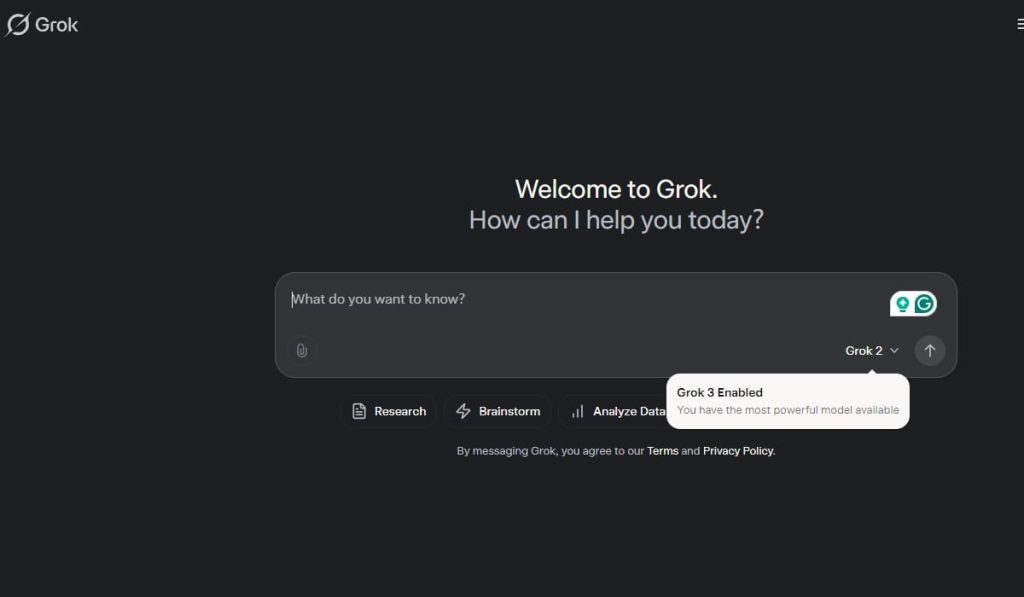
How to Use Grok AI: A Step-by-step Tutorial
Step 1: Getting Started with Grok AI
Sign Up and Set Up Your Account
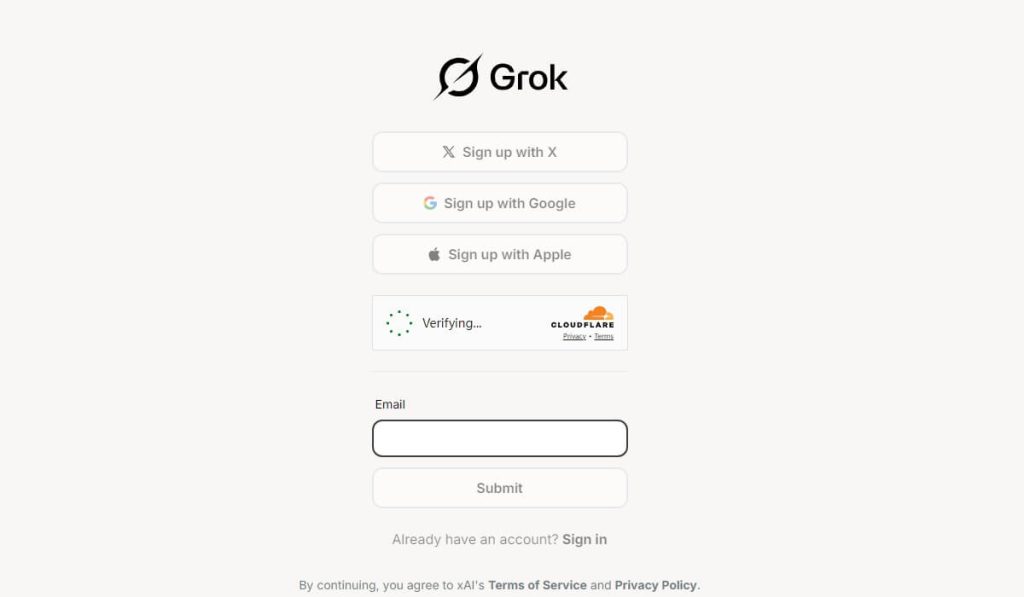
The first step to using Grok AI is creating an account. Visit the official Grok AI website and click on the “Sign Up” button. You’ll need to provide basic information like your email address and create a password. Once your account is set up, you’ll have access to the Grok AI dashboard.
Choose Your Plan
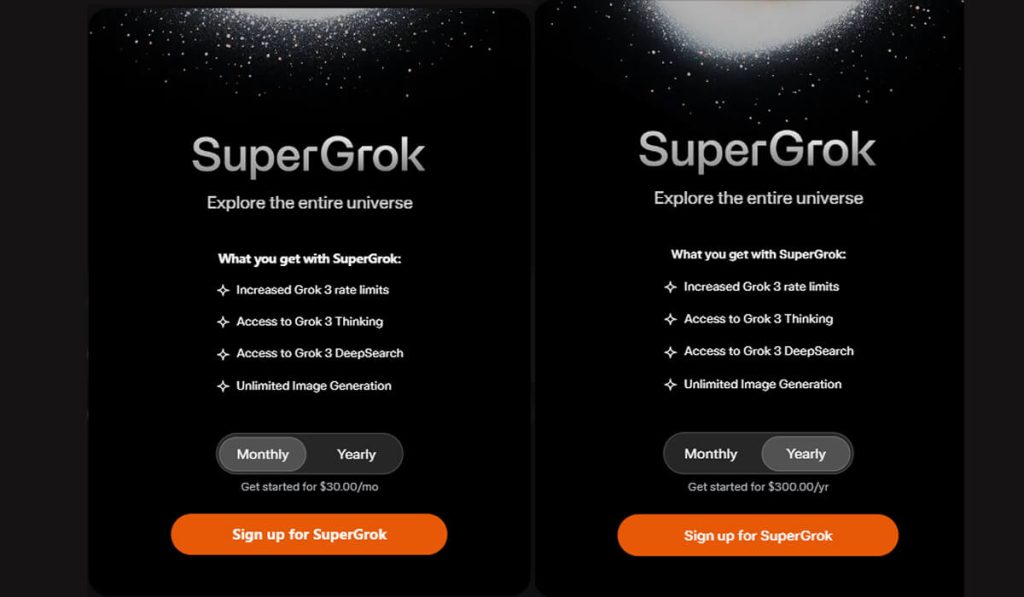
Grok AI offers different pricing plans depending on your needs. If you’re just starting out, the free plan is a great way to explore its basic features. For more advanced functionality, consider upgrading to a paid plan.
Step 2: Navigating the Grok AI Interface
The Grok AI interface is user-friendly and intuitive. Here’s a quick overview of its key components:
- Dashboard: This is where you’ll find an overview of your projects and recent activity.
- Input Field: This is where you type or paste your prompts or questions.
- Output Window: Grok AI’s responses will appear here.
- Settings: Customize Grok AI’s behavior, such as response length and tone.
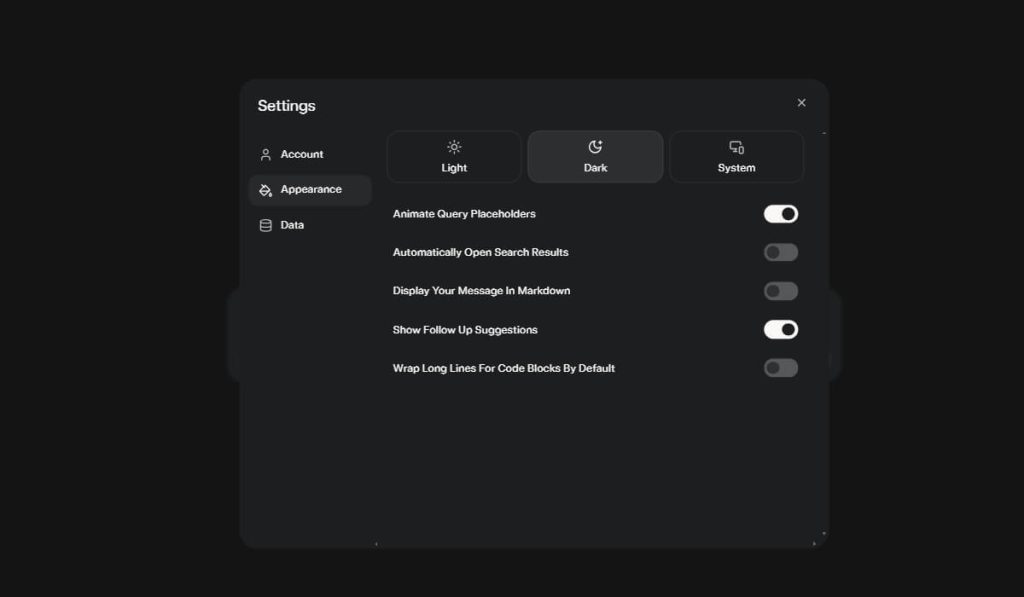
Take a few minutes to familiarize yourself with the layout. The more comfortable you are with the interface, the easier it will be to use Grok AI effectively.
Step 3: Writing Your First Prompt
Now that you’re set up, it’s time to start using Grok AI. The key to getting the most out of this tool is writing clear and specific prompts. Here’s how to do it:
Be Clear and Concise: Grok AI works best when your instructions are straightforward. For example, instead of saying, “Write something about marketing,” try, “Write a 300-word blog post about the benefits of social media marketing for small businesses.”
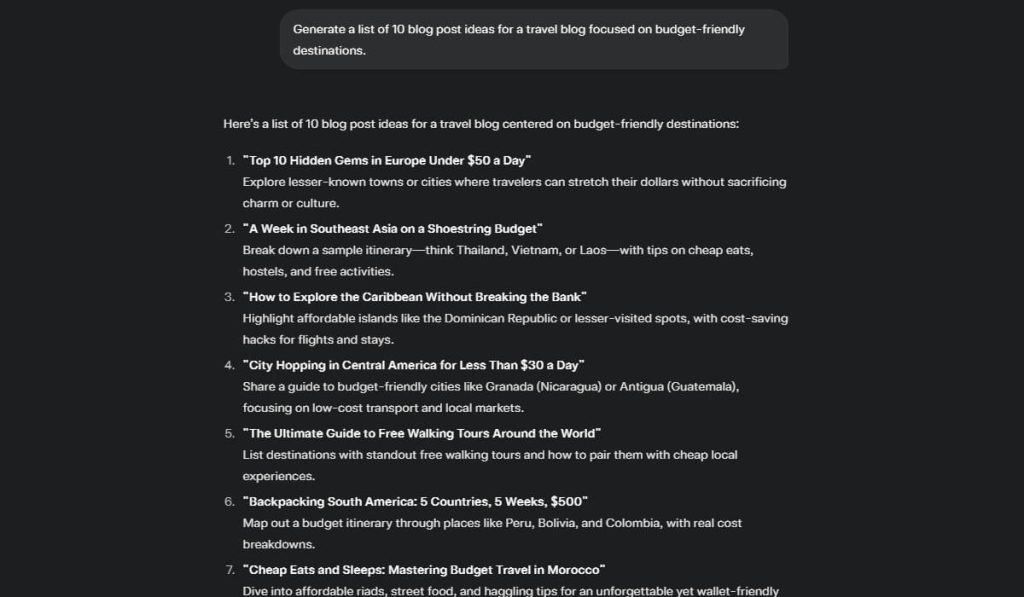
Provide Context: If your request requires specific information, include it in your prompt. For instance, “Generate a list of 10 blog post ideas for a travel blog focused on budget-friendly destinations.”
Experiment with Tone and Style: Grok AI can adapt to different tones, whether you want a formal report or a casual email. Specify your preference in the prompt, e.g., “Write a friendly email to a client explaining the new project timeline.”
Exploring Grok AI Features
Grok AI is packed with features designed to make your life easier. Here are some of the most useful ones:
- Content Generation
Grok AI excels at creating high-quality content. Whether you need blog posts, social media captions, or product descriptions, simply provide a prompt, and Grok AI will generate text for you.
Example Prompt: “Write a 500-word article about the benefits of using Grok AI for content creation.”
- Data Analysis
Grok AI can help you analyze data and generate insights. Upload your dataset or describe the data, and Grok AI will provide summaries, trends, and visualizations.
Example Prompt: “Analyze this sales data and identify the top-performing products.”
- Problem-Solving
Stuck on a complex problem? Grok AI can help you brainstorm solutions or break down the problem into manageable steps.
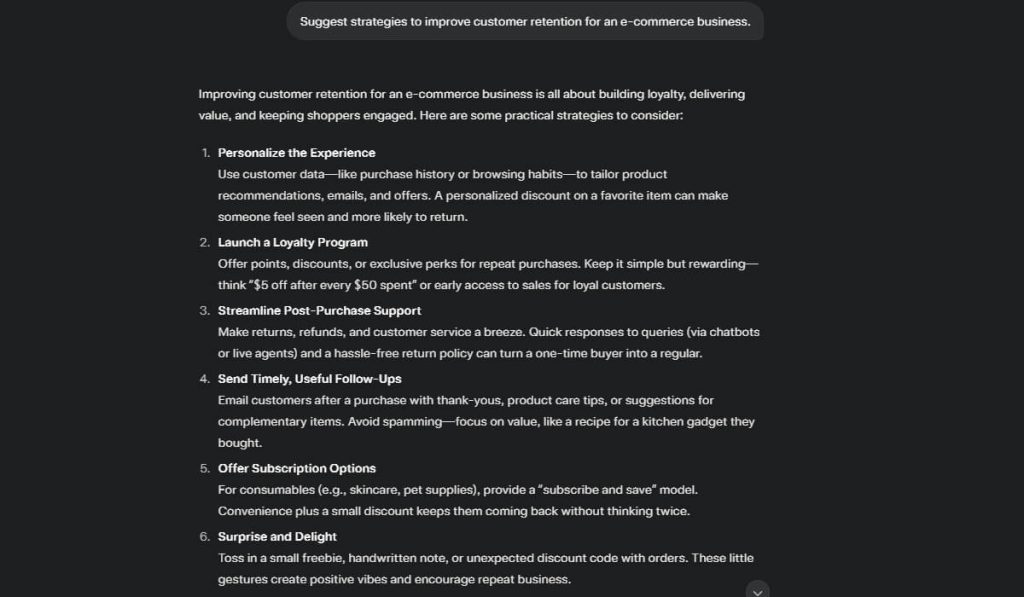
Example Prompt: “Suggest strategies to improve customer retention for an e-commerce business.”
Advanced Tips for Using Grok AI
Once you’ve mastered the basics, try these advanced tips to take your Grok AI experience to the next level:
1. Use Templates
Grok AI offers templates for common tasks like writing emails, creating resumes, and drafting business plans. These templates can save you time and ensure professional results.
2. Combine Multiple Prompts
For complex tasks, break them down into smaller prompts. For example, if you’re writing a research paper, start with a prompt for the outline, followed by prompts for each section.
3. Refine Your Outputs
If Grok AI’s response isn’t quite what you’re looking for, refine your prompt or ask follow-up questions. For example, “Can you make the tone more formal?” or “Add more statistics to support the argument.”
Real-World Applications of Grok AI
Grok AI isn’t just a theoretical tool—it has practical applications across various industries. Here are a few examples:
- Marketing: Create ad copy, analyze campaign performance, and generate social media content.
- Education: Develop lesson plans, summarize textbooks, and create quiz questions.
- Healthcare: Analyze patient data, generate reports, and assist with medical research.
- Business: Draft business proposals, automate customer support, and analyze financial data.
Troubleshooting Common Issues
While Grok AI is highly capable, you may occasionally run into issues. Here’s how to address them:
- Unclear Responses: If Grok AI’s output is vague, try rephrasing your prompt or providing more context.
- Technical Glitches: If the platform isn’t working properly, check your internet connection or contact Grok AI support.
- Overwhelming Outputs: If the response is too long or detailed, ask Grok AI to summarize or break it into smaller sections.
Conclusion
Grok AI is a powerful tool that can revolutionize the way you work, create, and solve problems. By following this step-by-step guide, you’ll be well on your way to mastering Grok AI and unlocking its full potential. Whether you’re using it for content creation, data analysis, or brainstorming ideas, Grok AI is a versatile assistant that can save you time and boost your productivity.
Ready to get started? Sign up for Grok AI today and explore its features for yourself. With a little practice, you’ll be amazed at what you can achieve with this innovative AI tool.

 English