
Gemini AI Studio: The Ultimate Guide to Gemini Image Generation
If you’re interested in AI-driven creativity, Gemini 2.0 Flash Experimental might be the game-changer you’ve been waiting for. As part of Gemini AI Studio, this powerful model enables users to generate high-quality images from text prompts, opening up new creative possibilities. In this guide, we’ll explore the capabilities of Gemini 2.0 Flash Experimental, its image generation features, and how it compares to popular AI tools like DALL·E and Midjourney. Whether you’re a marketer, designer, or simply looking to create stunning visuals, this guide will help you get started.
What is Gemini 2.0 Flash Experimental?
Gemini 2.0 Flash Experimental is a cutting-edge AI model available within Gemini AI Studio, designed specifically for image generation. It provides an intuitive interface for users to create unique visuals from text prompts quickly and efficiently. Unlike traditional design tools, Gemini 2.0 Flash Experimental leverages advanced machine learning algorithms to produce realistic and creative images with minimal effort.
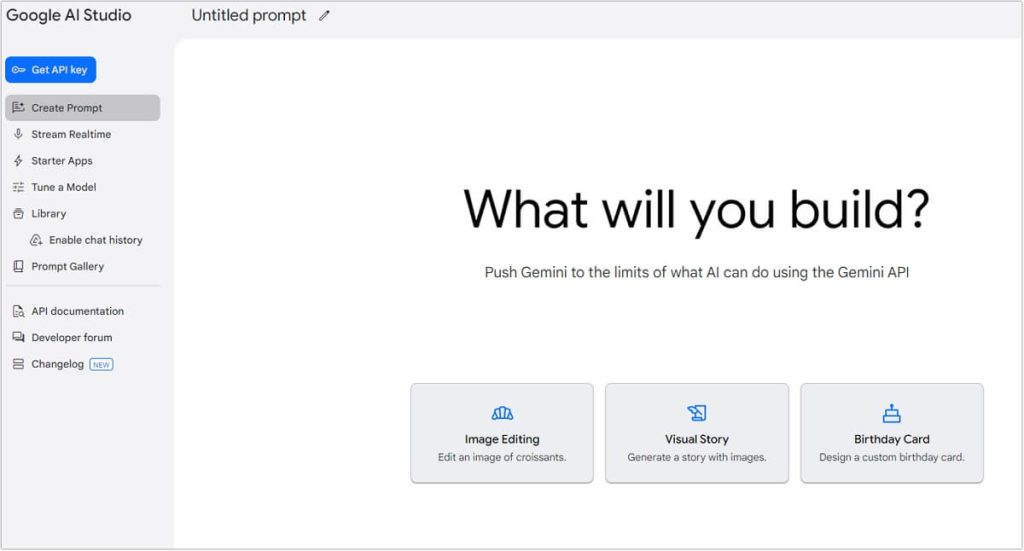
Google’s entry into AI-powered image generation is a natural evolution, responding to the increasing demand for accessible and sophisticated design tools. If you’ve used AI-based image generators like Midjourney or DALL·E, you’ll find Gemini 2.0 Flash Experimental to be a compelling alternative with Google’s unique approach to AI-driven creativity. Check the Google Gemini vs Midjourney vs DALL·E
Key Features of Gemini AI Studio
When it comes to AI-driven creativity, Gemini AI Studio doesn’t hold back. Let’s break down some of the most noteworthy features:
- AI Image Generation
One of the standout features of Gemini AI Studio is its ability to generate images from text prompts. Just like other AI tools such as DALL·E and Midjourney, you can input a descriptive phrase, and Gemini AI Studio will create a completely original image based on your input. The platform is powered by advanced machine learning models that have been trained on vast datasets, allowing it to generate realistic and creative images with ease.
- Gemini Image Editing
Not only can Google Gemini AI Studio generate images, but it also offers robust image editing capabilities. You can use it to retouch photos, remove backgrounds, and apply a variety of filters and effects to your images. Whether you’re touching up a photo for social media or creating a marketing banner, Gemini Photo Editor provides the tools you need to make quick, professional-looking edits.
- Style Transfer and Customization
Another exciting feature of Gemini AI Studio is its style transfer technology. This allows you to apply different artistic styles to your generated or existing images. Whether you want your photo to resemble a painting, a cartoon, or something abstract, Gemini Image Generation can help you achieve it. The tool lets you adjust intensity and fine-tune the results for maximum effect.
- High-Quality Image Outputs
If you’ve worked with AI image generators before, you know that quality can be hit or miss. Thankfully, Gemini AI Studio offers high-resolution images that are suitable for various uses, including print materials, social media posts, and online marketing. This makes it a great tool for both professional and casual creators.
- Cloud Synchronization and Collaboration
One of the perks of using a Google-backed tool is its cloud integration. All your projects are automatically synced to the cloud, allowing you to access them from multiple devices. You can also collaborate with team members on shared projects, making it easier to work together and streamline your creative process.
Gemini AI Studio vs. Midjourney vs. DALL·E
When it comes to AI image generation, there are several options on the market, each with its strengths. To help you make an informed decision, let’s compare Gemini AI Studio with two of the most popular AI tools: Midjourney and DALL·E.
- Gemini AI Studio vs. Midjourney:
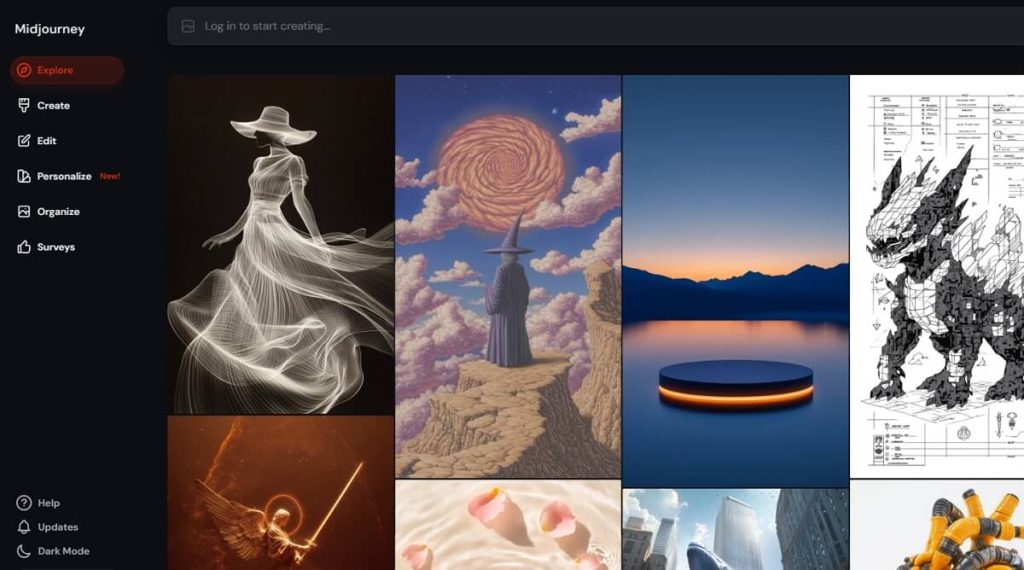
Midjourney is known for its highly artistic and often surreal image outputs. It’s a favorite among digital artists who appreciate the creative freedom it offers. However, Gemini AI Studio is more streamlined and accessible, making it easier for beginners to get started. While Midjourney can create jaw-dropping artwork, Gemini AI Studio shines with its balance of quality and ease of use.
- Gemini AI Studio vs. DALL·E:
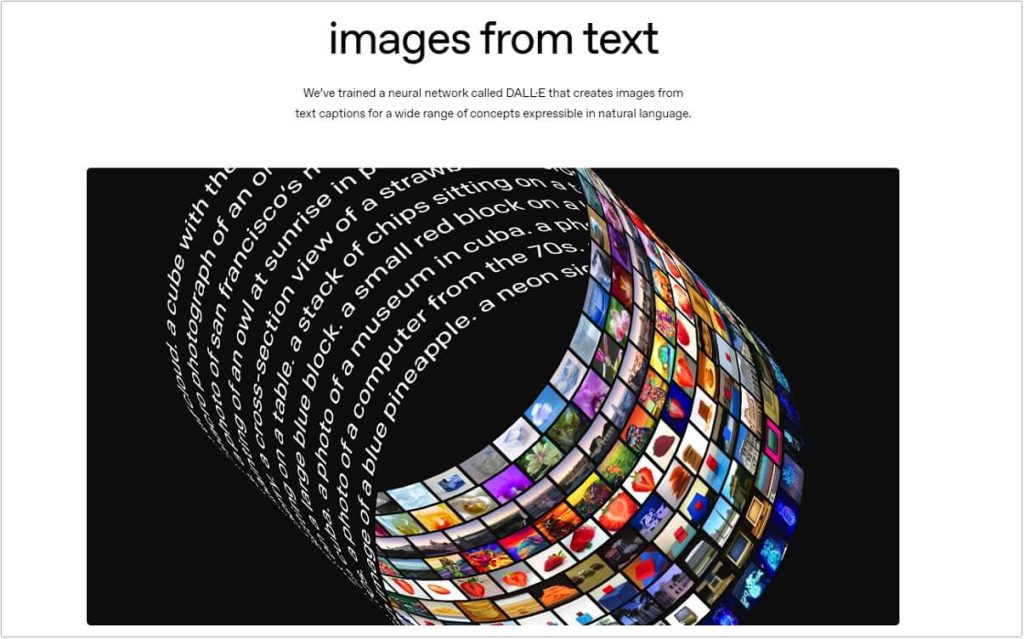
DALL·E is a strong contender in the AI image generation space, especially with its ability to generate highly detailed and specific images. However, Gemini AI Studio stands out by offering a broader range of features, including image editing and style transfers. If you’re looking for an all-in-one tool for both image creation and editing, Gemini AI Studio might be the better choice.
How to Use Gemini 2.0 Flash Experimental
Gemini AI Studio’s 2.0 Flash Experimental is a powerful AI model that allows users to generate images directly from text prompts. This guide will walk you through the steps to use Gemini 2.0 Flash Experimental for image generation within Google AI Studio.
1. Access Google AI Studio
- Open Google AI Studio.
- Sign in with your Google account.
- On the left panel, click Create Prompt to start a new project.
2. Select Image Generation
- On the main screen, you will see different options.
- Choose Visual Story or other image-related options.
- A new prompt window will open where you can enter a text description of the image you want to generate.
3. Enter Your Prompt
Type a detailed text description of the image you want.
- Example: “A futuristic city skyline at sunset, with flying cars and neon lights.”
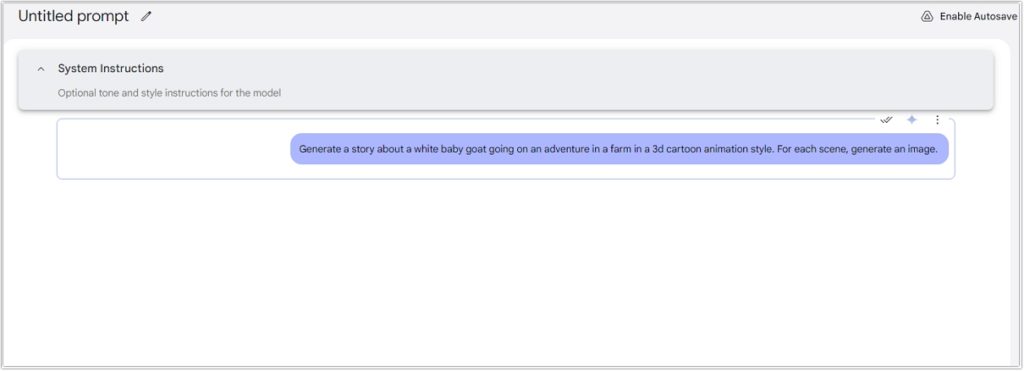
You can refine your prompt for better results by specifying:
- Style (realistic, cartoon, fantasy, etc.)
- Color scheme
- Objects or characters to include
4. Generate the Image
- Click Run or Generate to let Gemini 2.0 process your prompt.
- Wait a few seconds for the image to be generated.
- If needed, refine your prompt and regenerate the image for better results.
5. Download or Save the Image
- If you want to use it within a project, you can copy and paste the image directly.
- Once the image is generated, you can preview it.
- Click the Download button to save it to your device.
Use Cases for Gemini AI Studio
Gemini AI Studio is versatile, and its applications are vast. Here are a few ways you can use it in your work:
- Social Media Marketing: With the ability to create unique images and edit photos quickly, Gemini AI Studio is a great tool for social media marketers. You can generate custom visuals to engage your audience or quickly enhance your brand’s photos for consistency across platforms.
- Creative Design: Whether you’re designing a website, a logo, or digital art, Google Gemini Image Generation offers a range of creative tools that can help you achieve your vision. The style transfer feature is particularly useful for designers looking to explore new visual styles.
- Advertising and Content Creation: If you’re involved in content creation for blogs, ads, or promotional materials, Gemini AI Studio makes it easier to create eye-catching visuals in no time. The ability to generate high-quality images from text prompts is especially useful for creating custom graphics on a budget.
Conclusion: Is Gemini AI Studio Right for You?
In conclusion, Google Gemini AI Studio is an exciting tool for anyone looking to dive into the world of AI-generated images and image editing. With its powerful features, user-friendly interface, and cloud integration, it’s a great option for both beginners and seasoned creators. While tools like Midjourney and DALL·E have their strengths, Gemini AI Studio offers a more comprehensive solution for users who want to generate, edit, and customize images all in one platform.
If you’re looking for an easy-to-use, versatile tool for Gemini image generation and editing, Google Gemini AI Studio is worth exploring. It might just be the creative companion you need to take your projects to the next level.
For more insights and expert opinions, check out the reviews and discussions on TechCrunch, Wired, and The Verge.

 English