
5 Best AI Flag Generator Tools to Create Unique Flags
Whether you’re designing a fictional nation’s flag, a pride-themed banner, or a fun icon for your community project, AI flag generator tools have made it ridiculously easy and fun to create custom flags in seconds. No need for complicated design software or endless hours fiddling with colors and shapes—just describe what you want, and let the AI do the magic. In this guide, we’re diving into the 5 best AI flag generator tools that you can use online for free, each offering unique features, customization options, and effortless creativity.
Key Features to Look for in an AI Flag Generator
Before you jump into designing your ideal flag, it’s smart to know what features really matter. Here are a few:
- Customization Options: Can you adjust colors, shapes, and layouts?
- Prompt Input Support: Does the tool understand text-based prompts?
- Platform Compatibility: Can you use it on desktop and mobile?
- Registration Requirement: Is signup needed, or can you create anonymously?
- Export Quality: Are the output flags in high-resolution?
- Ease of Use: Is the interface beginner-friendly?
These will help you choose the best AI flag generator online that suits your specific needs.
5 Best AI Flag Generator Tools Recommended
1. Vondy AI Flag Generator
Platform: Web (desktop & mobile)
Registration: No sign-up needed
Vondy’s AI flag generator online free tool is straightforward yet surprisingly powerful. Just input a prompt like “a futuristic green flag with stars” and the system instantly renders a high-quality flag design. The tool uses advanced AI imaging techniques to understand creative prompts and translate them into unique flag compositions. It’s perfect for anyone who needs a quick, imaginative flag without diving deep into design tools.
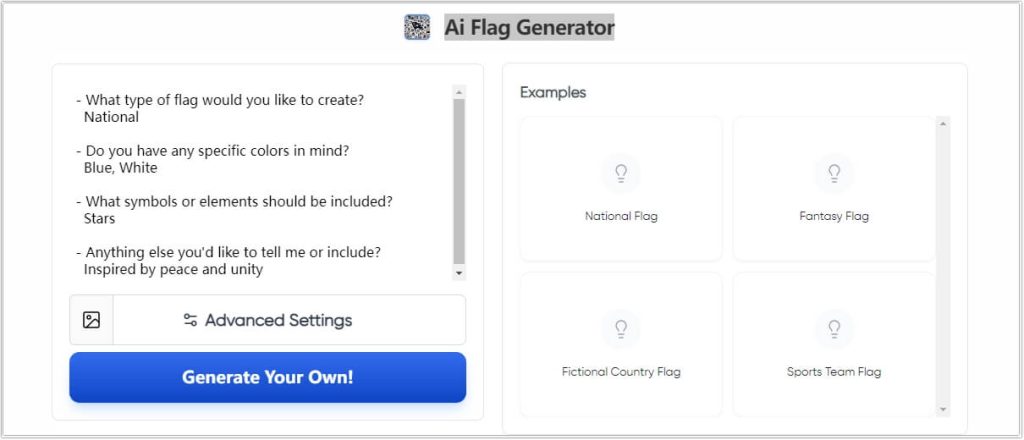
User Experience: Super intuitive. Even first-timers can create a flag in under a minute. The loading time is minimal, and results are instantly downloadable.
- Pros: No login required, fast processing, and flexible prompts
- Cons: Limited editing after generation
Expert Comment: “Vondy stands out for speed and ease—perfect for instant creativity.” —Jason F., Graphic Designer
2. OpenArt AI Flag Generator
Platform: Web
Registration: Requires free sign-up
OpenArt’s AI flag generator is part of a larger AI art platform, but its flag tool is uniquely tailored. You can input your desired elements (e.g., “minimalist red and gold flag with a phoenix”) and it will generate multiple variations. The AI here is quite refined and the output often looks like professionally-designed vectors.
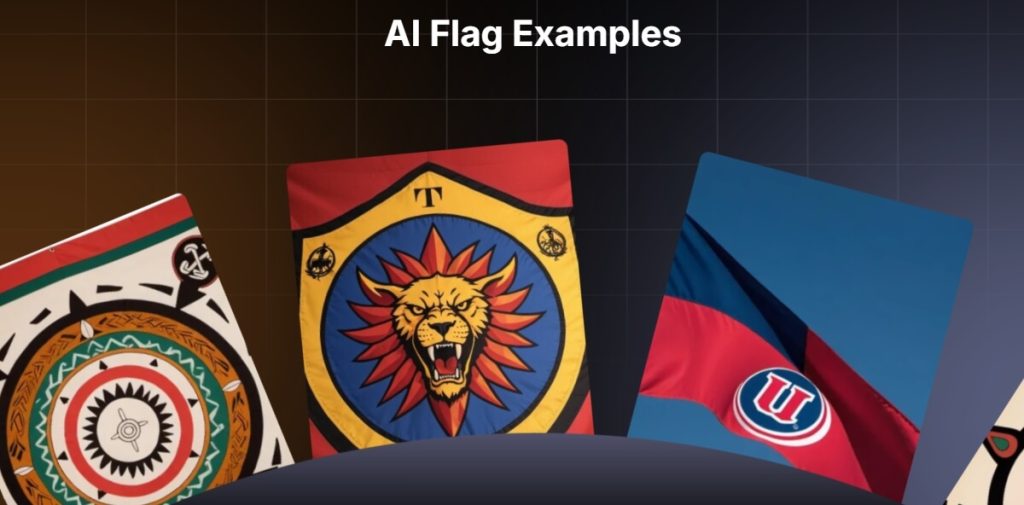
User Experience: Takes slightly longer to generate but offers higher quality in return. The interface is polished and easy to navigate.
- Pros: Generates multiple designs, high-resolution downloads
- Cons: Requires login to use
User Review: “I love how precise OpenArt’s results are. It’s like having a personal designer.” —Emily L., Indie Game Developer
3. Fotor’s AI Flag Generator
Platform: Web (with mobile compatibility)
Registration: Optional, more features unlocked with account
Fotor’s AI generated flags feature is integrated into their broader image generator suite. You can enter text prompts, and the AI blends them with its artistic engine to create visually compelling flags. Plus, you can enhance or edit the flag further using Fotor’s graphic editor tools. Great for those who want more control over the final look.
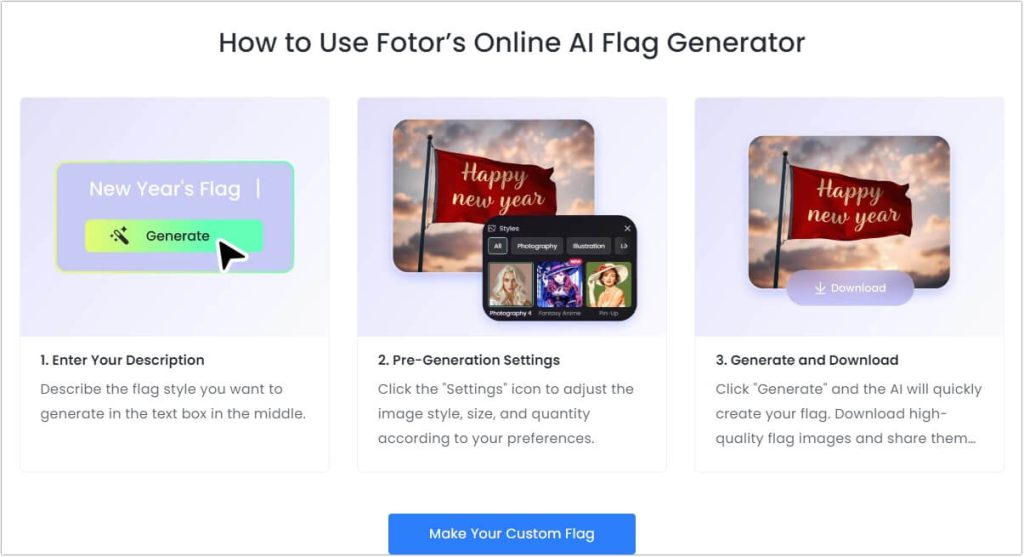
User Experience: Smooth workflow, especially if you’re already familiar with Fotor’s tools. Customization is richer than other options.
- Pros: Integrated with full image editing suite, high-quality visuals
- Cons: Some advanced options locked behind registration
Expert Comment: “Fotor is a great pick if you want to tweak your flag after the AI does its job.” —Alan B., Digital Artist
4. AI4Chat Flag Creator Generator
Platform: Web
Registration: No account required
AI4Chat offers a no-frills flag AI generator experience that delivers solid results for a free tool. You enter a detailed prompt, such as “cyberpunk-themed black and neon flag,” and the system outputs a crisp flag image that’s both imaginative and relevant to your query. While it’s not the flashiest platform, it nails the basics.
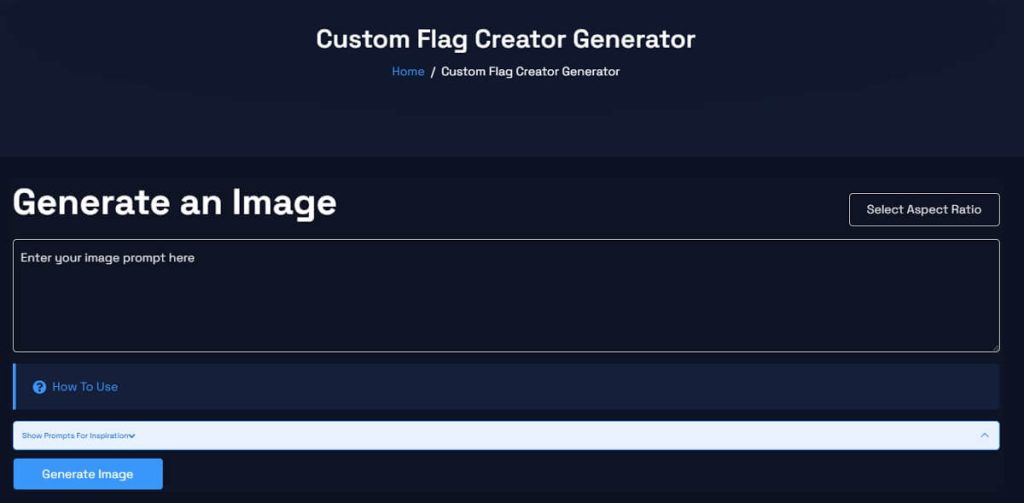
User Experience: Fast and user-friendly. Minimal UI distractions make it perfect for casual use.
- Pros: No registration, quick results, decent quality
- Cons: Lacks editing or download format options
User Review: “Didn’t expect much, but this tool delivered exactly what I needed in seconds.” —Marcus T., Hobbyist Designer
5. Canva Online Flag Maker
Platform: Web + Mobile app
Registration: Required for saving and exporting
Canva isn’t strictly an AI flag generator, but it features AI-powered templates and customization tools that allow you to create stunning flag visuals. You can use pre-built elements or upload your AI-generated assets and fine-tune every pixel. Great for educators, marketers, or team leaders who need something visually polished.
User Experience: Extremely versatile, though not fully automated. It’s more manual, but offers full control over the design.
- Pros: Highest level of customization, professional layouts
- Cons: Requires more manual effort, registration required
Expert Comment: “For total control over your flag’s look and feel, Canva is unbeatable.” —Lisa M., Branding Consultant
Comparison Table of AI Flag Generator Tools
| AI Flag Generator | Free Plan | Customization | Ease of Use | Output Quality |
|---|---|---|---|---|
| Vondy | ✅ | Basic prompt-based | ⭐⭐⭐⭐ | ⭐⭐⭐⭐ |
| OpenArt | ✅ (with sign-up) | Multiple variations | ⭐⭐⭐ | ⭐⭐⭐⭐⭐ |
| Fotor | ✅ | Advanced editing | ⭐⭐⭐⭐ | ⭐⭐⭐⭐ |
| AI4Chat | ✅ | Prompt only | ⭐⭐⭐⭐ | ⭐⭐⭐ |
| Canva | ✅ | Full manual control | ⭐⭐⭐ | ⭐⭐⭐⭐⭐ |
FAQs About AI Flag Generator Tools
1. Can I use these AI flag generator online free tools for commercial purposes?
Always check the licensing terms on each platform. Most allow personal use; some require licensing for commercial applications.
2. What kind of prompts work best in an AI flag generator prompt field?
Be specific! Try things like “retro-style yellow and teal flag with stripes” instead of just “colorful flag.”
3. Are ai generated flags safe to use on websites and social media?
Yes, as long as you respect copyright and platform usage policies.
4. What makes a good flag AI generator?
Ease of use, visual quality, customization, and prompt responsiveness all play a role.
5. Is there a completely free AI flag generator online with no sign-up?
Yes—tools like Vondy and AI4Chat let you create flags without creating an account.
Conclusion
With the rise of text-to-image AI, the days of struggling to design a unique flag are long gone. Whether you’re a creative professional, a student, or just someone looking for a fun design project, these AI flag generator online free tools offer the perfect blend of power and simplicity. From Vondy’s instant rendering to Canva’s detailed customizations, there’s something here for everyone. Now go ahead—fire up your best AI flag generator prompt and let your imagination fly!

 English
4o Image API
It’s amazing how far AI tools have come! I love how these flag generators open up so many creative possibilities, especially for projects like designing fictional nations. I wonder how well they handle more complex designs though—do they struggle with intricate patterns?
Calvin Brooks
Thank you for your thoughtful comment! I’m thrilled to hear that you found the AI flag generators inspiring, especially for creative projects like designing fictional nations.
Regarding your question about handling intricate patterns: as of 2025, AI flag generators have made significant strides, but they still face challenges with complex designs. Tools like Fotor and OpenArt are excellent for generating flags based on textual descriptions, offering a range of styles and customization options . However, when it comes to detailed patterns or culturally specific symbols, these AI tools might not always capture the nuances accurately.
For more intricate designs, it’s often beneficial to use AI-generated flags as a starting point and then refine them manually using graphic design software. This approach combines the efficiency of AI with human creativity to achieve more precise results.
If you’re interested in exploring these tools further or need assistance with specific design elements, feel free to reach out!
photo to coloring page
Wow, creating a flag used to require a degree in patience! But now with these AI tools, it’s like having a design genie in your pocket. Just no rubbing it too hard, or you might end up with something wild!
ai song creator
Can we just appreciate how far we’ve come from drawing on napkins to AI flags? I mean, who needs art skills when you can just type ‘flamingo-pineapple flag’ and let the robots do the heavy lifting?
photo to coloring page
So, basically, I can design a flag for my imaginary country in less time than it takes to find my pants in the morning—count me in! And hey, no design degrees required, right?
ai song creator
Canva? Pfft, more like ‘Can’t-va’ when it comes to simplicity. Give me Vondy any day where I can just click and voilà—flag magic!