
Top 5 AI Image Analyzer to Chat with Images Instantly
In the age of visual content, being able to understand and interpret images instantly has become more important than ever. Whether you’re a marketer looking to analyze user-generated content, a student decoding a diagram, or a content creator brainstorming ideas, having access to a reliable AI image analyzer can be a game-changer. With the rise of AI tools that let you chat with images, it’s now easier than ever to ask questions about pictures, detect objects, extract text, or even identify emotions from faces.
In this article, we’ll explore the 5 best AI image analyzer tools that allow you to interact with visuals and get meaningful insights in seconds. All the tools listed are AI image analyzer online free platforms or have a free plan, making them accessible and easy to try. Plus, we’ve included expert opinions and real user reviews to give you the full picture.
What is AI Image Analyzer?
An AI image analyzer is a digital tool powered by artificial intelligence that processes images to extract valuable data and insights. This might include identifying objects, recognizing text (OCR), detecting emotions, understanding scenes, or even summarizing the content. What makes it more powerful today is the integration of AI chat with images capabilities—you can now upload an image and ask specific questions like “What product is this?” or “How many people are in this picture?”
Whether you’re using an AI image analyzer free or premium version, these tools are driven by complex machine learning models trained on massive image datasets. The best ones support multiple platforms (desktop, mobile, browser) and offer a seamless, user-friendly interface. Now, let’s explore the top contenders in this space.
5 Best AI Image Analyzer to Chat with Images
1. AIcado AI Image Analyzer
- Platforms: Web-based (desktop & mobile compatible)
- Price: Free
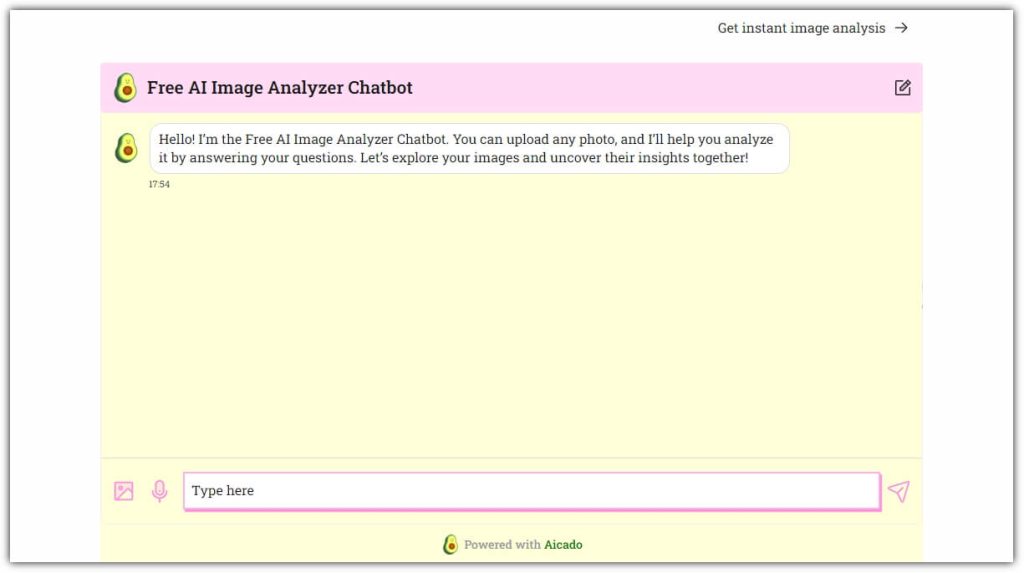
AIcado provides a sleek and intuitive platform that allows users to upload any image and immediately ask questions about it. This makes it ideal for educational purposes, content research, and social media analysis. It’s a lightweight tool that delivers surprisingly deep insights for a free product.
Core Features:
- Upload and ask questions in real-time
- Supports text extraction and object recognition
- No sign-up required
Pros:
- Very easy to use
- Quick analysis speed
- No account needed
Cons:
- Limited batch processing options
- Not suitable for highly complex image data
User Experience: “I tried AIcado for my blog graphics, and it helped me extract data from infographics within seconds. Highly recommend for quick, free use!” — Anna P., Blogger
2. Poe Image-Analyzer-AI
- Platforms: Web (optimized for mobile and desktop)
- Price: Free with optional Poe Plus subscription
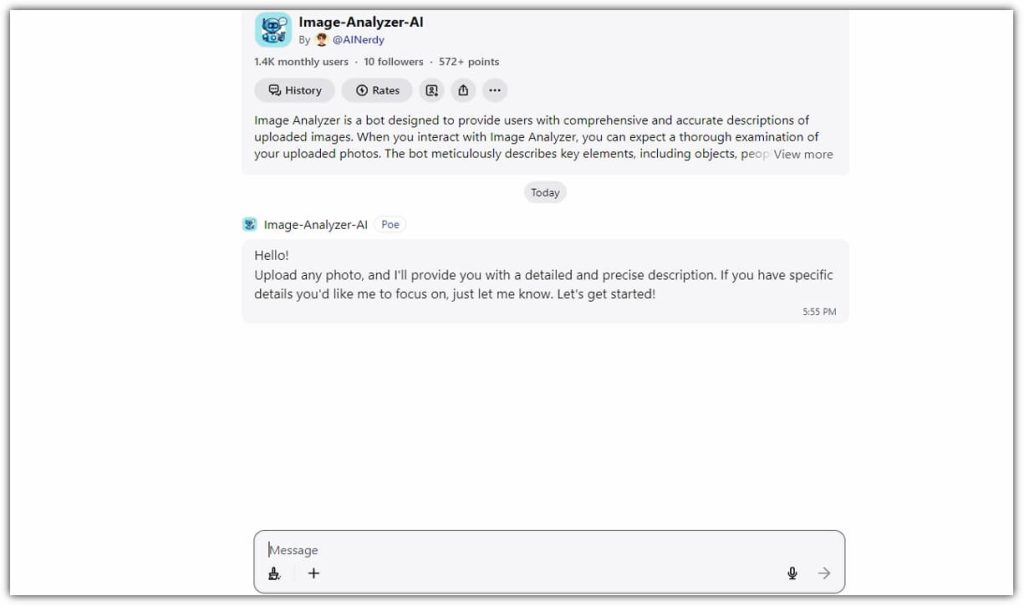
Poe’s Image-Analyzer-AI chatbot leverages advanced natural language processing alongside visual recognition. You can drop in an image and ask detailed, contextual questions. Perfect for students, educators, and content creators.
Core Features:
- Smart visual Q&A interaction
- Scene recognition and analysis
- Built-in chat functionality
Pros:
- Conversational interface
- Context-aware responses
- Poe account connects you to multiple AI bots
Cons:
- Requires sign-in
- Limited daily usage on the free plan
Expert Review: “Poe’s image analyzer brings a polished chat interface that feels futuristic and practical. Ideal for light research and visual breakdowns.” — Mike Levison, EdTech Consultant
3. YesChat AI Image Analyzer
- Platforms: Web only (desktop recommended)
- Price: Free (with premium features available)
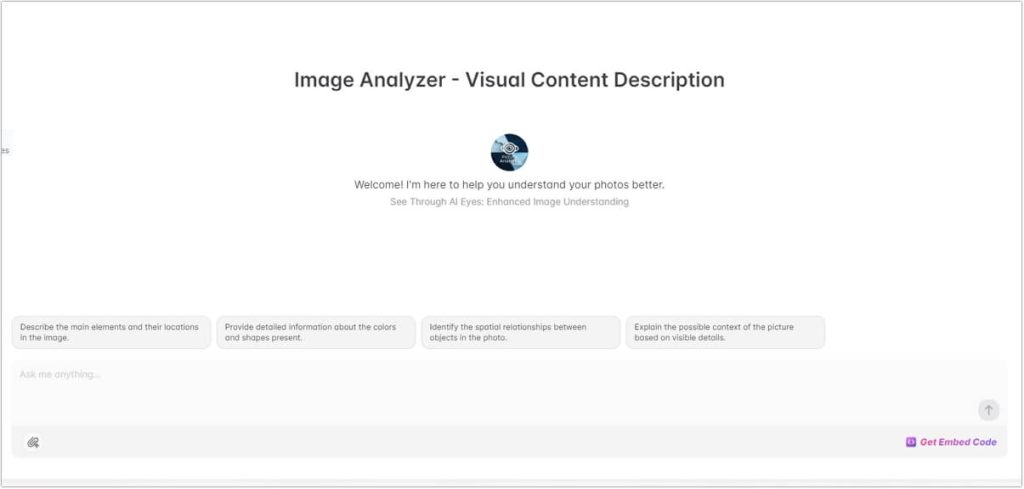
YesChat’s AI Image Analyzer is built with versatility in mind. It can process everything from scanned documents to screenshots. The platform also integrates voice prompts, making it even more interactive.
Core Features:
- Upload and analyze multiple image types
- Speech-enabled interaction
- Detailed image content breakdown
Pros:
- Fast processing
- Multimodal interaction
- Ideal for technical images (e.g., schematics, graphs)
Cons:
- Interface could use a facelift
- Occasional delays in response
User Review: “I was blown away by how easily YesChat broke down my chemistry diagram. It even handled equations!” — Jared C., College Student
4. ChatGPT Image Analyzer
- Platforms: Web (ChatGPT Plus users recommended)
- Price: Free with OpenAI account (GPT-4 access enhances experience)
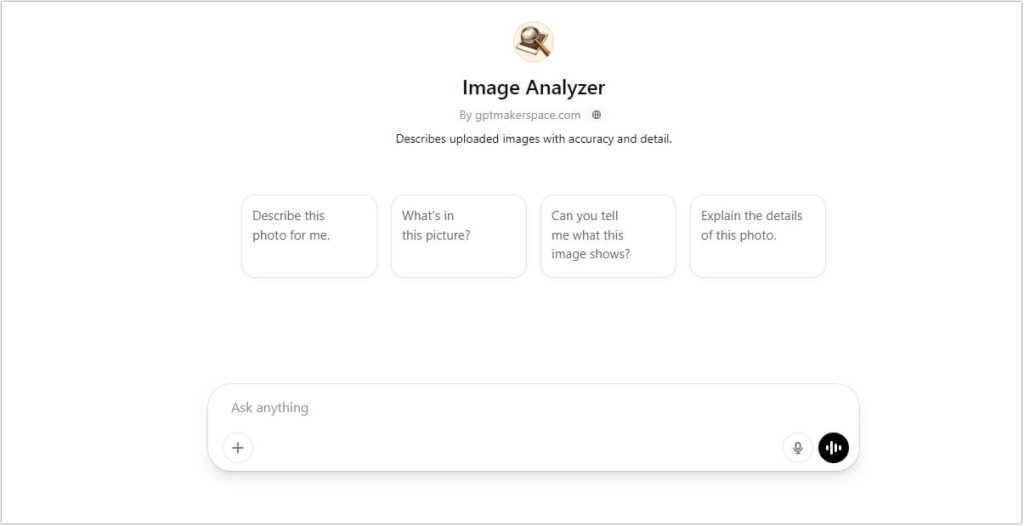
Powered by GPT-4, this AI image analyzer integrates directly into the ChatGPT platform. You can drag and drop an image, ask questions, and get highly nuanced answers. It’s particularly good at interpreting complex visual content like charts or art.
Core Features:
- Powered by GPT-4 vision
- Deep contextual understanding
- Multi-image comparison
Pros:
- High accuracy and detail
- Works within ChatGPT ecosystem
- Great for academic use
Cons:
- Requires account setup
- Full potential unlocked only with paid plan
Expert Feedback: “This is hands-down the most intelligent image analyzer out there. It feels like having a visual assistant on-call.” — Dr. Rachel Monroe, AI Researcher
5. Class Ace’s AI Photo Analyzer
- Platforms: Web app (mobile and desktop compatible)
- Price: Free with limited features; Premium available
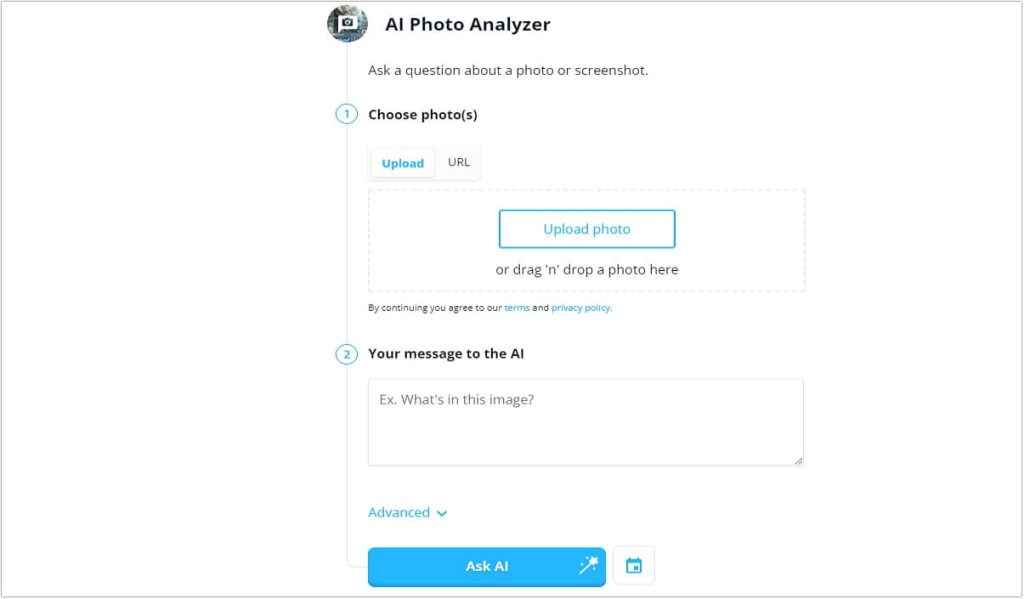
Designed with students in mind, Class Ace’s AI photo analyzer offers a simplified, fun approach to image analysis. It focuses on educational content and helps users identify elements, summarize scenes, and even learn vocabulary from pictures.
Core Features:
- Kid-friendly interface
- Visual summarization
- Educational use cases
Pros:
- Easy for younger users
- Safe and moderated
- Quick and clear output
Cons:
- Less suited for technical or professional tasks
- Analysis depth is limited
User Comment: “My 10-year-old uses this for homework, and it’s made learning more interactive. Super helpful!” — Melissa T., Parent
Comparison Table of AI Image Analyzer
| Image Analyzer | Platforms | Free Plan | Best For | Key Features |
|---|---|---|---|---|
| AIcado AI Image Analyzer | Web (All devices) | ✔️ | Quick insights | Object detection, OCR, Q&A |
| Poe Image-Analyzer-AI | Web | ✔️ | General use | Scene recognition, chat, Q&A |
| YesChat AI Image Analyzer | Web (Desktop) | ✔️ | Educational & technical use | Voice chat, deep analysis |
| ChatGPT Image Analyzer | Web (ChatGPT) | ✔️ | Academic, professional users | GPT-4 vision, multi-image input |
| Class Ace’s AI Photo Analyzer | Web (All devices) | ✔️ | Kids, young learners | Educational focus, safety features |
FAQs About AI Image Analyzer
Q1: What is the best AI image analyzer free of charge?
A: While several tools offer free plans, AIcado and YesChat stand out for their deep functionality and zero-cost access.
Q2: Can I use AI to chat with images on mobile?
A: Yes! Most of these tools are AI image analyzer online free platforms optimized for both desktop and mobile.
Q3: What types of images can AI image analyzers understand?
A: From photos and screenshots to infographics and scanned documents, modern AI image analysis free tools are quite versatile.
Q4: Are these tools secure to use?
A: Most platforms take privacy seriously, especially ones like Class Ace designed for kids. Always read the privacy policy to be sure.
Q5: Is there a difference between “AI image analyzer” and “AI image anilizer”?
A: “AI image anilizer” seems to be a common typo. The correct term is “AI image analyzer.”
Conclusion
With visual content playing an ever-growing role in how we communicate and learn, having an intelligent assistant to analyze images is no longer optional—it’s essential. Whether you’re a student, parent, content creator, or casual browser, there’s a best AI image analyzer free tool out there for you. From the straightforward power of AIcado to the educational charm of Class Ace, today’s tools make it easier than ever to chat with images and extract insights in real time.
Explore the options, experiment with features, and find the tool that suits your needs best. AI isn’t just about text anymore—it’s seeing the world, too.
Got inspired by analyzing an image? Put that creativity to work by generating your own art with the help of our guide to the 5 Best AI Image Generators No Restrictions.

 English
solpuxk
Best AI Image analyzer with multiple models, and many different photo analysis tools.