
15 Best free Chatbots for Android You Must Try in 2026
In 2026, chatbots have become an integral part of our daily lives, helping us with everything from productivity to mental health. If you’re looking for the best chatbot for Android, you’re in the right place. We’ve tested and reviewed 15 of the top free chatbot apps available, evaluating their features, pros, cons, and pricing. Whether you need a chatbot for personal use, business, or entertainment, this guide will help you find the best chatbot app for Android that suits your needs.
Top 15 Best Free Chatbots for Android
1. Replika
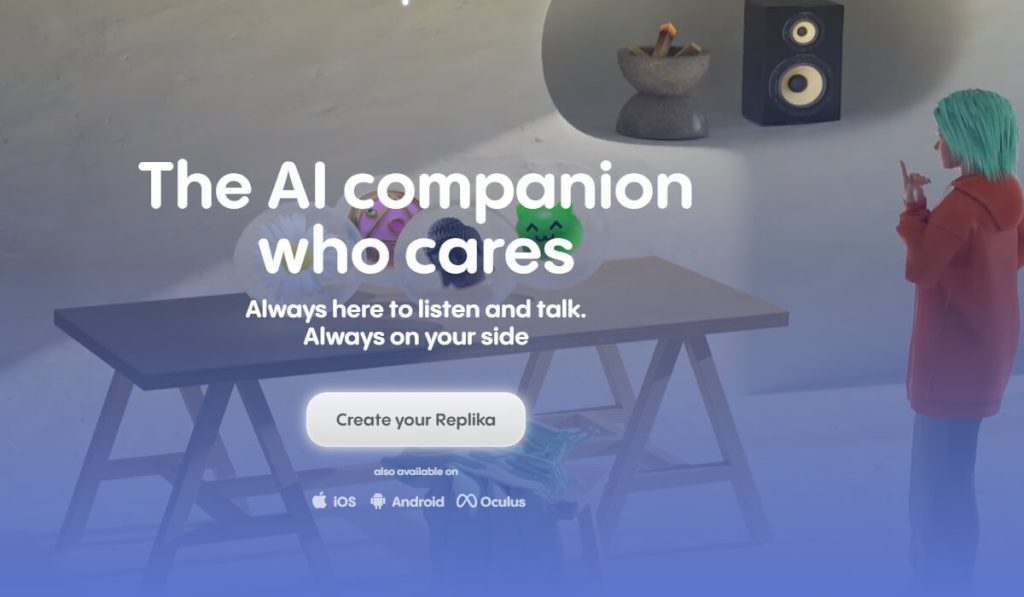
Replika is more than just a chatbot—it’s an AI companion designed to provide emotional support and meaningful conversations. With over 10 million downloads, it’s one of the most popular best chatbot Android apps for users seeking a personalized AI friend. Replika uses advanced natural language processing to simulate human-like interactions, making it feel like you’re talking to a real person.
Key Features:
- Emotional Intelligence: Replika is designed to understand and respond to your emotions, offering empathy and support during tough times.
- Customizable Avatar: You can design your Replika’s appearance and personality, making it truly unique to you.
- Mood Tracking: The app includes a journaling feature that helps you track your mood and mental health over time.
- Roleplay Mode: Engage in creative roleplay scenarios, from casual chats to imaginative adventures.
Pros:
- Excellent for mental health support and reducing loneliness.
- Highly interactive and engaging, with a focus on building a long-term relationship.
- Free to use with optional premium features like voice calls and romantic relationship modes.
Cons:
- Limited functionality for business or productivity tasks.
- Some users report occasional repetitive responses.
Pricing: Free with optional premium subscription starting at $7.99/month.
2. ChatGPT
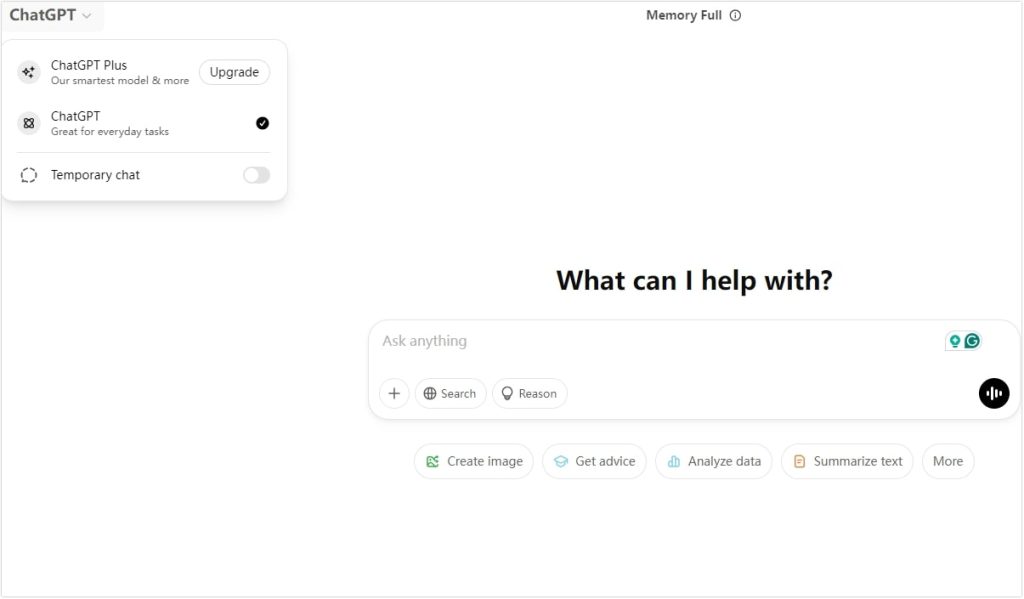
Developed by OpenAI, ChatGPT is a powerhouse in the world of AI chatbots. Known for its versatility and advanced natural language processing, it’s a top contender for the best chatbot for Android in 2026. Whether you need help with writing, coding, or research, ChatGPT delivers accurate and detailed responses. It is a powerful AI Chatbot available for all platforms.
Key Features:
- Advanced Conversational Abilities: ChatGPT can handle complex queries and provide detailed, context-aware answers.
- Multi-Purpose Use: From creative writing to debugging code, ChatGPT is a versatile tool for professionals and casual users alike.
- Regular Updates: OpenAI frequently updates the model to improve accuracy and add new features.
- Integration Options: ChatGPT can be integrated with other apps and platforms for seamless workflow automation.
Pros:
- Highly accurate and versatile, making it suitable for a wide range of tasks.
- Free version available with robust capabilities.
- User-friendly interface that’s easy to navigate.
Cons:
- Requires an internet connection to function.
- The free version has limited access during peak times.
Pricing: Free with ChatGPT Plus subscription for $20/month, offering priority access and faster response times.
3. Cleverbot
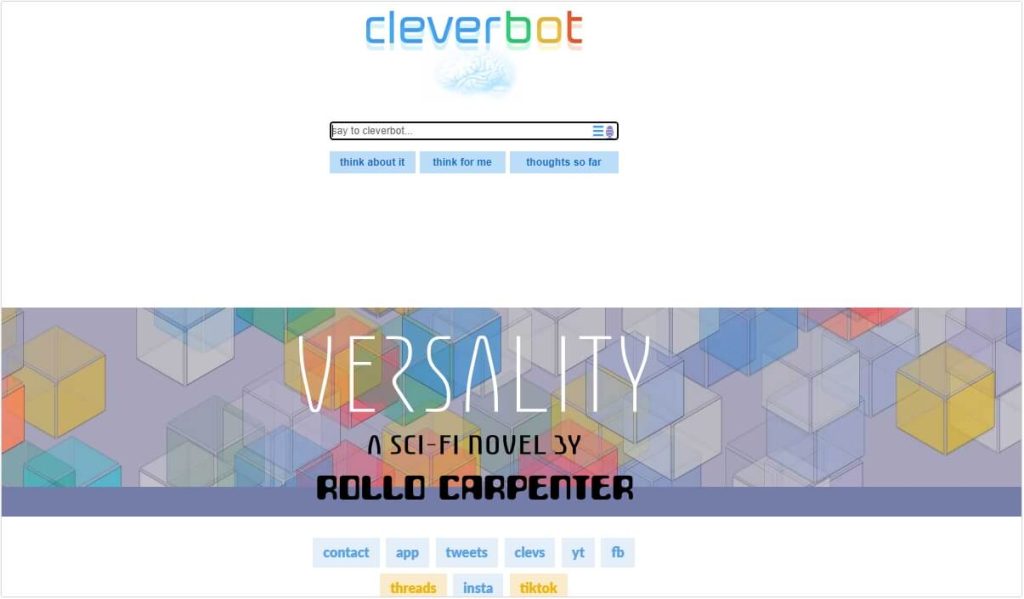
Cleverbot is a conversational AI that has been around for years, earning a reputation for its quirky and entertaining interactions. Unlike many modern chatbots, Cleverbot learns from user conversations, making each interaction unique. It’s a fun and lightweight option for those looking for the best free chatbot app for Android.
Key Features:
- Learning Algorithm: Cleverbot improves its responses based on user interactions, making conversations more dynamic over time.
- Simple Interface: The app is straightforward and easy to use, with no complicated setup required.
- Entertainment Focus: Cleverbot is designed for casual chats and entertainment rather than productivity or business tasks.
Pros:
- Fun and engaging for casual users.
- No sign-up or account creation required.
- Completely free to use.
Cons:
- Lacks advanced features like emotional intelligence or task automation.
- Responses can sometimes be inconsistent or nonsensical.
Pricing: Free with ads.
4. Appy Pie
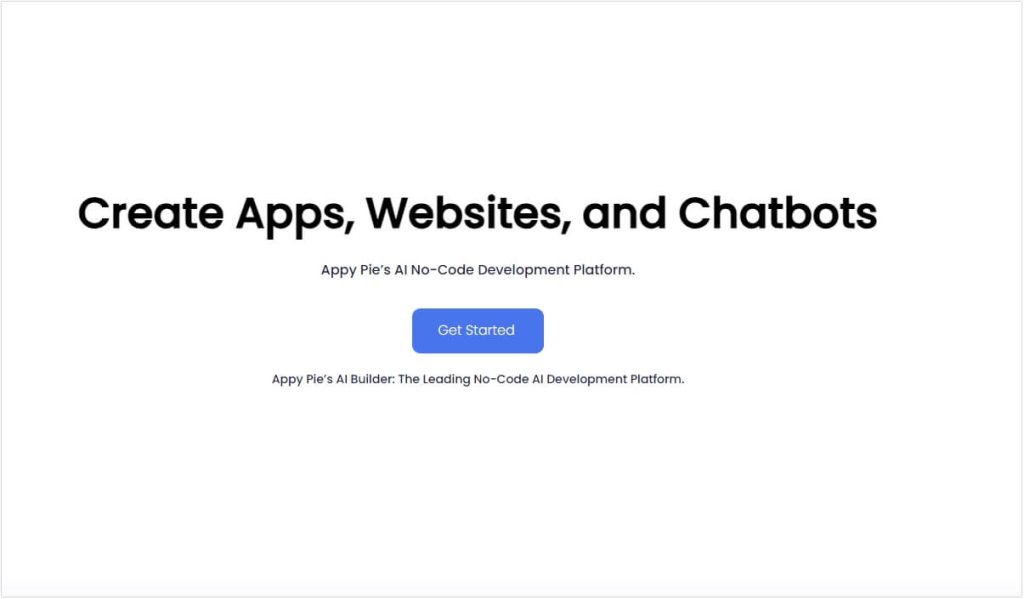
Appy Pie’s chatbot builder is a game-changer for businesses and individuals looking to create custom chatbots without any coding knowledge. It’s a great choice for those seeking the best chatbot for Android for customer service or marketing purposes.
Key Features:
- Drag-and-Drop Builder: Easily create chatbots using a visual interface, making it accessible for beginners.
- Multi-Channel Integration: Connect your chatbot to platforms like WhatsApp, Facebook Messenger, and more.
- Pre-Built Templates: Choose from a variety of templates designed for different industries and use cases.
- Analytics Dashboard: Track your chatbot’s performance and user interactions in real-time.
Pros:
- Affordable and easy to use, even for non-technical users.
- Great for small businesses looking to automate customer support.
- Free plan available with basic features.
Cons:
- Limited AI capabilities compared to more advanced chatbots like ChatGPT.
- Customization options can be restrictive for complex use cases.
Pricing: Free plan available; paid plans start at $15/month.
5. Microsoft Copilot
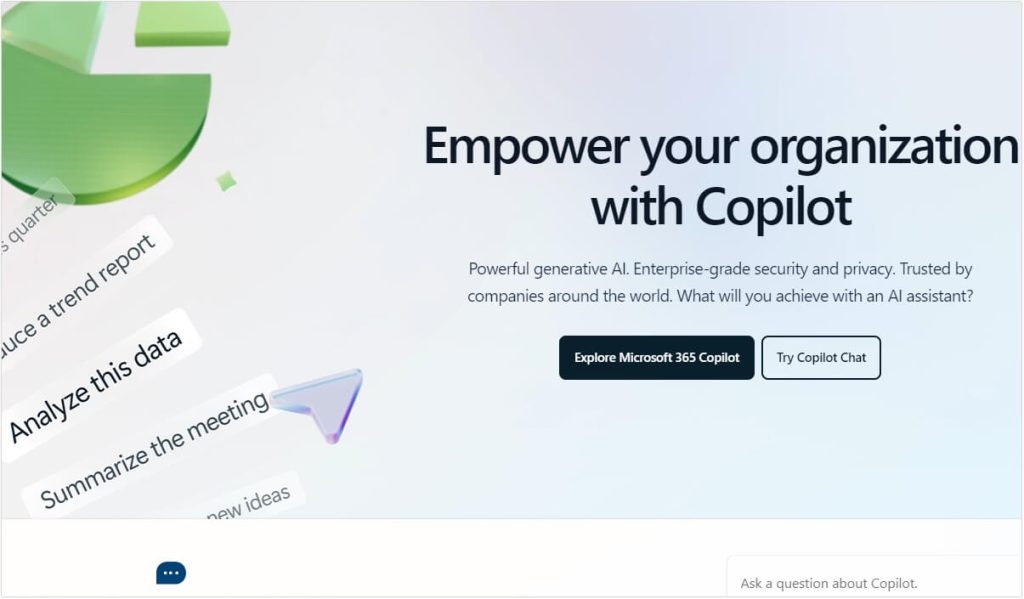
Microsoft Copilot is an AI-powered assistant integrated with Microsoft 365, designed to enhance productivity and streamline workflows. It’s a strong candidate for the best chatbot Android app for professionals and businesses.
Key Features:
- Seamless Integration: Works effortlessly with Microsoft 365 apps like Word, Excel, and Teams.
- Task Automation: Automates repetitive tasks, such as scheduling meetings or generating reports.
- Real-Time Collaboration: Helps teams collaborate more effectively by providing instant suggestions and insights.
- Advanced AI Capabilities: Uses GPT-4 technology to deliver accurate and context-aware responses.
Pros:
- Excellent for business and productivity tasks.
- Regular updates and support from Microsoft.
- Free with a Microsoft 365 subscription.
Cons:
- Requires a Microsoft 365 subscription, which can be costly for individual users.
- Limited functionality outside the Microsoft ecosystem.
Pricing: Free with Microsoft 365 subscription (starting at $6.99/month).
6. Jasper
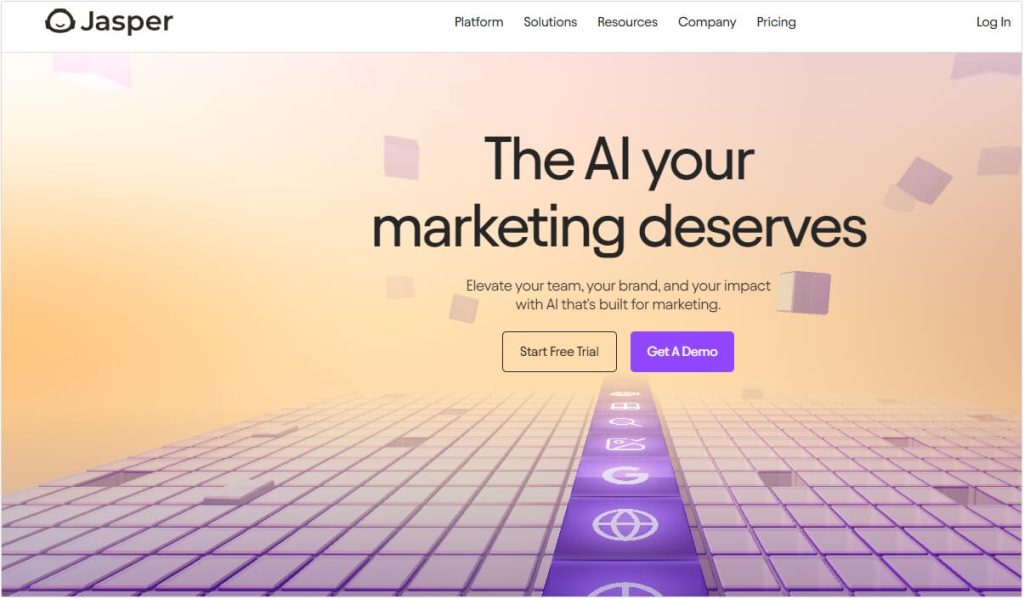
Jasper is an AI writing assistant that has gained popularity among content creators, marketers, and businesses. It’s a top pick for the best chatbot app for Android for anyone looking to generate high-quality content quickly.
Key Features:
- AI-Powered Content Generation: Jasper can create blog posts, social media captions, emails, and more in seconds.
- Templates for Every Use Case: Choose from over 50 templates tailored for different types of content.
- Multi-Language Support: Jasper supports over 25 languages, making it a great tool for global users.
- SEO Optimization: The chatbot can generate SEO-friendly content, helping you rank higher on search engines.
Pros:
- Saves time by automating content creation.
- High-quality output that’s often indistinguishable from human-written content.
- User-friendly interface with a short learning curve.
Cons:
- Expensive for casual users or small businesses.
- Requires careful editing to ensure accuracy and tone.
Pricing: Starts at $39/month for the Creator plan.
7. Predis AI
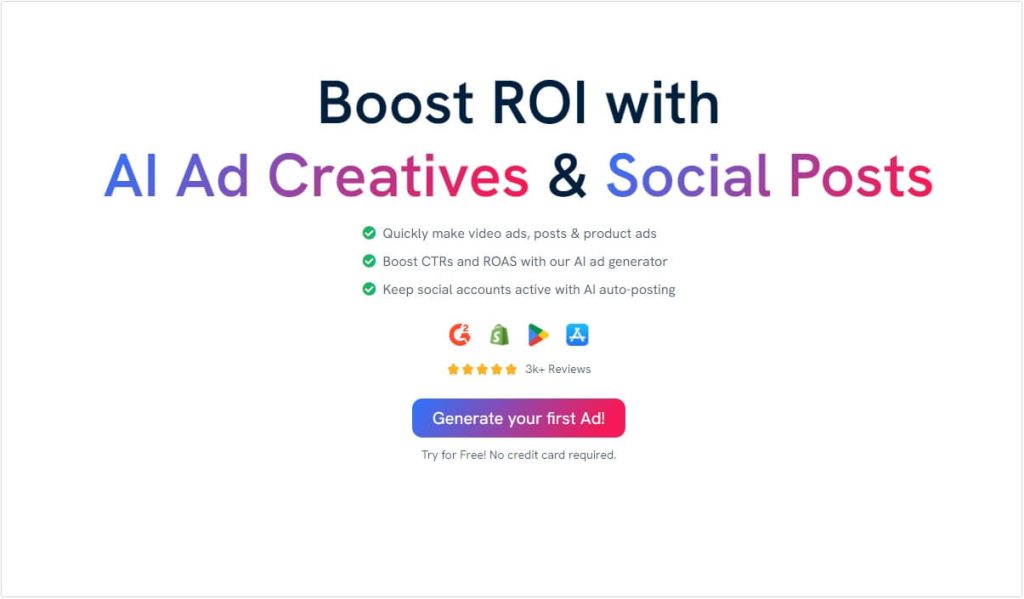
Predis AI is a specialized chatbot designed for social media content creation. It’s a fantastic tool for marketers and influencers looking for the best chatbot for Android to streamline their social media strategy.
Key Features:
- AI-Generated Social Media Posts: Create engaging posts for platforms like Instagram, Facebook, and Twitter.
- Content Calendar: Plan and schedule your posts in advance.
- Analytics Dashboard: Track the performance of your posts and optimize your strategy.
- Hashtag Suggestions: Get AI-recommended hashtags to increase your reach.
Pros:
- Saves time on content creation and scheduling.
- Affordable pricing compared to hiring a social media manager.
- Free plan available for beginners.
Cons:
- Limited to social media use, making it less versatile than other chatbots.
- Some users report occasional inaccuracies in generated content.
Pricing: Free plan available; paid plans start at $29/month.
8. Taskade
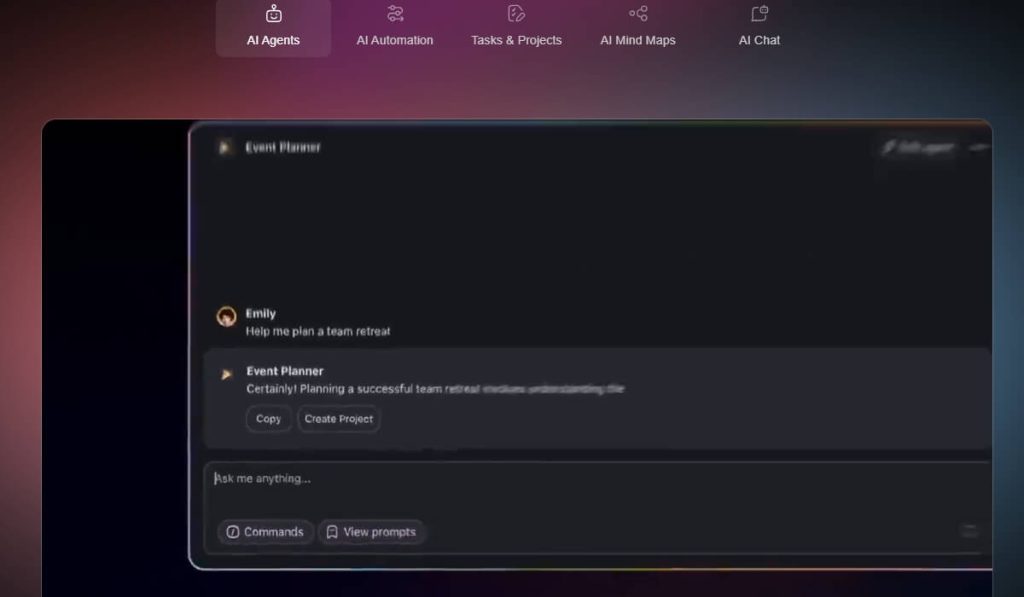
Taskade is a productivity chatbot that helps users manage tasks, projects, and workflows. It’s a strong contender for the best chatbot Android app for teams and individuals looking to stay organized.
Key Features:
- Task and Project Management: Create to-do lists, set deadlines, and track progress.
- Real-Time Collaboration: Work with team members on shared projects.
- AI-Powered Automation: Automate repetitive tasks like reminders and notifications.
- Cross-Platform Sync: Access your tasks from any device, including Android.
Pros:
- Versatile and easy to use, with a clean interface.
- Free plan available with robust features.
- Great for both personal and team use.
Cons:
- Limited AI capabilities compared to more advanced chatbots.
- Some users find the mobile app less intuitive than the desktop version.
Pricing: Free with premium plans starting at $5/month.
9. Wysa
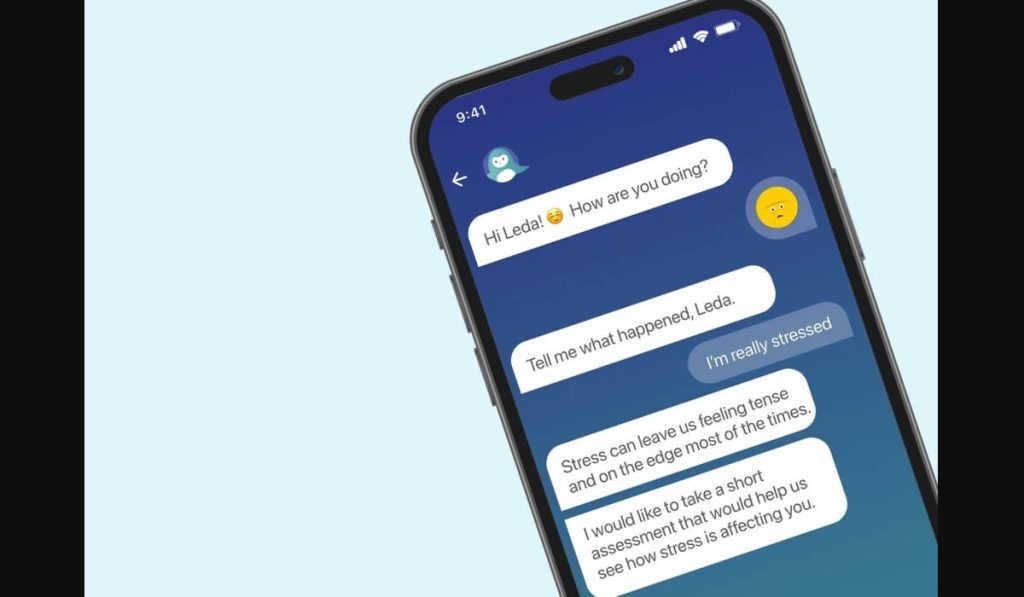
Wysa is an AI-powered mental health chatbot designed to provide emotional support and stress relief. It’s one of the best chatbot apps for Android for users seeking mental well-being.
Key Features:
- Mood Tracking: Wysa helps you monitor your emotional state over time.
- CBT-Based Exercises: Offers cognitive behavioral therapy techniques to manage stress and anxiety.
- Guided Meditations: Includes mindfulness exercises to help you relax.
- Anonymous Support: You can use Wysa without sharing personal information.
Pros:
- Excellent for mental health support, especially for those who can’t access traditional therapy.
- Free version available with useful features.
- User-friendly and non-judgmental.
Cons:
- Limited to mental health use, making it less versatile than other chatbots.
- Some users report that the free version lacks depth.
Pricing: Free with optional premium features starting at $29.99/month.
10. YouChat
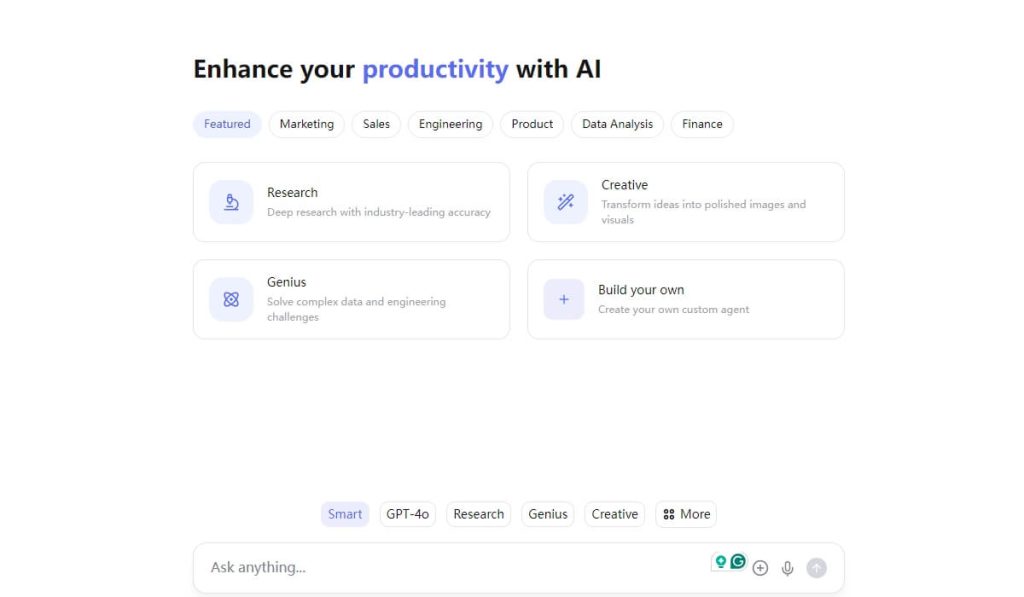
YouChat is a conversational AI that provides real-time information and answers to your questions. It’s a solid choice for the best free chatbot for Android for users who need quick and accurate information.
Key Features:
- Real-Time Web Search Integration: YouChat pulls information directly from the web to provide up-to-date answers.
- Conversational AI Capabilities: Engage in natural, human-like conversations.
- Multi-Purpose Use: From answering trivia to helping with homework, YouChat is versatile.
- No Sign-Up Required: Start using the app immediately without creating an account.
Pros:
- Accurate and up-to-date information.
- Free to use with no hidden costs.
- Simple and intuitive interface.
Cons:
- Limited customization options.
- Some users report occasional delays in responses.
Pricing: Free.
11. Grok AI
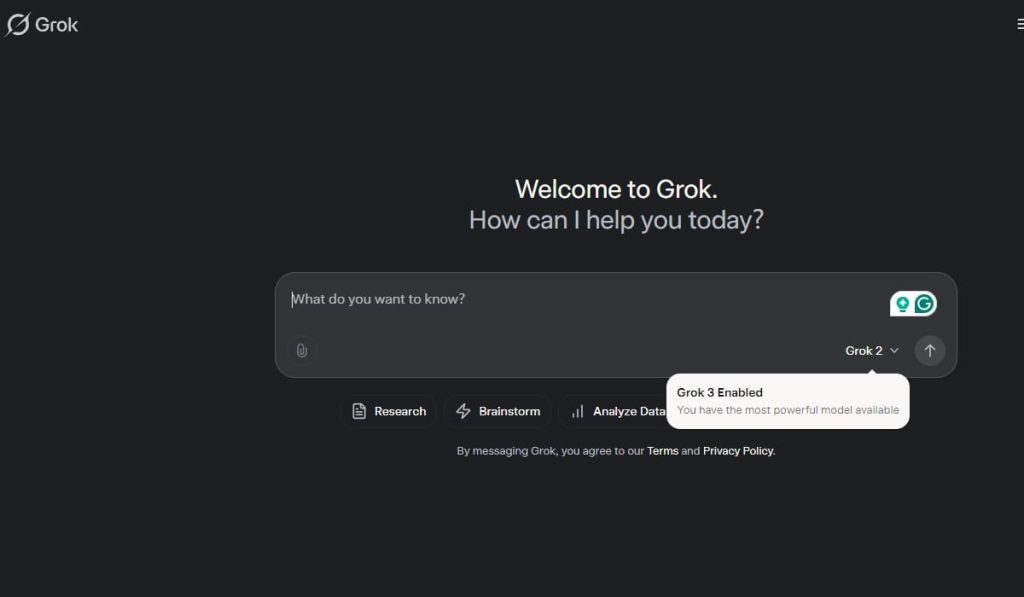
Grok AI is a versatile chatbot designed for both personal and business use. It’s a rising star in the best chatbot Android space, offering a wide range of features to meet diverse needs. Check the comprehensive guide to this powerful AI tool.
Key Features:
- Multi-Purpose Functionality: Grok AI can assist with tasks ranging from scheduling to content creation.
- Advanced Natural Language Processing: Delivers accurate and context-aware responses.
- Integration Options: Works seamlessly with other apps and platforms.
- Customizable Workflows: Tailor the chatbot to your specific needs.
Pros:
- Highly adaptable for both personal and professional use.
- Free plan available with robust features.
- Regular updates and improvements.
Cons:
- Still in development, so some features may be buggy.
- Limited third-party integrations compared to competitors.
Pricing: Free with premium options starting at $30/month.
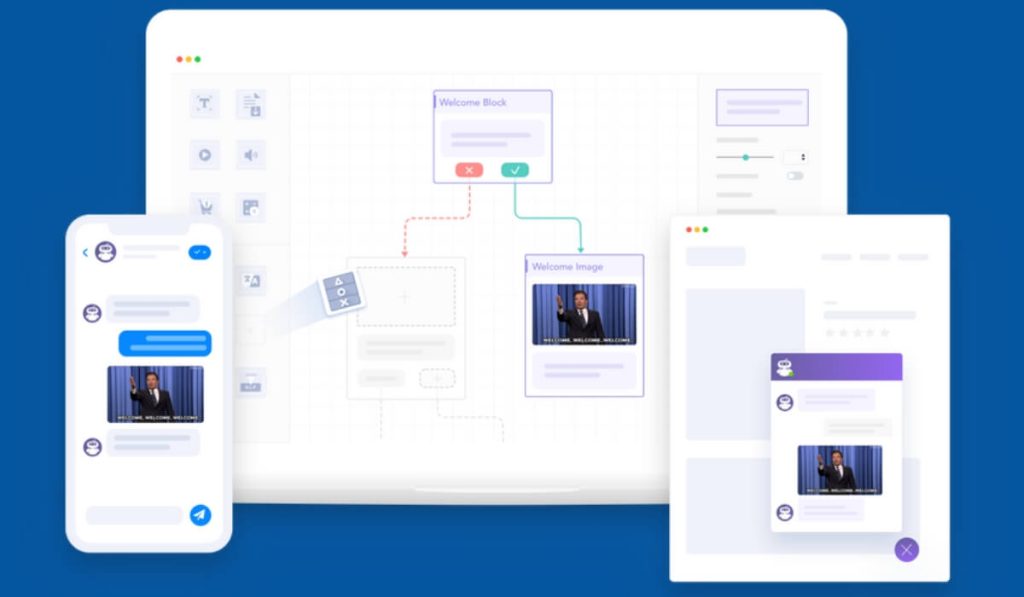
12. BotStar
BotStar is a chatbot builder designed for businesses looking to automate customer service and marketing. It’s a top choice for the best chatbot app for Android for companies of all sizes.
Key Features:
- Drag-and-Drop Builder: Create chatbots without any coding knowledge.
- Multi-Channel Integration: Connect your chatbot to platforms like Facebook Messenger, WhatsApp, and more.
- Analytics Dashboard: Track performance and optimize your chatbot’s effectiveness.
- Pre-Built Templates: Choose from templates designed for various industries.
Pros:
- Easy to use, even for beginners.
- Affordable pricing compared to hiring a developer.
- Free plan available for small businesses.
Cons:
- Limited AI capabilities compared to more advanced chatbots.
- Some users report that the interface can be clunky.
Pricing: Free plan available; paid plans start at $49/month.
13. Drift
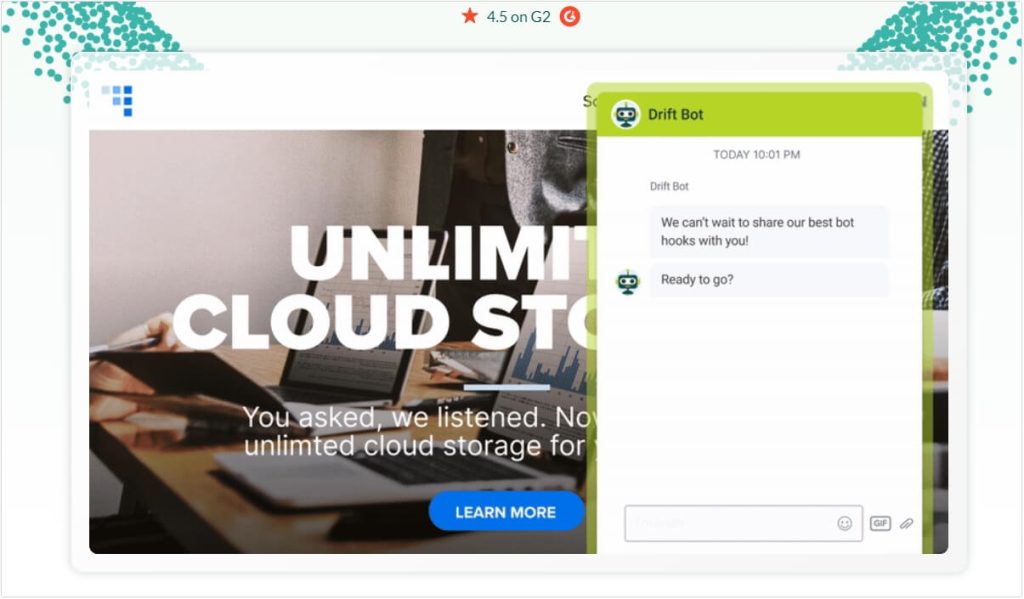
Drift is a conversational marketing and sales platform that uses AI-powered chatbots to help businesses engage with website visitors in real-time. It’s designed to convert more website visitors into leads, schedule meetings with sales teams, and streamline customer support through intelligent, automated conversations. Drift integrates seamlessly with CRM systems, allowing businesses to track interactions and optimize their sales processes.
Key Features
- Live Chat & Chatbot Automation
Drift allows you to set up chatbots that can engage customers instantly, answer common questions, and qualify leads even when your team is offline. - Personalized Conversations
Drift uses AI to offer personalized, context-driven conversations based on user behavior and profile data, helping create a more relevant experience for each visitor. - Lead Qualification
The chatbot can ask pre-set questions to qualify leads automatically, ensuring your sales team only speaks with prospects who are the right fit. - Real-Time Engagement
Drift offers real-time chat that allows businesses to instantly respond to website visitors, increasing the likelihood of converting those visitors into leads or customers. - Appointment Scheduling
The platform allows users to schedule meetings directly from the chat interface, eliminating the back-and-forth of finding suitable times for a conversation. - CRM Integrations
Drift integrates with popular CRM systems like Salesforce and HubSpot, ensuring that all customer data and interactions are synchronized. - Analytics & Reporting
Drift provides robust reporting tools to track chatbot performance, user interactions, and lead conversion rates, helping businesses optimize their marketing strategies.
Pros
- Improves Conversion Rates: By responding instantly and qualifying leads efficiently, Drift can significantly boost conversion rates from website traffic.
- 24/7 Availability: Drift’s chatbots allow for continuous engagement even outside of business hours, improving the customer experience.
- Highly Customizable: The platform offers a variety of customization options for both chatbot behavior and messaging, ensuring that businesses can tailor it to their needs.
- Integrations: Drift easily integrates with other tools, including CRM systems, email marketing platforms, and analytics tools, making it easier to manage customer data and optimize workflows.
- User-Friendly: Drift is easy to set up, even for non-technical users, and features an intuitive interface that requires minimal training.
Cons
- Pricing: Drift’s pricing can be quite high, especially for small businesses, which may find the platform’s cost prohibitive compared to other chatbots or customer service solutions.
- Complexity for Basic Use: While Drift is highly powerful, it may be overkill for businesses that only need basic chat functionality or simple automation.
- Limited Language Support: Drift is currently not as flexible in supporting multiple languages, which could be a limitation for businesses with a global customer base.
- Dependence on Integrations: While the platform integrates well with many tools, some businesses may experience challenges when trying to integrate Drift with niche or less-common software.
Pricing
Drift does not publicly disclose specific pricing on its website, as its pricing is tailored to each business depending on its needs and the scale of use. However, typical plans start from around $50/month for smaller teams and can go up significantly for enterprises with more advanced needs, including more extensive chatbot features, integrations, and additional user seats. Drift also offers a free trial, so businesses can test out the platform before committing to a paid plan.
Note: Pricing and plans are subject to change, so it’s always best to contact Drift directly for the most current information and to get a custom quote.
14. Tidio
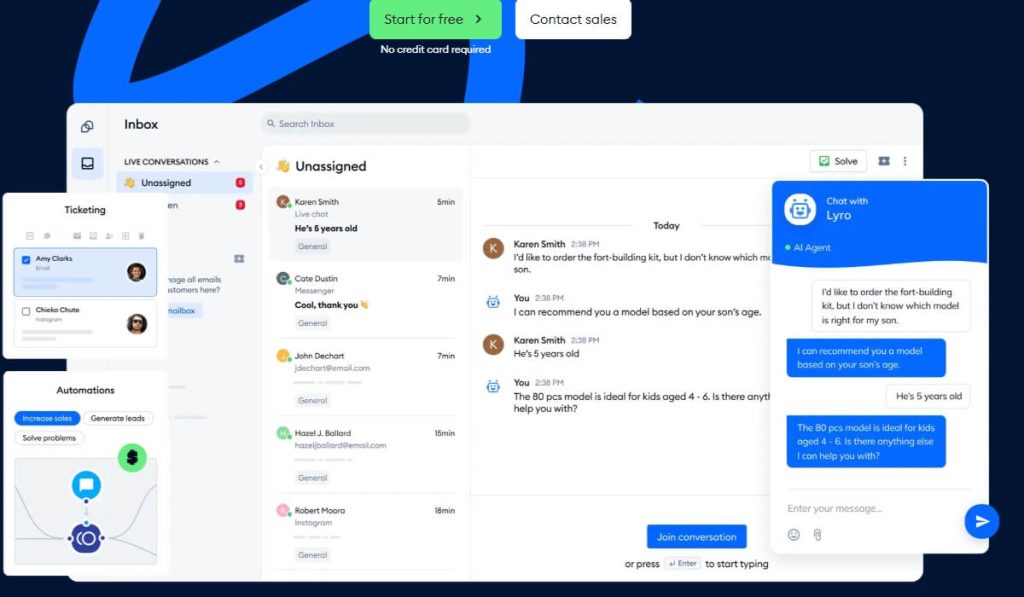
Tidio is one of the best chatbots for customer service designed for customer support and lead generation. It’s a top pick for the best chatbot Android app for businesses looking to enhance their customer service.
Key Features:
- Live Chat and Chatbot Integration: Combine AI-powered chatbots with human agents for seamless support.
- AI-Powered Responses: Automate answers to common customer queries.
- Lead Generation Tools: Capture leads and convert them into customers.
- Analytics Dashboard: Track chatbot performance and customer satisfaction.
Pros:
- Easy to set up and use, even for non-technical users.
- Affordable pricing compared to hiring a full support team.
- Free plan available for small businesses.
Cons:
- Limited advanced features compared to competitors.
- Some users report that the AI responses can be generic.
Pricing: Free plan available; paid plans start at $19/month.
15. DeepSeek
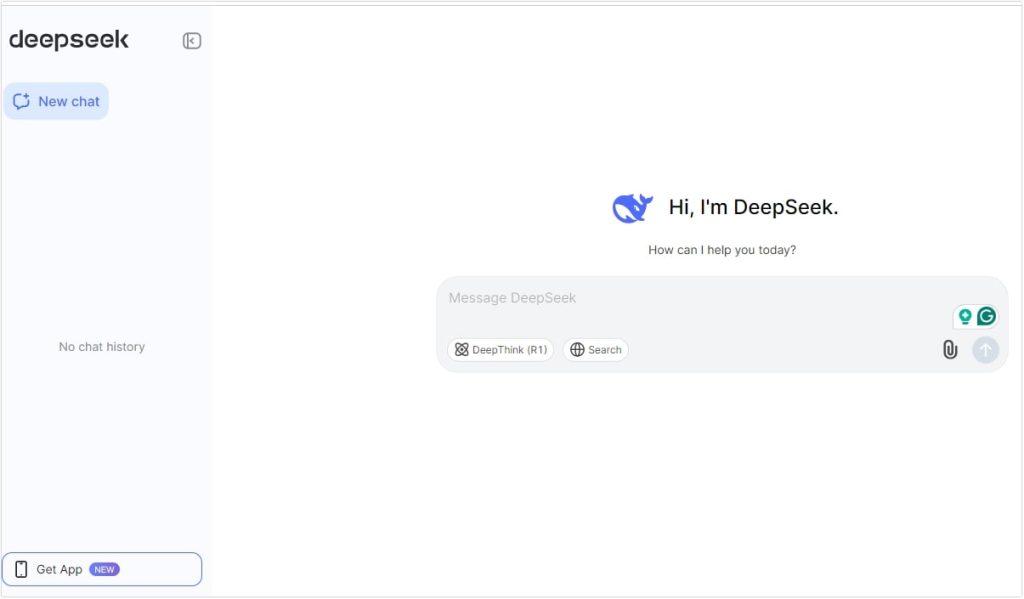
DeepSeek is an AI-powered chatbot designed for deep conversations and research. It’s a unique option for the best chatbot app for Android for users who need in-depth information and analysis.
Key Features:
- Advanced Research Capabilities: DeepSeek can analyze complex topics and provide detailed insights.
- Natural Language Understanding: Engages in meaningful, context-aware conversations.
- Multi-Purpose Use: From academic research to personal curiosity, DeepSeek is versatile.
- Free to Use: No subscription or hidden fees.
Pros:
- Great for in-depth conversations and research.
- Free to use with no limitations.
- User-friendly interface.
Cons:
- Limited business applications compared to other chatbots.
- Some users report slower response times for complex queries.
Pricing: Free.
While this list focuses on the Android experience, most of these bots are also available on the web and other platforms. For the complete cross-platform picture, visit our pillar article: Top 15 Best Free AI Chatbots for All Platforms in 2026.
Final Thoughts
Choosing the best free chatbot for Android depends on your specific needs. Whether you’re looking for emotional support, productivity tools, or business solutions, there’s a chatbot on this list for you. Replika and Wysa are excellent for mental health, while ChatGPT and Microsoft Copilot shine in productivity. For businesses, Tidio and BotStar are top picks. These Android apps are often the mobile companions to the popular web-based tools featured in our list of the 5 Best Chatbots Online You Must Try in 2026.
Remember, the best chatbot Android app is the one that aligns with your goals. Try a few from this list and see which one works best for you!

 English