
Top 5 Best Free Open-Source AI Image Generators
The realm of AI creativity has exploded, offering artists, designers, and hobbyists unprecedented tools to bring their visions to life. For those seeking powerful capabilities without the price tag, open-source AI image generators present an unbeatable opportunity. These free tools provide not only access to cutting-edge technology but also the freedom to modify, study, and build upon their foundations. This article explores the top five best free open-source AI image generator options available online, guiding you to find the perfect tool to unleash your creativity without cost.
Why Choose Free Open-Source AI Image Generators?
Choosing an open-source AI image generator free of licensing fees offers distinct advantages beyond just saving money. First, it democratizes creativity, giving anyone with a computer—from students to independent artists—access to technology once reserved for large studios. Second, the open nature of these tools fosters rapid innovation; a global community of developers constantly improves them, releasing new models, plugins, and features. You benefit directly from this collective progress.
Most importantly, open-source software grants you unparalleled control and freedom. Unlike closed “black box” systems, you can understand how the model works, adjust its inner workings for specific tasks, and run it offline, ensuring your data and creations remain private. For commercial projects, using a free open-source AI image generator often means clearer rights over generated artwork, avoiding complex licensing agreements. Whether you’re prototyping concepts, creating digital art, or exploring AI technology, these tools offer a powerful, flexible, and transparent foundation for your work.
5 Best Open-Source AI Image Generators
1. Stable Diffusion
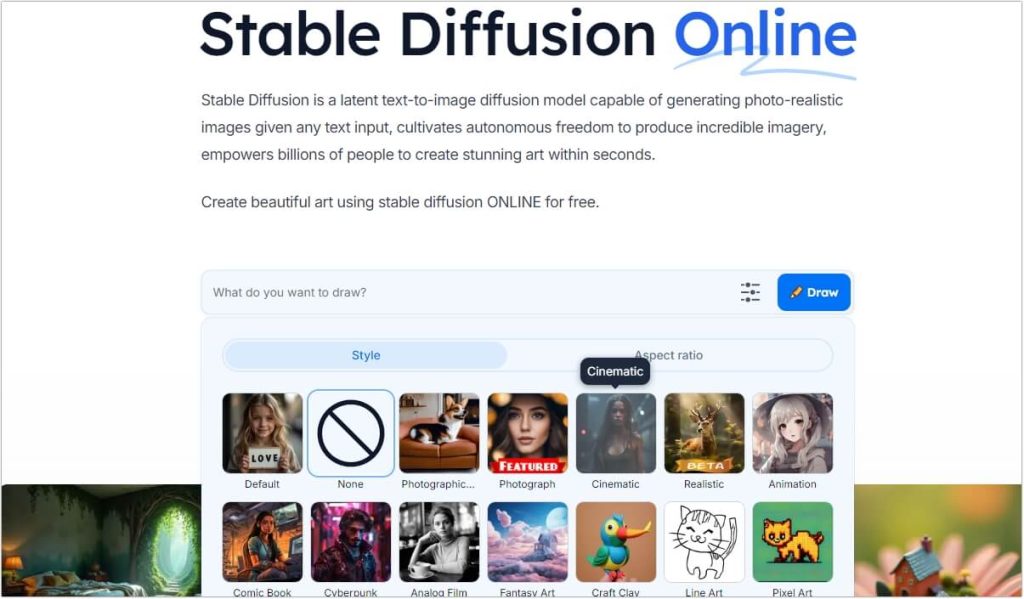
Stable Diffusion is arguably the most influential open-source AI image generator available, having sparked a global wave of creativity and customization since its release. It functions as a latent diffusion model, starting with random noise and gradually refining it into a coherent image based on your text description. Its true power lies in its open ecosystem: thousands of community-developed models, specialized plugins like ControlNet for precise composition control, and tools like LoRAs for fine-tuning styles make it incredibly versatile. While you can use it through simplified online interfaces, its full potential is unlocked via local installation using Web UI or Comfy UI, giving you complete control over the generation process.
Key Features:
- Unmatched Customization: Supports community models, LoRAs, embeddings, and plugins for limitless artistic styles and technical control.
- Offline Operation: Can be run entirely on your local hardware, ensuring privacy and no usage limits.
- Advanced Control: Integrates with plugins for pose mapping, edge detection, and depth perception, allowing for precise image composition.
- Active Community: Benefits from one of the largest AI art communities, constantly producing tutorials, new tools, and shared resources.
Pros & Cons:
- ✔ Complete creative freedom with no censorship and extensive control over the output.
- ✔ Truly free—no subscription fees or credits required for the core software.
- ✔ Cutting-edge capabilities through community-driven innovation.
- X High hardware demands requires a powerful GPU (recommended 8GB+ VRAM) for smooth operation.
- X Steep learning curve with complex settings and workflows that can challenge beginners.
Expert Comment:
“Stable Diffusion offers an unparalleled level of freedom and customization, making it the go-to choice for serious AI art enthusiasts and professionals. However, its power comes with complexity; new users should be prepared for a significant learning investment to master its environment and achieve consistent results.”
2. DeepAI
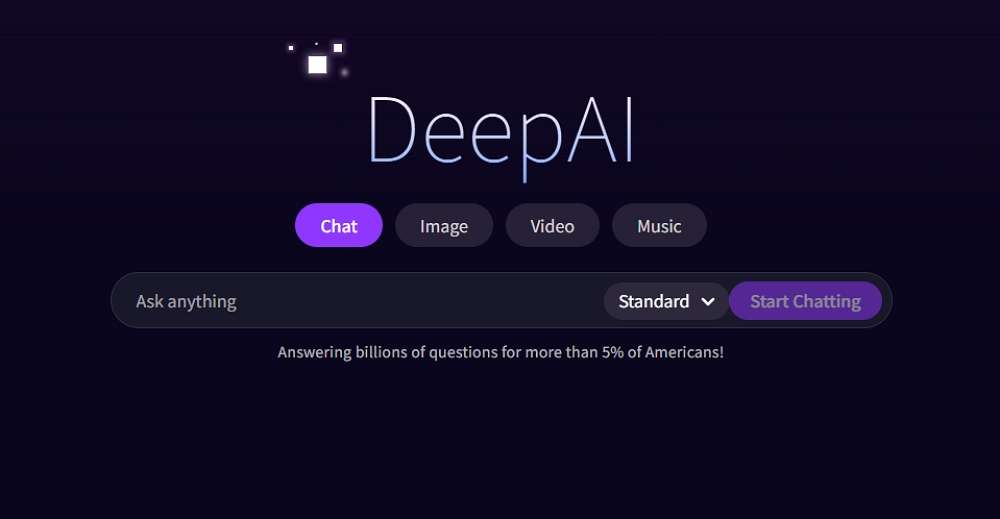
DeepAI positions itself as a user-friendly gateway into AI generation, offering a straightforward web-based open-source AI image generator online. It is powered by models like Janus Pro and is noted for its dual capability in both generating images and understanding visual content. Its primary appeal is accessibility—you can start creating immediately from your browser without any installation or account creation for basic use. While its core generator is free, DeepAI also operates a freemium model, offering more generations and higher quality for a fee.
Key Features:
- Dual-Function Model: Can generate images from text and analyze/describe uploaded images.
- Zero-Barrier Entry: No account or download required for basic use, enabling instant experimentation.
- Fast Generation: Optimized to produce image results quickly, often in under 15 seconds.
- Simple Interface: Clean, web-based UI designed for ease of use.
Pros & Cons:
- ✔ Extremely easy to start with an intuitive, no-sign-up web interface.
- ✔ Combines generation and visual understanding in one tool.
- ✔ Good for quick ideation and rapid prototyping of concepts.
- X Limited output resolution (e.g., 384×384 pixels), which restricts professional use.
- X Fewer customization options compared to desktop-oriented tools like Stable Diffusion.
User Comment:
“I use DeepAI for brainstorming and quick mock-ups because it’s so fast and requires no setup. It’s perfect for throwing an idea at the wall to see a visual form in seconds, though I usually need another tool for final, high-resolution artwork.”
3. Artbreeder
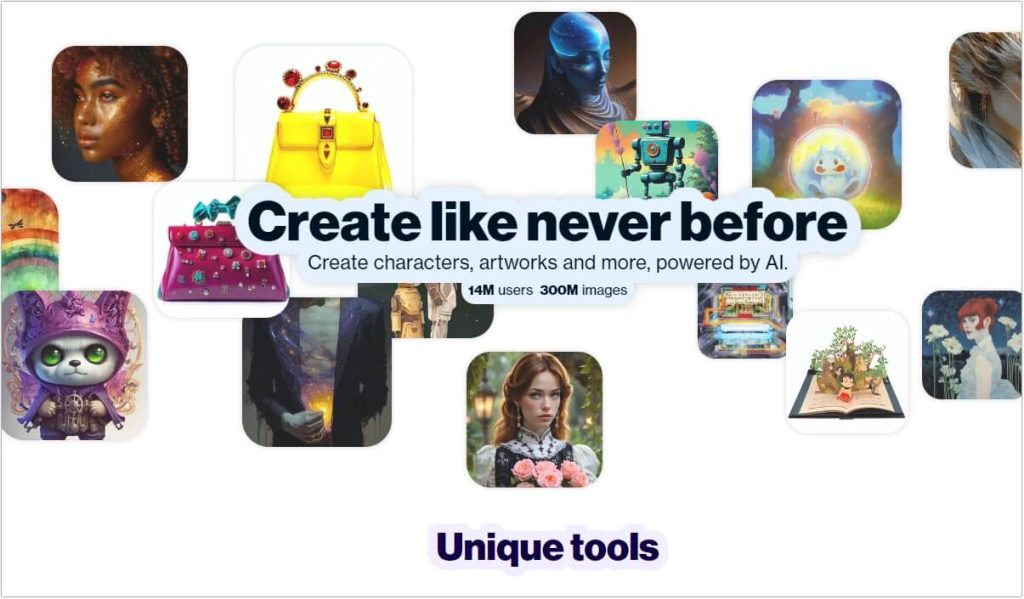
Artbreeder takes a unique, collaborative approach to image generation. Rather than relying solely on text prompts, it utilizes a “gene pool” mixing system where users blend and evolve existing images. This makes it less of a traditional open-source AI image generator and more of a collaborative remix and discovery platform, often based on models like StyleGAN. It excels at creating portraits, characters, and landscapes through incremental adjustment of genetic “sliders” for traits like age, style, or emotion. It’s a fantastic tool for exploration and finding unexpected inspiration.
Key Features:
- Generative Remixing: “Crossbreed” multiple images to create new, unique offspring with blended traits.
- Incremental Evolution: Fine-tune creations by adjusting specific genetic parameters step-by-step.
- Massive Community Library: Explore and remix from a vast, user-generated catalog of images.
- Low-Code Creativity: Intuitive sliders and mixing tools make advanced AI exploration accessible.
Pros & Cons:
- ✔ Incredibly intuitive and fun for exploratory, non-linear creation.
- ✔ Excellent for character design and portrait evolution through subtle trait adjustments.
- ✔ Strong community aspect fosters inspiration and collaboration.
- X Less control over precise outcomes compared to direct prompt-based generators.
- X Can struggle with complex, specific prompts that describe detailed scenes.
User Comment:
“Artbreeder is less like a precision instrument and more like a creative playground. I asked it for a ‘panda DJing at a disco,’ and while the result wasn’t perfectly literal, it gave me a wildly creative and useful visual starting point that I never would have conceived on my own.”
4. Runway ML
Runway ML is a comprehensive, research-focused creative suite that has open-sourced several of its core models on GitHub. While its full studio platform is a paid service, its contributions to the open-source community are significant. Runway is renowned for pioneering open-source AI image generator technology that extends into video, notably with its Gen models and tools like Motion Brush, which can animate specific parts of a still image. For developers and researchers, its open-source repositories provide access to state-of-the-art models for video synthesis and multimodal AI.
Key Features:
- Pioneer in AI Video: Open-sourced foundational research for text-to-video and image animation models.
- Motion Brush Technology: Allows for controlled, directional animation painted onto specific areas of any image.
- Professional Tool Integration: Designed to fit into professional video and motion graphics workflows.
- Cutting-Edge Research: Frequently releases new models and papers that advance the field of generative media.
Pros & Cons:
- ✔ Leader in AI video generation, offering tools that go beyond static images.
- ✔ High-quality, professional-grade output suitable for creative industries.
- ✔ Innovative features like precise motion control set it apart.
- X Full platform is not free; open-source components are primarily for research and development.
- X Can be resource-intensive and may have a steeper learning curve for full utilization.
Expert Comment:
“Runway ML’s open-source contributions, particularly in AI video, have been groundbreaking. Their Motion Brush technology demonstrates a leap in controllable generation, allowing artists to direct movement with an intuitive, painterly approach previously unseen in AI tools.”
5. FLUX Series
The FLUX series represents the latest frontier in high-fidelity open-source image generation. Released by Black Forest Labs, FLUX.1 and the newer FLUX.2 [dev] model are state-of-the-art open-source AI image generators that rival the quality of top closed-source systems. These models use a novel “rectified flow” architecture combined with a powerful vision language model, allowing them to understand complex, multi-part prompts with exceptional accuracy and generate images with remarkable detail, realistic lighting, and coherent text within images.
Key Features:
- State-of-the-Art Quality: Produces images with exceptional detail, textural clarity, and adherence to complex prompts.
- Superior Prompt Following: Excels at understanding and rendering intricate, structured descriptions and real-world knowledge.
- Advanced Composition: Handles multi-subject scenes and logical spatial relationships effectively.
- Open Weights: The FLUX.2 [dev] model’s weights are publicly available for download and local use.
Pros & Cons:
- ✔ Top-tier image quality that competes with the best proprietary models.
- ✔ Outstanding at rendering coherent text and detailed visual elements.
- ✔ Excellent for professional, production-ready imagery.
- X Very high hardware requirements due to large model size (32B+ parameters).
- X Newer ecosystem with fewer community resources and custom models compared to Stable Diffusion.
Expert Comment:
“FLUX.2 is a game-changer for the open-source community. It closes the quality gap with leading closed models, especially in handling detailed instructions and generating usable text within images. Its release proves that open-source models are not just alternatives but are leading the race in certain aspects of quality and capability.”
Comparison of Open-Source AI Image Generators
The table below summarizes the key characteristics of these top five best free open-source AI image generators to help you make an informed choice.
| Feature | Stable Diffusion | DeepAI | Artbreeder | Runway ML (Open-Source) | FLUX Series |
|---|---|---|---|---|---|
| Supported Platforms | Windows, Mac, Linux, Web | Primarily Web | Web | Web, GitHub (Models) | Local (via HF), Cloud |
| Ease of Use | Steep Learning Curve | Very Easy | Intuitive & Fun | Moderate to Complex | Complex (Technical) |
| Image Quality | High (with tuning) | Good (Basic) | Variable (Artistic) | Very High (Pro-grade) | State-of-the-Art |
| Speed | Depends on Hardware | Very Fast | Moderate | Moderate | Moderate to Slow |
| Customization | Extremely High | Low | Medium (via Sliders) | High (for Video) | High (via Prompts) |
FAQs About Open-Source AI Image Generators
Q1: Are these truly free to use for commercial projects?
Most are, but you must check the specific license. For example, models under the MIT or Apache 2.0 license (like some Stable Diffusion versions and FLUX.2 [dev]) allow commercial use. However, some model weights or datasets may have their own restrictions, so always verify the license of the specific model you download.
Q2: What kind of computer do I need to run these locally?
Local operation, especially for high-quality models like Stable Diffusion or FLUX, demands a capable gaming or workstation PC. A dedicated NVIDIA GPU with at least 8GB of VRAM is the most critical component, with 12GB or more recommended for comfort and higher resolutions.
Q3: How do I get started if I’m not a technical person?
Begin with web-based tools like DeepAI or Artbreeder, which require no setup. For Stable Diffusion, use a beginner-friendly one-click installer like the “Automatic1111 Web UI” or opt for free online platforms that offer a simplified version of the technology without local installation hassles.
Q4: Is the artwork I create with these tools owned by me?
This is a complex and evolving legal area. Generally, if you use an open-source tool locally and create original works, you have strong claims to ownership and copyright. However, using a third-party’s web service may involve different terms. For commercial projects, it is always advisable to consult legal guidance and use models with clear, permissive licenses.
Q5: What’s the main difference between using a web service vs. a local installation?
Web services (like DeepAI’s interface) offer convenience, lower hardware requirements, and easy updates but may have usage limits, costs, and less control. Local installation gives you complete control, privacy, unlimited generations, and access to the full spectrum of customization but requires technical setup and powerful hardware.
Conclusion
The landscape of free open-source AI image generators is rich and diverse, offering something for every creator. Whether you prioritize absolute control and quality (Stable Diffusion, FLUX), ease and speed (DeepAI), exploratory creativity (Artbreeder), or cutting-edge video potential (Runway ML), a powerful open-source AI image generator online or for local use awaits you. The best choice depends on your technical comfort, creative goals, and available hardware. The most important step is to begin experimenting. Dive into one of these remarkable communities and start transforming your imagination into visual reality today.

 English