
NotebookLM vs Gemini: Key Differences You Need to Know
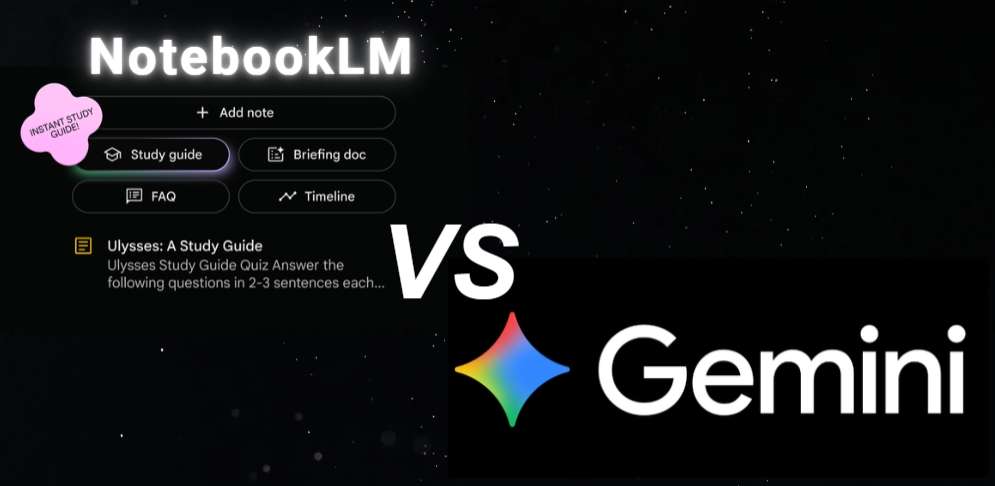
The landscape of AI-powered tools is evolving at a breathtaking pace, transforming how we work, learn, and create. In the arena of specialized and generalized AI assistants, two prominent names from Google stand out: NotebookLM and Gemini. While both spring from the same technological lineage, they serve distinctly different purposes and user needs. This comprehensive NotebookLM vs Gemini comparison for 2026 cuts through the noise, offering a clear, authoritative, and up-to-date analysis. We will dissect their functionalities, strengths, and ideal use cases to help you determine which tool—or combination—best aligns with your objectives, whether you’re a researcher, student, writer, or professional seeking to leverage AI effectively.
What Can NotebookLM Do? Key Features of NotebookLM
Before diving into the Gemini vs NotebookLM debate, it’s crucial to understand each tool’s unique identity. NotebookLM is not a conventional chatbot; it is a specialized “AI notebook” or research assistant designed for deep, source-grounded work. Its core premise is to allow you to “ground” the AI in your own set of documents—PDFs, text files, Google Docs, audio transcripts, and even YouTube video summaries—creating a custom AI that is an expert on your specific material.
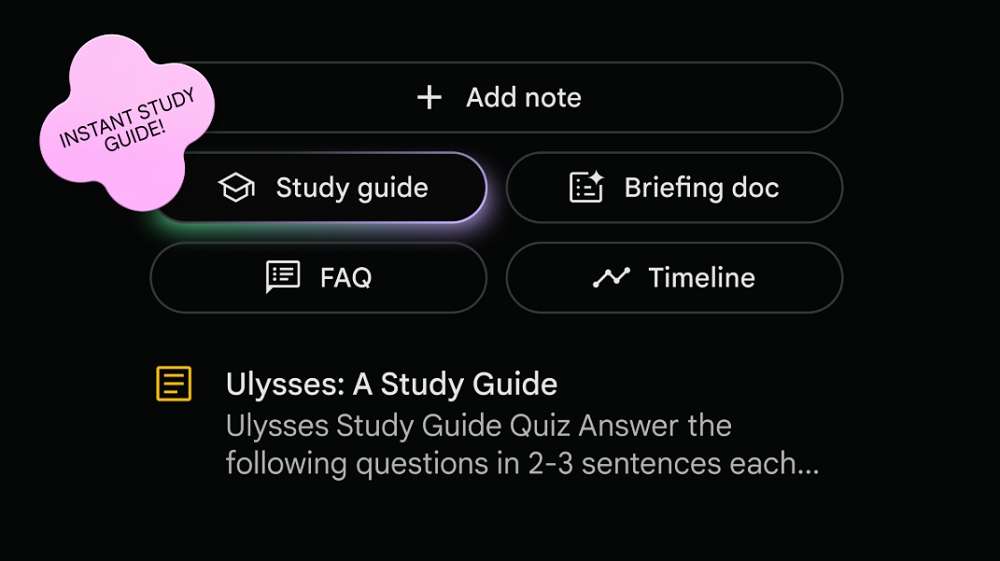
So, what can NotebookLM do? Its key features include:
- Source-Grounded Intelligence: The AI’s responses are primarily derived from the documents you provide, minimizing hallucinations and generating insights, summaries, and answers based on your trusted sources.
- Dynamic Citation System: Every claim or piece of information generated by NotebookLM comes with detailed citations back to the original source document, enabling fact-checking and deeper exploration.
- Automated Content Synthesis: It can transform your source material into various formats—such as creating a FAQ document, a detailed outline, a glossary of key terms, or a study guide—based on the uploaded content.
- Idea Development Tools: Features like “Project Studio” help you develop ideas from your sources into structured formats like marketing plans, script outlines, or blog posts, all while staying tethered to the original data.
- Real-Time Interaction with Sources: You can ask complex, multi-faceted questions about your collection of documents, and NotebookLM will synthesize answers across all uploaded materials.
In essence, NotebookLM excels at turning a chaotic pile of information into structured, actionable knowledge, making it a powerhouse for research-intensive tasks. If your workflow particularly benefits from listening to processed information, our comparison of the Top 3 AI Apps Like NotebookLM with Audio Output explores dedicated tools for this purpose.
What Can Gemini Do? Key Features of Gemini
Gemini, formerly known as Bard, is Google’s flagship, general-purpose AI assistant and chatbot. It is built on the powerful Gemini Pro and Ultra model families and is designed as a versatile interface to a vast, pre-trained knowledge base and a gateway to Google’s ecosystem. The core question for Gemini vs NotebookLM is one of breadth versus depth.
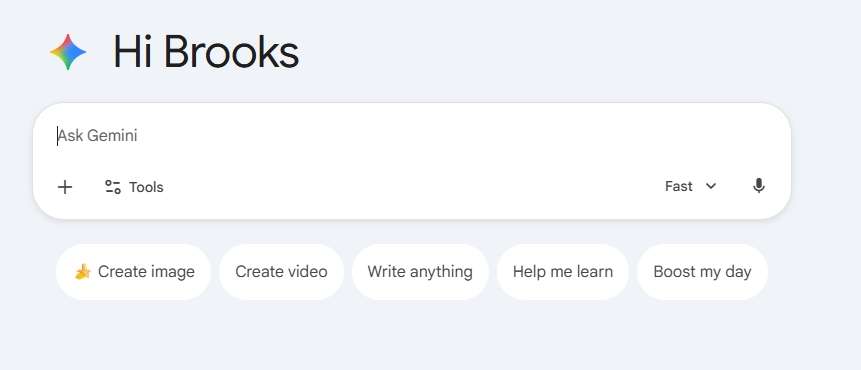
Key features of Gemini include:
- General Knowledge & Reasoning: It answers questions on an immense range of topics, from science and history to creative writing and philosophy, drawing on its extensive training data.
- Advanced Multimodal Capabilities: Gemini can natively process and reason across text, images, audio, and video. You can upload an image for analysis, request a description, or have a conversation based on visual content.
- Seamless Google Integration: It is deeply integrated with Google Workspace (Gmail, Docs, Drive, Maps, YouTube, Flights, Hotels) via extensions, allowing it to find information in your emails, summarize documents, or plan trips.
- Code Generation & Debugging: It supports over 20 programming languages, capable of writing, explaining, and debugging code snippets.
- Real-Time Information Access: With Google Search integration (enabled via the “Google it” button), Gemini can pull in the latest news, sports scores, and current events, providing up-to-date responses.
- Creative Collaboration: It assists with drafting emails, generating creative content, brainstorming ideas, and translating languages.
Gemini is your go-to for broad queries, daily tasks, creative ideation unbound by specific sources, and leveraging the wider web and your Google data.
NotebookLM vs Gemini: Key Differences
The fundamental distinction in the NotebookLM vs Gemini comparison is their relationship to information sources.
- Gemini is trained on a massive, static dataset (with updates) and the live web. Its knowledge is external and general.
- NotebookLM is “grounded” in a dynamic, user-defined dataset—your documents. Its expertise is internal and specific.
Think of Gemini as a brilliant, well-read consultant with access to a vast library and the internet. Think of NotebookLM as a dedicated research analyst who has meticulously studied the precise briefing book you handed them.
NotebookLM vs Gemini: Feature Comparison
| Feature | NotebookLM | Gemini |
|---|---|---|
| Core Function | Specialized Research & Analysis | General-Purpose AI Assistant |
| Knowledge Source | User-uploaded documents (PDFs, Docs, etc.) | Pre-trained model + Google Search (when enabled) |
| Citations | Yes, automatic and mandatory to uploaded sources. | No, though it may cite web sources if search is used. |
| Multimodal Input | Text, Audio transcripts, Video summaries (via source upload). | Native: Text, Images, Audio, Video. |
| Integration | Google Drive, YouTube (for summaries). | Deep Google Workspace: Gmail, Docs, Drive, Maps, Flights, etc. |
| Ideal For | Academic research, content creation from sources, analyzing long reports, studying, fact-based writing. | Daily Q&A, creative writing, coding help, trip planning, summarizing web content, image interaction. |
| Information Accuracy | High within the context of provided, verified sources. | Varies; can be prone to hallucinations on complex topics without source grounding. |
NotebookLM vs Gemini: Performance and Usability
- Performance in Research Contexts: For any task involving deep analysis of specific documents, NotebookLM is unrivaled. Its ability to cross-reference and cite makes it more reliable and efficient. Gemini, while capable of summarizing a single uploaded document, lacks the multi-document synthesis and built-in citation system.
- Performance in General Tasks: For broad knowledge questions, creative tasks, coding, or using live data, Gemini is the superior performer. Its multimodal capabilities and web integration offer a far more versatile user experience.
- Usability: Gemini offers a familiar, chat-based interface similar to ChatGPT. NotebookLM employs a notebook-style interface with a source panel, chat, and note-taking space, which has a steeper learning curve but is more powerful for its intended use.
NotebookLM vs Gemini: Pricing
As of 2026, both tools offer robust free tiers with significant capability.
- NotebookLM: Free. Users can create up to 50 notebooks, upload a substantial number of documents (with generous individual file size limits), and use the advanced Gemini 1.5 Pro model. Google has maintained a commitment to keeping core features free for personal use.
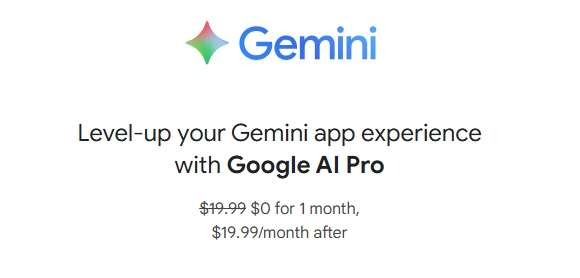
- Gemini: Freemium Model. The free tier uses the Gemini 1.5 Flash model for most tasks, with Pro model access for some complex requests. Gemini Advanced, part of the Google One AI Premium plan ($19.99/month), provides uninterrupted access to the most capable Gemini Ultra model, enhanced coding capabilities, and deeper integration with Google Workspace apps.
NotebookLM vs Gemini: Pros and Cons
NotebookLM:
- Pros: Unmatched for source-based research, eliminates hallucinations within sources, automatic citations, excellent for knowledge synthesis, powerful and free.
- Cons: Limited to uploaded sources, less capable at general tasks and creativity, no native image processing, interface less intuitive for casual use.
Gemini:
- Pros: Extremely versatile, excellent multimodal (image/audio) understanding, seamless real-time web and Google app integration, strong creative and coding assistant.
- Cons: Can generate plausible but incorrect information (“hallucinations”), no systematic citation system, less effective for deep, multi-document analysis.
Gemini vs NotebookLM: Which Tool is Right for You?
The choice in the Gemini vs NotebookLM decision tree is clear:
- Choose NotebookLM if: Your work is fundamentally about understanding, analyzing, and creating content from a specific set of documents. You are a researcher, student, journalist, lawyer, or content creator who needs verifiable, source-backed AI assistance. Your priority is accuracy and depth over breadth.
- Choose Gemini (or Gemini Advanced) if: You need a versatile AI for day-to-day tasks, broad learning, creative brainstorming, coding, image analysis, or leveraging your Google data. You value real-time information, multimodal inputs, and a wide range of capabilities in a single interface.
Final Verdict
The NotebookLM vs Gemini comparison reveals not competitors, but highly complementary tools within Google’s AI ecosystem. NotebookLM is a specialized powerhouse for turning your documents into intelligence, championing accuracy and depth. Gemini is a Swiss Army knife for general intelligence, creativity, and web interaction.
For the modern knowledge worker, the most powerful strategy is to use both. Use Gemini for brainstorming, initial research, and general queries. Then, take the key articles, papers, and data you gather, upload them into NotebookLM, and use it to perform deep analysis, generate sourced content, and develop grounded ideas. In 2026, understanding what can NotebookLM do in tandem with Gemini’s broad capabilities is the key to unlocking a new level of AI-augmented productivity and insight. To further inform your decision-making, you may also be interested in our comparison of NotebookLM vs ChatGPT or our roundup of the top NotebookLM Alternatives available today.

 English