
5 Best AI Image Generator No Restrictions
The landscape of digital art has been irrevocably transformed by Artificial Intelligence. What was once a niche tool for tech enthusiasts is now a powerful engine for creators, marketers, and storytellers worldwide. However, many popular platforms impose strict content filters and usage limitations, often stifling the creative process. For artists seeking to explore the full spectrum of their imagination without guardrails, finding a reliable ai image generator no restrictions becomes paramount.
This comprehensive guide is designed for those pioneers. We have meticulously researched and tested the leading tools in 2026 to bring you a definitive list of the best unrestricted AI image generators. Our evaluation goes beyond surface-level features, delving into platform compatibility, output quality, and the true extent of their “no restrictions” policy. Whether you’re conceptualizing fantasy art, creating realistic pet portraits, or pushing the boundaries of artistic expression, our expert reviews will help you find the perfect tool to unleash your creativity.
5 of The Best AI Image Generator No Restrictions
Here is our expertly curated list of the top performers in the unrestricted AI image generation space for 2026.
1. OpenArt’s AI Image Generator
Platform: Web-based
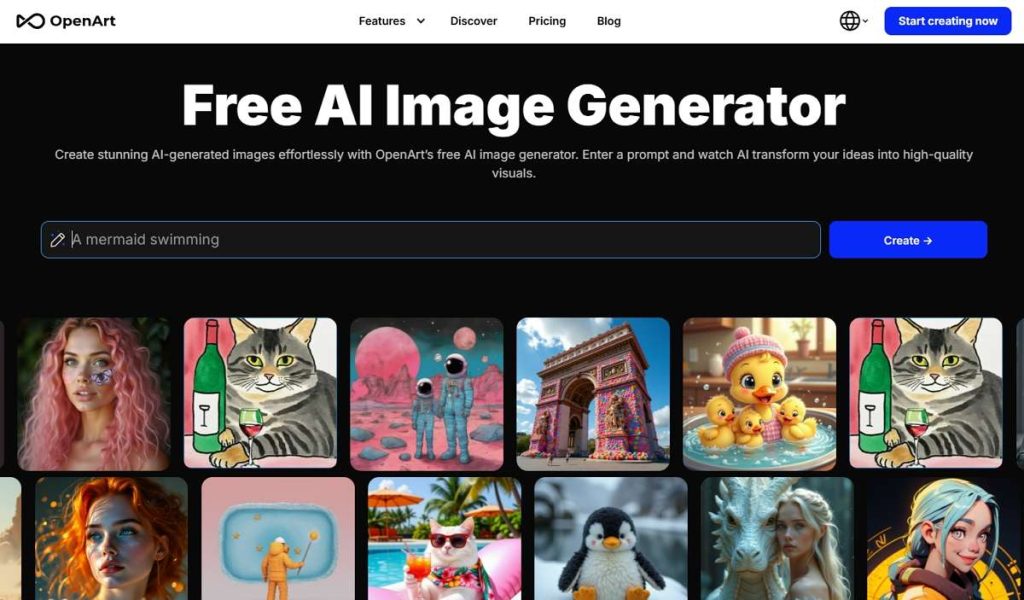
OpenArt’s AI image generator has established itself as a powerhouse for artists who value both power and accessibility. It provides a robust set of models and tools while maintaining a user-friendly interface, making it suitable for both beginners and pros. It’s particularly celebrated for its community-driven approach and its extensive model library.
Key Features:
- A vast library of pre-trained models, including specialized ones for creating unique art styles.
- Notably, it excels in generating specific aesthetics like Create Ghibli Style Arts, allowing for stunning anime and fantasy creations.
- Advanced options include image-to-image transformation, prompt enhancement, and a built-in editor.
- Offers a generous free tier with transparent pricing for premium features.
- Pros and Cons:
- Pros: Intuitive interface; massive model library; strong community; excellent for stylistic emulation.
- Cons: The sheer number of options can be overwhelming for absolute beginners; some advanced features require a subscription.
- Why We Recommend It: We recommend OpenArt because it strikes a perfect balance between creative freedom and usability. Its commitment to providing a platform for diverse artistic expression, coupled with features that allow for deep customization, makes it a top-tier ai image generator no restrictions.
- Expert Comment: “OpenArt is my go-to for quickly testing concepts in different artistic styles. The ability to tap into community-trained models to Create Ghibli Style Arts or other niche aesthetics in seconds is a game-changer for my workflow.” – Digital Art Director.
2. BGREM AI Image Generator
Platform: Web-based
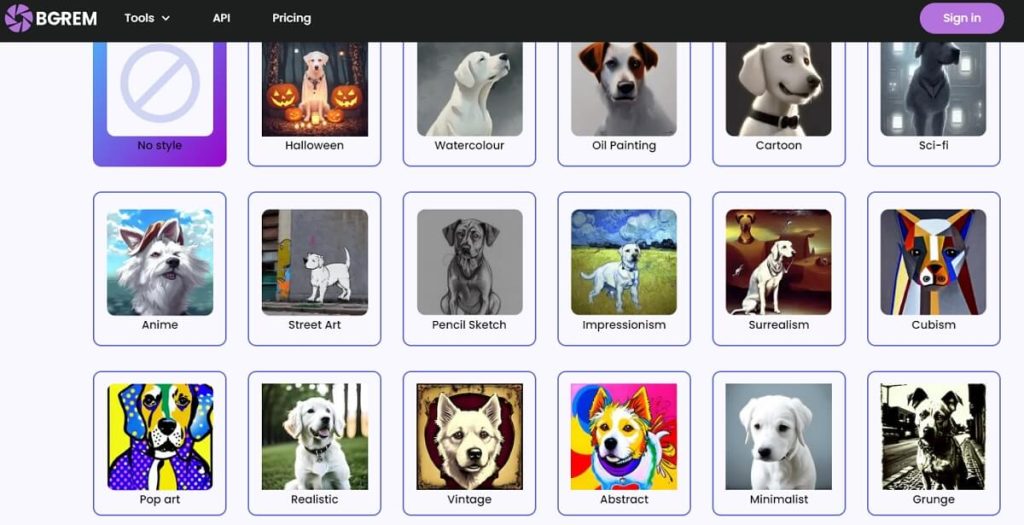
While BGREM AI Image Generator is famously known for its best-in-class background removal, its image generation module is a hidden gem, especially for creating hyper-realistic imagery. The platform leverages cutting-edge models fine-tuned for realism and detail.
Key Features:
- Specialized AI models optimized for generating photorealistic images.
- It particularly stands out for its ability to create the most realistic pets, capturing fur texture, eye detail, and lifelike poses with remarkable accuracy.
- Seamlessly integrates generation with its powerful editing suite, allowing you to create an image and then instantly remove or replace its background.
- Focuses on high-resolution, commercially viable outputs.
- Pros and Cons:
- Pros: Unmatched realism in specific categories like animals; integrated editing tools; high-quality outputs.
- Cons: Less focused on abstract or highly stylized art; the primary focus remains on utility rather than pure artistic generation.
- Why We Recommend It: For projects requiring photorealistic quality, especially of animals or products, BGREM is unparalleled. Its no-nonsense approach to generating high-fidelity, usable images makes it a practical and powerful ai image generator no restrictions for professionals.
- User Comment: “I run a pet portrait business, and BGREM’s generator is a miracle. It Creates the Most Realistic Pets I’ve seen from any AI. The detail in the eyes and fur is simply breathtaking, and my clients can’t tell it’s AI-generated.” – Small Business Owner.
3. Stable Diffusion
Platform: Web (via third-party interfaces), Windows, macOS, Linux
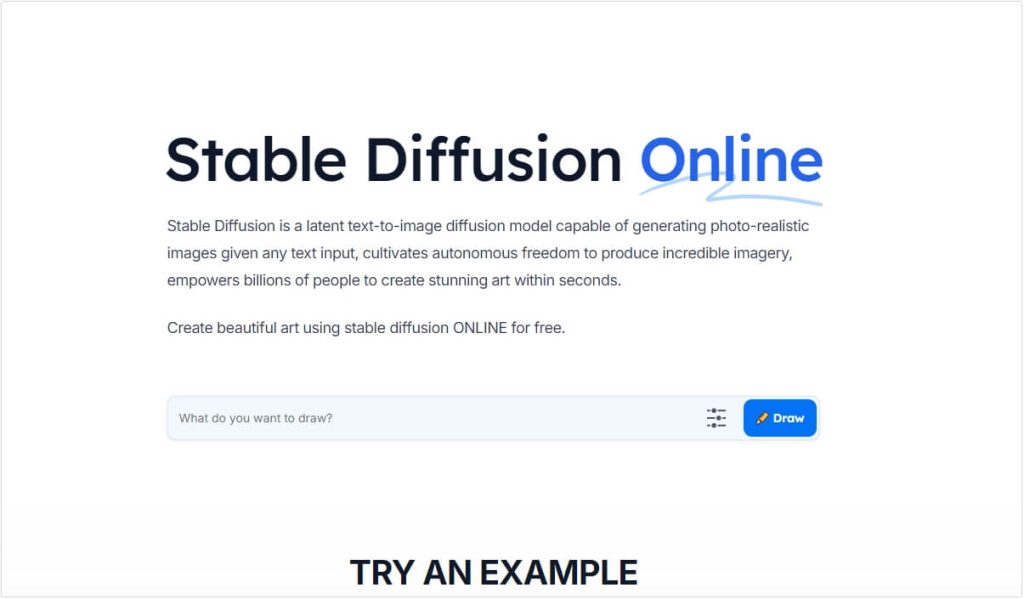
Stable Diffusion is the open-source behemoth that democratized high-quality AI image generation. Unlike cloud-based services, its core model can be run locally on your own machine, granting you ultimate control and true freedom from restrictions.
Key Features:
- Complete open-source freedom, allowing for unparalleled customization.
- A thriving ecosystem of third-party interfaces like Automatic1111 and ComfyUI.
- As it runs locally, it is one of the few true Linux AI Image Generators, catering to developers and tech-savvy artists.
- Full support for custom model training, LoRAs, and extensive parameter tuning.
- Pros and Cons:
- Pros: Ultimate control and zero restrictions; completely free to use (after hardware investment); massive community and support.
- Cons: Requires technical knowledge to set up and run; performance is dependent on your GPU hardware (requires a powerful graphics card).
- Why We Recommend It: Stable Diffusion is the definitive choice for purists and technical users. If you want a truly unrestricted ai image generator no restrictions and have the hardware and know-how, there is no more powerful or free alternative.
- Expert Comment: “For my research and custom art projects, Stable Diffusion is indispensable. The open-source nature means I’m not tied to any company’s rules. As a Linux user, having a powerful, local Linux AI Image Generator is non-negotiable, and Stable Diffusion delivers.” – AI Researcher.
4. CGDream.ai
Platform: Web-based
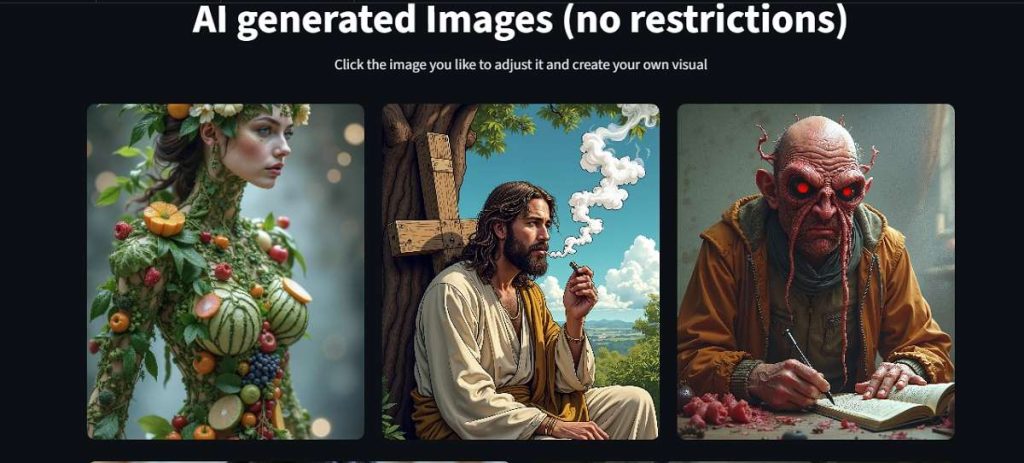
CGDream.ai is a platform built from the ground up with the professional digital artist in mind. It explicitly markets itself as an ai image generator no restrictions, focusing on providing a seamless, powerful, and ethically transparent service for creating commercial-grade assets.
Key Features:
- A focus on high-resolution, ready-to-use digital art and concept art.
- Advanced in-painting and out-painting tools integrated directly into the workflow.
- Transparent commercial licensing, granting users full rights to monetize their creations.
- Regular updates with new models and features tailored for the digital art community.
- Pros and Cons:
- Pros: Clear and ethical stance on content and commercial use; high-quality outputs tailored for professionals; excellent editing tools.
- Cons: Can be more expensive than some competitors for high-volume usage.
- Why We Recommend It: CGDream.ai earns its spot through sheer professionalism and clarity. It doesn’t hide behind vague policies. It’s a platform that respects the artist as a professional, making it a trustworthy ai image generator no restrictions for serious commercial work.
- User Comment: “Finally, a service that is upfront about its ‘no restrictions’ policy. I use CGDream.ai for generating concept art for my indie game, and the peace of mind knowing I fully own all the assets is worth every penny.” – Indie Game Developer.
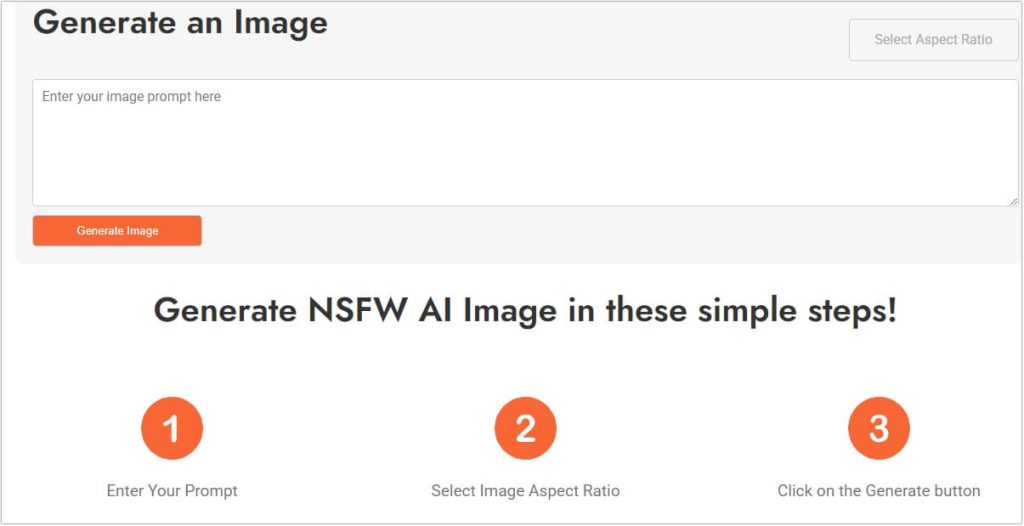
5. WriteCream’s NSFW AI Generator
Platform: Web-based
WriteCream’s NSFW AI Generator is a specialized tool designed for a specific niche: generating Not-Safe-For-Work (NSFW) content. It is unapologetically focused on providing a safe and capable platform for creators working with adult themes, a area heavily restricted on most other platforms.
Key Features:
- Dedicated and optimized for NSFW content generation without filters.
- Simple, prompt-based interface that requires no technical setup.
- Offers a free tier to test its capabilities before committing.
- Fast generation times, allowing for rapid iteration.
- Pros and Cons:
- Pros: Fills a critical gap in the market; easy to use; no complex installation required.
- Cons: Narrowly focused on NSFW content, making it less versatile for other genres; the quality may not match the photorealism of BGREM or the artistic depth of OpenArt for general use.
- Why We Recommend It: We recommend WriteCream’s tool because it serves an underserved audience with honesty and capability. If your primary need is for adult-themed content, this is one of the most reliable and accessible dedicated ai image generator no restrictions available.
- User Comment: “As an artist exploring mature themes, I struggled with constant blocking on other platforms. WriteCream’s generator does one thing and does it well. It provides the focused freedom I need without judgment or technical hassle.” – Digital Artist.
Comparison of AI Image Generator No Restrictions
| Feature | OpenArt | BGREM | Stable Diffusion | CGDream.ai | WriteCream NSFW |
|---|---|---|---|---|---|
| Best For | Style Versatility | Realism & Pets | Ultimate Control & Tech Users | Professional Artists | NSFW Content |
| Content Freedom | High | High | Unlimited | Very High | Specialized (NSFW) |
| Commercial License | Yes (Check Tiers) | Yes | Full Rights | Yes, Explicit | Yes |
| Ease of Use | Easy | Easy | Difficult (Technical) | Moderate | Very Easy |
| Cost Model | Freemium | Freemium | Free (Self-Hosted) | Subscription | Freemium |
| Platform | Web | Web | Win/Mac/Linux | Web | Web |
| Key Strength | Style Models | Realistic Pets | Open-Source Freedom | Professional Workflow | NSFW Focus |
FAQs About AI Image Generator No Restrictions
Q1: Is it legal to use an “ai image generator no restrictions”?
A: Yes, the tools themselves are legal. However, you are legally responsible for the images you create and distribute. It is crucial to avoid generating illegal content, such as defamatory imagery or content violating copyright laws. Always use these powerful tools ethically and responsibly.
Q2: Do I own the images generated by these tools?
A: This varies by platform. Most on this list grant full commercial rights, but you must always check the specific Terms of Service. Self-hosted solutions like Stable Diffusion give you complete ownership as the software runs on your machine.
Q3: What kind of hardware do I need for Stable Diffusion?
A: Running Stable Diffusion locally requires a modern, powerful NVIDIA or AMD GPU with at least 4GB of VRAM (8GB or more is recommended for a smooth experience). A good CPU and sufficient RAM are also important.
Q4: Are there any truly free unrestricted AI image generators?
A: Stable Diffusion is the only truly free option if you have the hardware, as there are no ongoing service fees. Most web-based services operate on a “freemium” model, offering a limited free tier with paid plans for more generations or advanced features.
Final Verdict
The quest for the perfect ai image generator no restrictions in 2026 leads to a diverse ecosystem of powerful tools, each with its own superpower.
- For the artist who values style and community, OpenArt is the best all-rounder.
- For a photographer or business needing hyper-realism, BGREM produces stunningly lifelike results.
- For the technical expert and freedom purist, Stable Diffusion remains the undisputed champion.
- For the professional creator seeking a transparent and reliable commercial partner, CGDream.ai is a top-tier choice.
- For those specifically working with adult themes, WriteCream’s NSFW AI Generator provides a necessary and focused service.
Your choice ultimately depends on your technical comfort, creative needs, and ethical considerations. We encourage you to try the free tiers of these platforms and discover which tool best resonates with your creative vision. Remember, creating AI images is only half the journey. To complete your creative workflow, explore how the best AI image analyzers to chat with images can help you understand, optimize, and get the most value from your generated artwork.
What has been your experience with unrestricted AI image generators? Did we miss a tool that should be on this list? Share your thoughts and recommendations in the comments below!

 English